JavaScriptスプレッドシートでデータを検索して置換
スプレッドシートWebアプリケーションに柔軟で高度な検索および置換機能を装備し、コンテンツの更新プロセスを簡素化
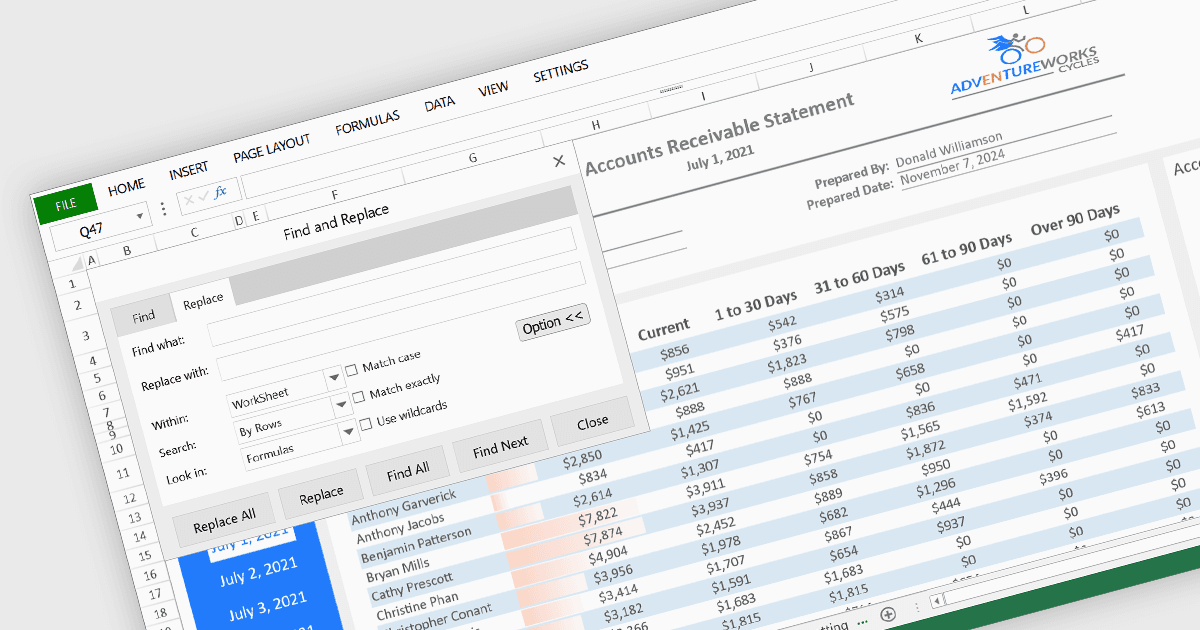
スプレッドシートアプリケーションの「検索と置換」機能により、ユーザーはワークシート内で特定のテキスト、数値、または文字をすばやく検索し、代替コンテンツに置き換えることができます。多くの場合、大文字と小文字の区別、正規表現、特定のシートやセル範囲を対象にする機能などの高度なオプションが含まれており、この機能によって、大規模なデータセットに対して各セルを手作業で編集せずに、統一された更新を行えます。これらの繰り返し作業を自動化することで、人為的なミスのリスクが減り、データ処理における生産性と正確性が大幅に向上します。特に、誤りの修正、古い情報の更新、エントリの標準化などに役立ちます。たとえば、古い製品名のすべてのインスタンスを新しい製品名に変更する場合です。
複数のJavaScriptスプレッドシートコントロールが「検索と置換」機能を提供しており、たとえば以下が含まれます:
- SpreadJSはMESCIUSによるもので、ダイアログ経由で検索と置換の操作を実行できるようにし、大文字と小文字の一致などの高度なオプションをサポートしています。
- Jspreadsheet Proはスプレッドシートコントロール付きのデータグリッドで、高度な検索と置換拡張機能を通じて、JavaScriptアプリケーションに検索と置換の機能を提供します。
- Syncfusion Spreadsheet JavaScript(Syncfusion Essential Studio Enterpriseの一部)は、的を絞った編集を簡単にするための柔軟な検索と置換の機能を提供します。
機能と価格の詳細な分析については、JavaScriptスプレッドシートコントロールの比較をご覧ください。