テキストファイルをインポートしてデータ処理を高速化
プレーンテキスト(txt)ファイルを.NET WinFormsアプリのスプレッドシートにすばやく読み込むことで、手動入力を減らし、データの処理と分析を高速化
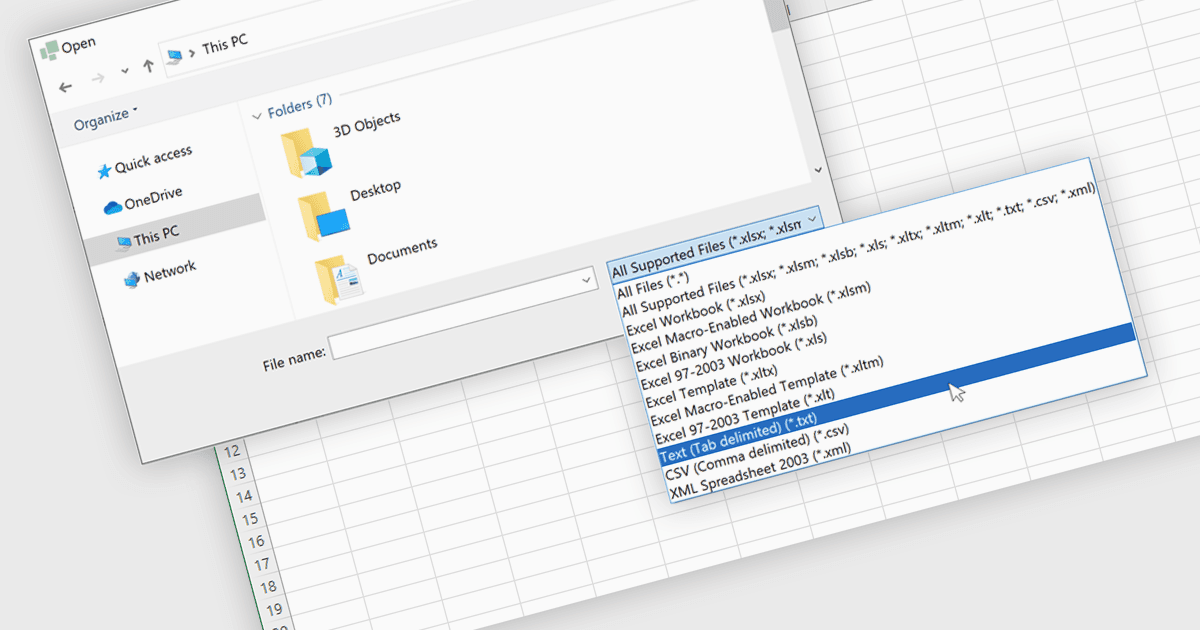
TXTファイルをスプレッドシートアプリケーションに取り込むことで、開発者やユーザーはプレーンテキストデータを、通常はカンマやタブなどの文字で区切った形式で読み込み、スプレッドシートのような環境内で構造化された編集可能なテーブルに変換できます。このプロセスにより、ソート、フィルター、数式計算など、スプレッドシートに馴染みのあるツールや機能を使って、外部から取得した、または手作業で作成したテキストデータを扱えるようになります。Excelのような形式でテキストファイルを読み込むことで、手動のデータ入力が不要になり、データ処理が簡単になります。TXTファイルのインポートに対応することで、外部データとの統合が改善され、ユーザーがより効率的に情報を処理できるようになるため、スプレッドシートアプリケーションはより多用途になります。これにより、データ処理に伴う作業負荷が軽減され、分析やレポート作成に利用できる形でデータがすぐに利用可能になります。
いくつかのWinFormsスプレッドシートコントロールでは、TXT形式のファイルをインポートできます:
- DevExpress WinForms Spreadsheet(DevExpress WinFormsの一部)は、Excelに着想を得た機能を備え、TXTファイルからのデータのインポートに対応してスプレッドシートを作成します。
- Spread.NET WinForms(MESCIUSによるSpread.NETの一部)は、区切りテキストファイルを開き、テキスト内容をインタラクティブなスプレッドシートのセルに即座に変換できるようにします。
- Aspose.Cells for .NETは、スプレッドシート管理および処理のためのWinForms対応のプログラミングAPIで、TXTファイルの読み込みに対応しています。
- Telerik WinForms Spreadsheet(Telerik UI for WinFormsの一部)は、タブ区切り値のプレーンテキストファイル(.txt)をインポートして、生データを簡単に操作できるように変換できます。
機能と価格を詳しく分析するには、WinFormsスプレッドシートコントロールの比較をご覧ください。