PDFコンテンツを結合されたドキュメントと統合
複数のPDFドキュメントを結合して、一貫したフォーマットを維持し、ナビゲーションを簡素化し、ストレージを削減し、共有を改善
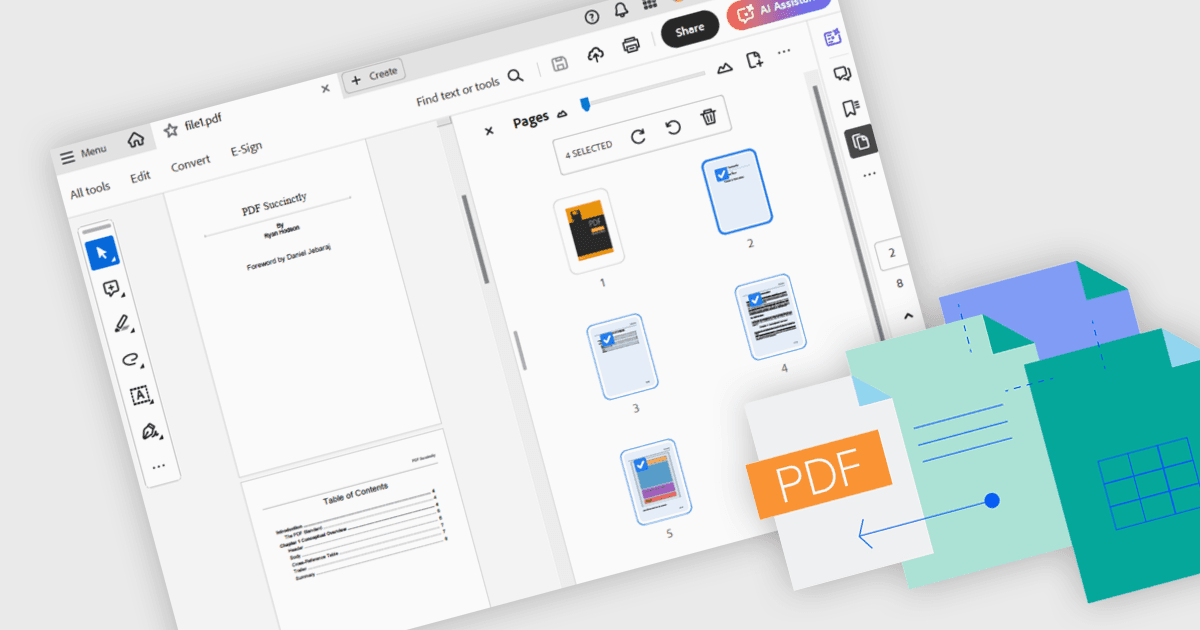
PDFを結合するには、2つ以上の別々のPDFファイルを、各ページの元の書式と品質を保持しながら、1つのまとまりのあるドキュメントにまとめます。このプロセスにより、ファイル管理が改善され、情報の整理や検索・共有が容易になるだけでなく、ストレージのオーバーヘッドも抑えられます。主なメリットには、ページ全体で一貫したヘッダーとフッター、レビューや注釈のための1つのマスターファイルによる共同作業の簡素化があります。よくある利用例としては、学術文献レビューのための研究論文の統合や、統一されたプロジェクトポートフォリオ、またはクライアント向けプレゼンテーションの作成などが挙げられます。
PDF結合を行えるいくつかの .NET WPF コンポーネントには、次のようなものがあります。
- LEADTOOLS PDF は、複数のPDFドキュメントをプログラムで結合でき、ページの順序を正確に指定できることに加え、堅牢なエラーハンドリングと柔軟な結合設定に対応しています。
- IronPDF for .NET は、C# または VB.NET 環境でPDFファイルを結合でき、カスタムブックマーク、圧縮、暗号化をサポートします。
- Syncfusion WPF PDF (Syncfusion Essential Studio Enterprise の一部) により、直感的なUIコントロールでPDFの結合ができ、ブックマークの保持もシームレスに行えます。
- Telerik UI PDF for WPF (Telerik UI for WPF の一部) では、ドラッグ&ドロップでPDFページを結合でき、設定可能なヘッダー や高い忠実度のレンダリングをサポートしています。
機能と価格の詳細な分析については、.NET WPF PDFコンポーネントの比較をご覧ください。