折れ線グラフによる経時的な傾向の視覚化
折れ線グラフで、メトリックの進行状況を表示し、複数系列の比較、シフトの識別、および戦略的な予測を可能に
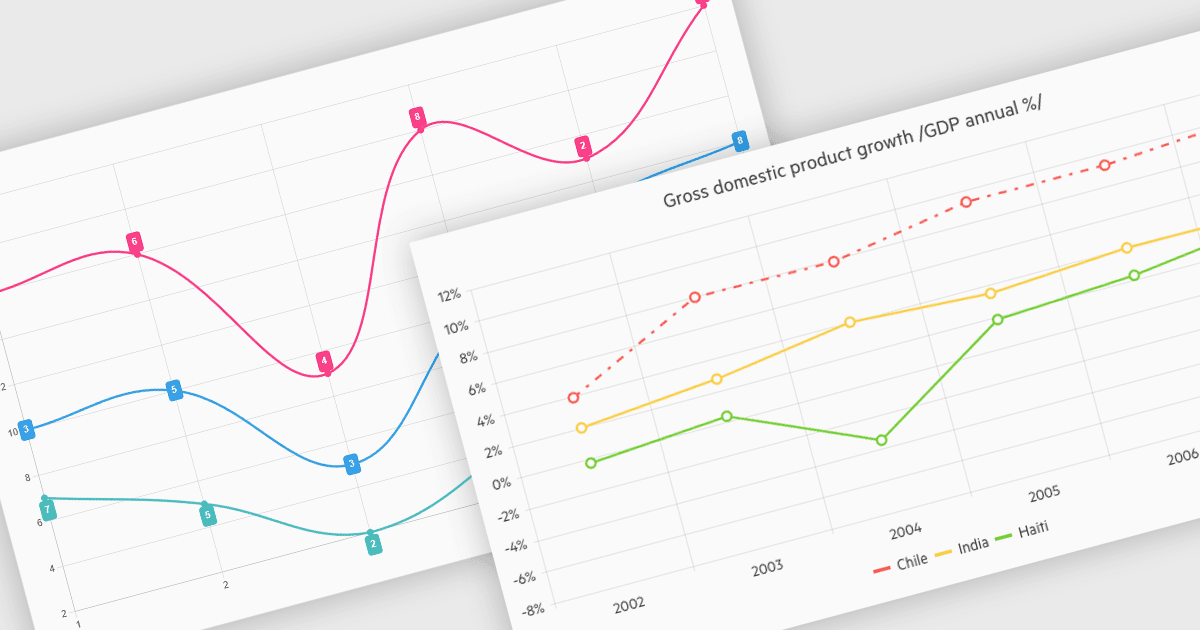
折れ線グラフは、連続したスケール(通常は時間)の中で値がどのように変化するかを示すために、データポイントを線で結びます。複数の系列を同じ軸上で比較しながら、長期的な傾向、季節性のパターン、そして突然の変化を簡単に見出すことができます。よくある用途としては、株価の追跡、Webサイトのトラフィック監視、気候データの分析、そして地域別の売上を比較してビジネス戦略を導くことなどが挙げられます。折れ線グラフは、進行の流れや異常を、見やすく煩雑さを避けて強調することで、単なる生データを明確で実行可能な洞察に変えるのに役立ちます。
いくつかの .NET Blazor Chart Controls では折れ線グラフをサポートしており、たとえば以下のようなものがあります:
- Blazorise Chart は、滑らかなアニメーション、ツールチップ、ズーム、そしてレスポンシブなレイアウトにより、高性能なリアルタイムアプリ向けのカスタマイズ可能な折れ線グラフを作成できます。
- TeeChart Blazor は Steema Software による製品で、高性能な折れ線グラフを複数系列で描画でき、スタイリング、インタラクティブなパンおよびズームの各コントロール、エクスポート機能に対応しています。
- Infragistics Blazor Charts(Infragistics Ignite UI の一部)では、スタイリング、軸のカスタマイズ、リアルタイム更新、データマーカー、そして ツールチップを備えたレスポンシブな折れ線グラフ作成を可能にします。
- DevExpress Blazor Chart (DevExpress ASP.NET および Blazor の一部)は、ズーム機能や カスタマイズ可能な凡例を備えたインタラクティブな折れ線グラフを開発者が構築できるようにします。
機能の詳細や価格については、.NET Blazor Chart Controls の比較をご覧ください。