グリッドデータパターンを即座に強調表示
条件付き書式を使用して、主要なメトリクスを自動的に強調し、データの傾向と異常を明らかにことが可能
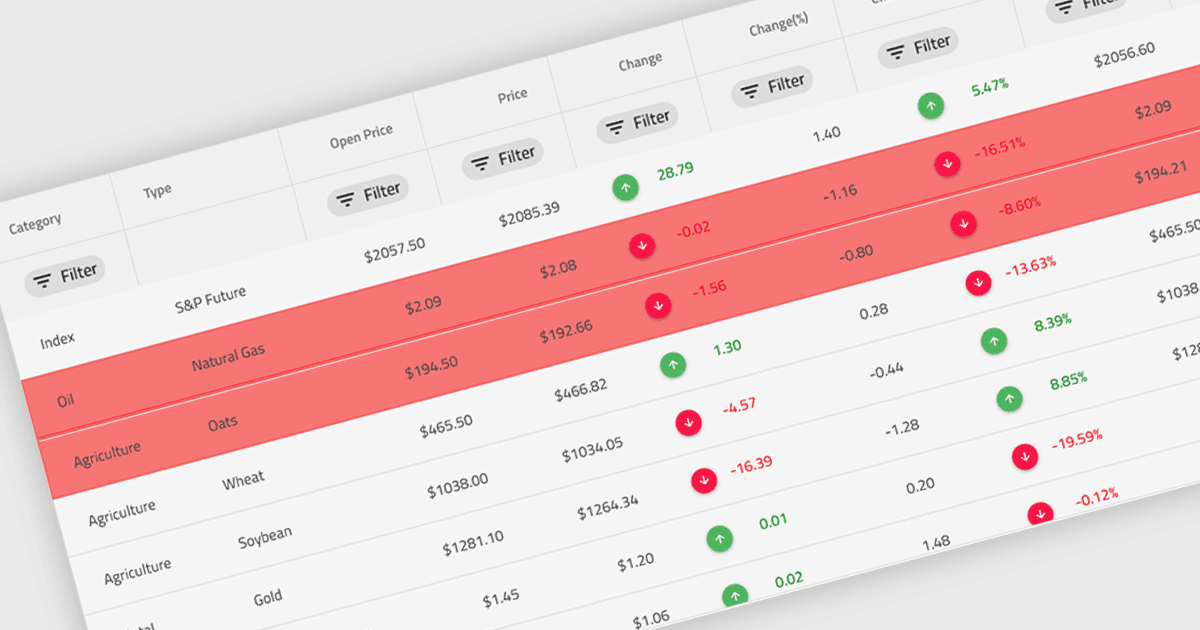
グリッド内の条件付き書式とは、セルに含まれる値、または開発者によって定義されたルールに基づいて、色、アイコン、フォントの変更などの視覚スタイルを動的に適用することを指します。この機能により、データグリッド内で追加の処理やユーザー操作を行わずに、データのパターンを視覚的に区別したり、異常を検出したり、重要な値を強調したりできます。データ内容に連動したリアルタイムの視覚的な手がかりを提示することで、条件付き書式は可読性を高め、迅速な分析をサポートし、特に明確さと即時性が不可欠なデータ量の多いアプリケーションにおいて、ユーザーの意思決定を改善します。
複数のAngularグリッドコントロールで条件付き書式を利用できます。たとえば:
- Wijmo FlexGrid(MESCIUSによるWijmoの一部)は、グリッドセルに対してルールベースのスタイル設定を行い、データ解釈を改善するリアルタイムの視覚的フィードバックを提供します。
- Handsontable(Handsoncode製)は、セルのスタイル設定条件をカスタムで定義でき、セルの内容またはバリデーションルールに基づいてすぐに視覚的な手がかりを表示できるようになります。
- Ignite UI Angular Grid(Infragistics Ignite UIの一部)は、セルの自動フォーマットを可能にし、重要なデータの視認性を高めます。
- Syncfusion Grid control for JavaScript(Syncfusion Essential Studio Enterpriseの一部)では、データのトレンドを視覚的に強調するための動的な条件付き書式ルールを適用できます。
機能と価格の詳細については、Angularグリッドコントロールの比較をご覧ください。