ExcelやCSVファイルをレポートに直接接続
使い慣れたファイル形式を.NET 9 WPFアプリのネイティブデータソースとして使用して、レポートを簡略化し、開発をスピードアップ
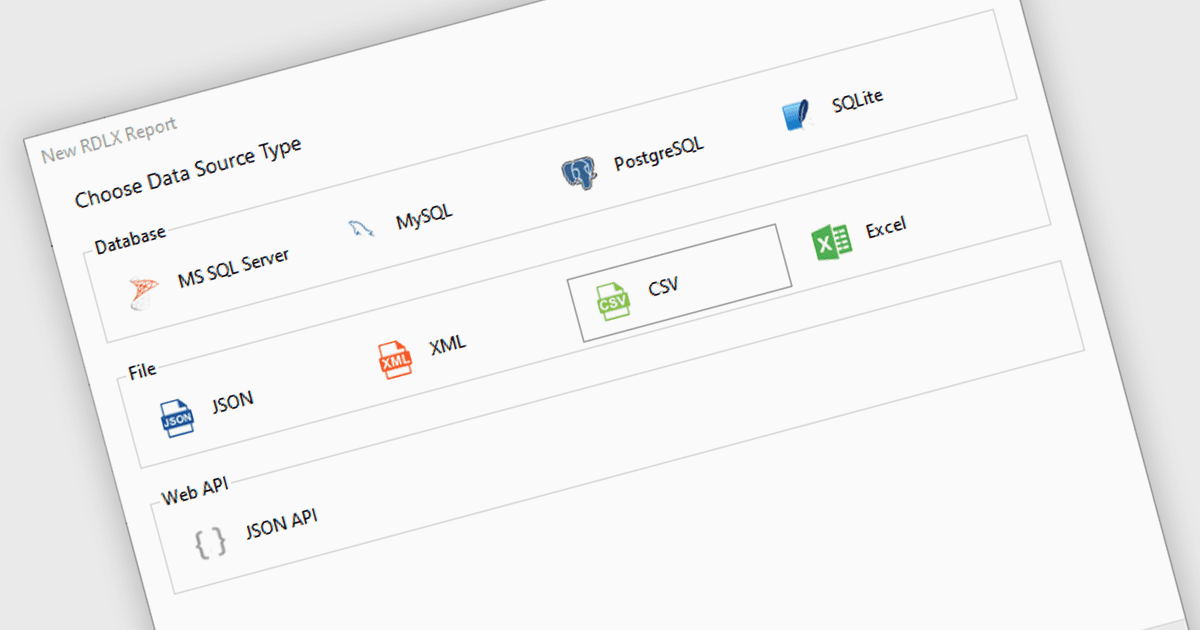
.NET 9 WPFレポーティングコントロールにおけるExcel / CSVデータ接続性とは、Microsoft Excelスプレッドシートまたはカンマ区切り値ファイル(CSV)からのデータをデータソースとして直接取り込み、レポートを生成するための標準機能を指します。これにより、中間のデータ変換や外部データベース接続を必要とせずに、開発者はレポート機能をデスクトップアプリケーションに組み込めます。広く使われている形式をサポートすることで開発ワークフローを簡素化し、既存の業務データとの互換性を確保し、追加のパースやデータ処理ロジックの必要性を減らします。その結果、レポート生成がより高速になり、よく使われるデータ形式へのアクセスも容易になります。
いくつかの .NET 9 WPFレポーティングコントロールは Excel / CSVデータ接続性を提供しており、たとえば以下を含みます:
- ActiveReports.NET by MESCIUS は、.NET 9 WPFレポートをExcelまたはCSVファイルに対して、データ駆動のレイアウトに外部パースの手間なしで直接バインドできるようにします。
- DevExpress Reporting では、ExcelDataSourceウィザードを使用して、設計時または実行時にレポートをExcelまたはCSVソースに接続できます。
- Telerik Reportingは、WPFレポートにおいてExcelまたはCSVファイルをネイティブなデータソースとして利用でき、シームレスな統合とレンダリングをサポートします。
- List & Label Professional Reporting Edition by combit は、ファイルベースのデータソースを介してExcelまたはCSVファイルからレポートデータを直接読み込むことを容易にし、外部の変換ロジックを必要としません。
機能と価格の詳細な分析については、.NET 9 WPFレポーティングコントロールの比較をご覧ください。