ビューアで直接PDFページを削除
組み込みのページ削除により、ユーザーはPDFビューアで重複コンテンツや機密コンテンツを直接削除できるため、ドキュメントをより迅速かつクリーンに編集可能
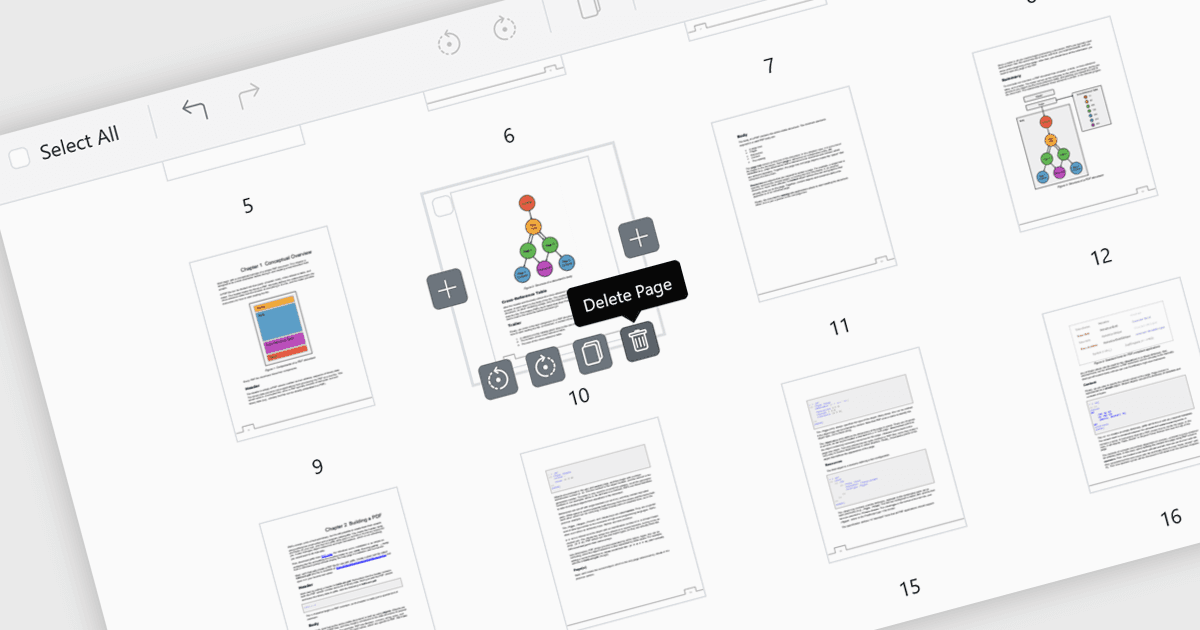
PDFビューアーでのページ削除により、ユーザーは別のエディターを用意することなく、アプリケーション内で不要なページ、重複したページ、または機密性の高いページを直接削除できます。この機能により、ファイルサイズを削減し、最終的なPDFをクリーンで簡潔、かつプロフェッショナルな状態に保つことで、ドキュメント管理が簡単になります。特に、誤って追加されたページや空白ページの削除などの修正に役立ちます。また、外部共有の前に機密コンテンツを削除してセキュリティを強化することもできます。高速で内蔵された編集機能を提供することで、ページ削除は生産性を向上させ、特定の対象者に合わせたドキュメント作成をより効率的にします。
いくつかのASP.NET Core PDFビューアーコントロールでは、PDFファイルにページを追加することができます。これには以下が含まれます:
- Telerik UI PDF for ASP.NET Core(Telerik UI for ASP.NET Coreの一部)では、ページ削除でドキュメントを磨き上げ、プロフェッショナルで対象者に適したPDFをすぐに作成できます。
- Document Solutions for PDF(MESCIUSによる提供)では、ページ削除によってコンテンツを管理し、機密性を保ちながら、簡単に簡潔で安全なファイルを作成できます。
- Syncfusion ASP.NET Core PDF(Telerik UI for ASP.NET Coreの一部)では、内蔵されたページ削除により、ドキュメントのカスタマイズを可能にします。
機能や価格を詳しく確認するには、ASP.NET Core PDFビューアーコントロールの比較をご覧ください。