WPFで画像からPDFへの変換を有効にする
WPFデスクトップアプリケーションに、JPEG、PNG、TIFFなどの画像ファイルを、普遍的にアクセス可能なPDF形式に変換する機能を装備
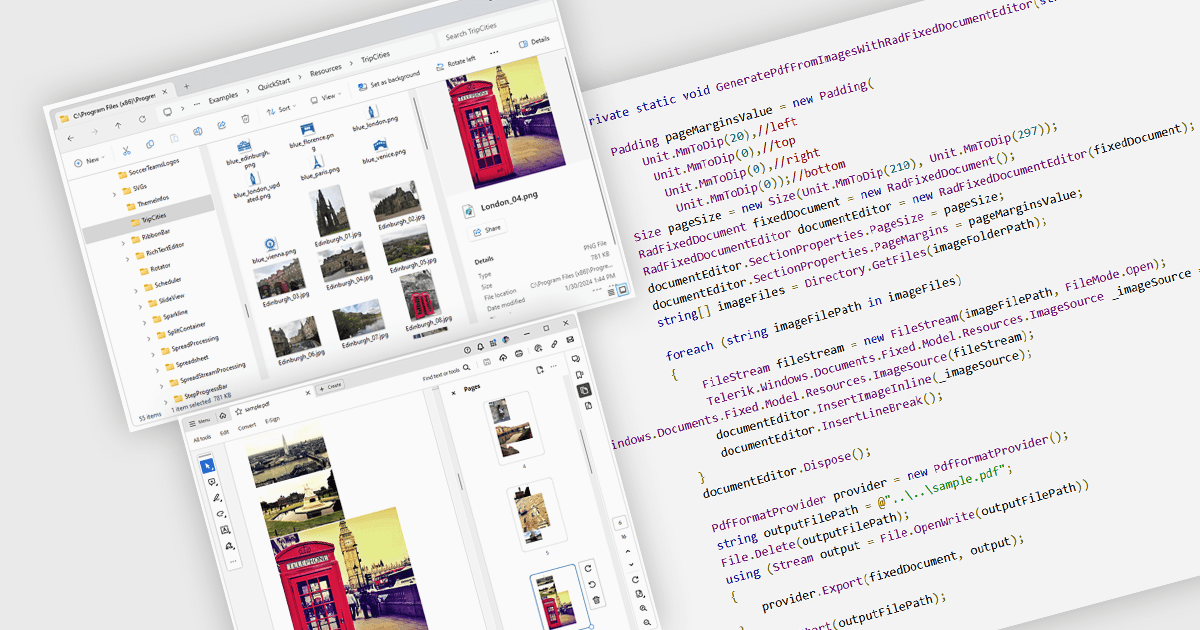
画像からPDFへの変換は、ドキュメント処理における一般的な機能であり、JPEG、PNG、TIFFなどの静的画像ファイルを、Portable Document Format(PDF)ファイルに変換できます。PDFは、さまざまなデバイスやプラットフォームで一貫した表示をサポートし、コンパクトで安全性が高く、閲覧もしやすいです。この変換は、スキャンした文書、レシート、視覚的記録、写真、またはグラフィカルな出力などの視覚コンテンツを保持するために広く利用されており、誰でもアクセスできる形式で共有、注釈付け、アーカイブ、または印刷しやすくします。
複数のWPF PDFコンポーネントで、画像をPDFに変換できます。たとえば:
- ComponentOne Studio WPF PDF(MESCIUSによるComponentOne Studio WPFの一部)では、サイズと位置を制御しながら画像をPDFページに直接レンダリングできます。
- Telerik UI PDF for WPF(Telerik UI for WPFの一部)では、PdfProcessingライブラリを使用して、画像ファイルからPDFドキュメントを作成するデスクトップアプリケーションをサポートしています。
- IronPDF for .NET by Iron Software は、WPFアプリケーションに、単一または複数の画像ファイルをPDFページに変換する機能を付与でき、さまざまな画像形式に対応しています。
- Syncfusion WPF PDF(Syncfusion Essential Studio Enterpriseの一部)では、BMP、EMF、ICON形式を含む、汎用性の高い画像からPDFへの変換機能を提供します。
機能と価格の詳細な分析については、WPF向けPDFコンポーネントの比較をご覧ください。