グラフデータをレポート対応形式に変換
インタラクティブなグラフを共有可能、印刷可能、埋め込み可能な形式に変換するエクスポートツールを使用して、ブラウザーを超えて視覚的な洞察を得ることが可能。
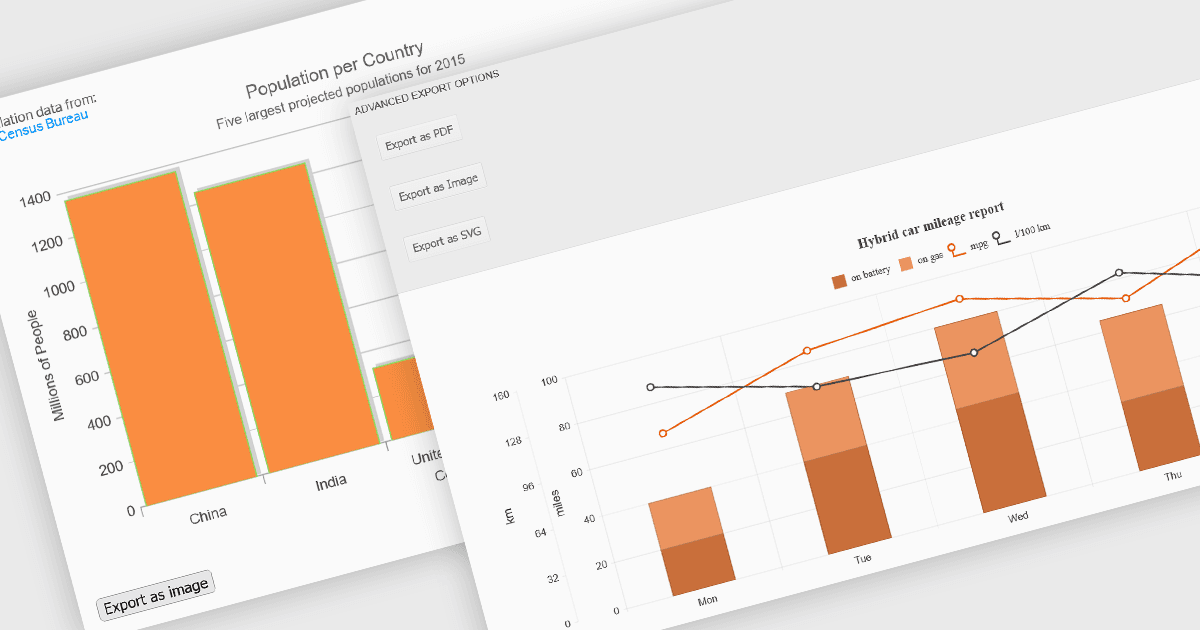
チャーティング コンポーネントのエクスポート機能により、開発者やユーザーは、ブラウザーの外へ可視化されたデータを活用して広げることができます。共有、アーカイブ、レポートやプレゼンテーションへの統合など、さまざまな用途に対応します。これらのツールは多様な形式とワークフローをサポートし、インタラクティブなチャートを、印刷したり保存したり、他のアプリケーションに埋め込んだりできるポータブルな成果物へと変換します。動的なチャーティングとともにエクスポート機能を提供することで、最新のコンポーネントは、視覚的な探索とデータの形式的なコミュニケーションとのギャップを埋め、デジタルおよびハードコピーの両方の形式で洞察を効果的に配布できるようにします。
よくある機能:
- CSVへのエクスポートにより、ユーザーはチャートの背後にある基になるデータを抽出し、スプレッドシートやデータ処理ツールに適した構造化されたプレーンテキスト形式で利用できます。
- HTMLへのエクスポートでは、チャートを単体のHTMLスニペットに変換でき、ダッシュボードや埋め込み型のWebレポートで使用するためのインタラクティビティを保持できます。
- 画像へのエクスポート(PNGやJPEGなど)により、インタラクティビティが不要なメール、スライドデッキ、ドキュメントでの共有が容易になります。
- PDFへのエクスポートにより、チャートを高精細で印刷可能なドキュメントに含められ、正式なレポーティングやオフライン配布に役立ちます。
- SVGへのエクスポートでは、解像度に依存しないベクターグラフィックスが生成され、デザインツールで拡大・編集できます。
- XLS/XLSXへのエクスポートにより、チャートと関連データをExcelファイルに埋め込むことができ、スプレッドシートベースの分析やレポーティングをより深くサポートします。
- 印刷のサポートにより、ユーザーはチャートの実物コピーを作成できます。レイアウト、サイズ、ページ形式を制御できます。
機能と価格の詳細な分析については、ASP.NET Coreチャーティング コンポーネントの比較をご覧ください。