アダプティブレイアウトで画面スペースを最適化
柔軟な幅と高さの設定でアプリケーションレイアウトを動的に調整し、画面サイズ全体でコンテンツをシームレスに適応
2025年9月25日機能のハイライト
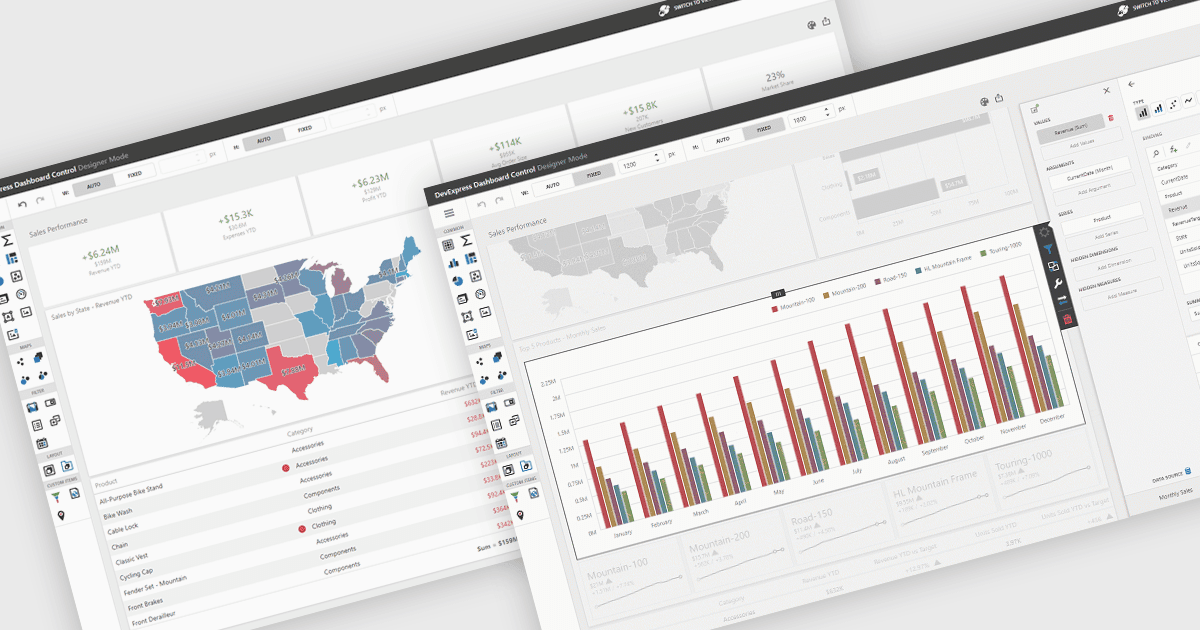
UIレイアウトは、アプリケーション内の要素の構造的な配置を定義し、コンテンツ、コントロール、ナビゲーションがどのように整理され、ユーザーに提示されるかを決定します。適切に設計されたレイアウトは、さまざまなデバイスや画面サイズにわたって一貫性、レスポンシブ性、使いやすさを確保し、アプリケーションをより直感的かつ効率的に操作できるようにします。利点として、予測可能なナビゲーションによるユーザー体験の向上や、アプリケーション要件の変化に合わせてスケールしやすい柔軟性が挙げられます。たとえば、ダッシュボードは利用可能なスペースに合わせて自動的に幅と高さを調整でき、Webアプリはレスポンシブなグリッドシステムを使ってモバイルおよびデスクトップ表示に適応できます。また、エンタープライズソフトウェアは、複雑なプロセスを改善するために、モジュール間で一貫したレイアウトを適用できます。
いくつかの .NET WinForms UIスイートには、レイアウトコンポーネントが含まれます。
- DevExpress WinForms は、柔軟なドッキング、パネル、コンテナを使って適応的なレイアウトを構築し、一貫性のあるレスポンシブなWindowsアプリケーションを作成できます。
- ComponentOne Studio WinForms は MESCIUS によって提供され、リサイズ可能なコントロール、グリッドベースの配置、画面サイズへのシームレスな適応を備えたダイナミックなレイアウトを設計できます。
- Telerik UI for WinForms は、高度なドッキング、スプリットコンテナ、レスポンシブな要素によって、使いやすさを多様なインターフェースで高める洗練されたレイアウトを実現します。
- Bunifu UI WinForms は Bunifu Technologies によって提供され、ドラッグ&ドロップのコンポーネント、適応的な配置、視覚的に魅力的なアプリのための流れるようなトランジションで、モダンなレイアウトを実現します。
機能と価格の詳細な分析については、.NET WinForms UIスイートの比較をご覧ください。