クリック可能なハイパーリンクでPDFを簡単に生成
PDFの生成時にハイパーリンクを含めて、エクスポートされたドキュメントがWebコンテンツまたは内部セクションへの直接ナビゲーションをサポート可能
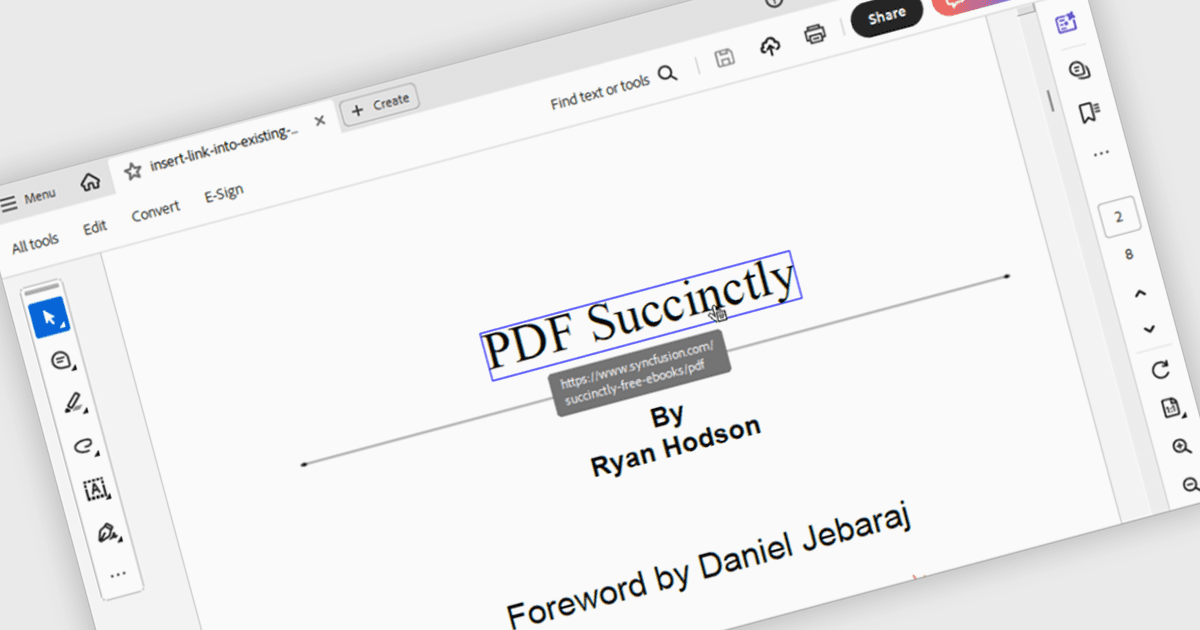
PDFコンポーネントにおけるハイパーリンク ナビゲーションとは、PDFドキュメントに埋め込まれたリンクを検出して操作できることを指し、ユーザーがビューアから外部URL、内部ページ、または名前付きデスティネーションへ直接ジャンプできるようにします。この機能により、手動でのスクロールや検索をせずに、ドキュメント内または外部への遷移をサポートすることで、ユーザー体験が向上します。開発者にとっては、ナビゲーションが直感的で効率的、かつ最新のドキュメント利用の期待に合致した、インタラクティブなドキュメントやアプリケーションを作成できるようになります。
複数のWinForms PDFコンポーネントがハイパーリンク ナビゲーションをサポートしており、たとえば:
- Telerik UI PDF for WinForms は、アクティブなハイパーリンクを含むPDFを生成でき、エクスポートされたドキュメント内で内部セクションや外部Webアドレスへのナビゲーションを保持します。
- XFINIUM.PDF CROSS PLATFORM EDITION は、PDFハイパーリンクを処理でき、アプリケーション内でデスティネーションや外部リソースへ正確にナビゲートできるようにします。
- Syncfusion Windows Forms PDF(Syncfusion Essential Studio Enterpriseの一部)にはPDF内のハイパーリンク処理が含まれており、ユーザーがビューア内の別ページ へのリンクをたどれるようになります。
機能と価格の詳細については、WinForms向けPDFコンポーネントの比較をご覧ください。