Blazorメニューを使用して豊富なナビゲーションを構築
Blazor UIライブラリは、入れ子になった項目、視覚的なカスタマイズ、最新のWebレイアウトへの統合を備えた柔軟なメニューコンポーネントを提供
2025年10月10日機能のハイライト
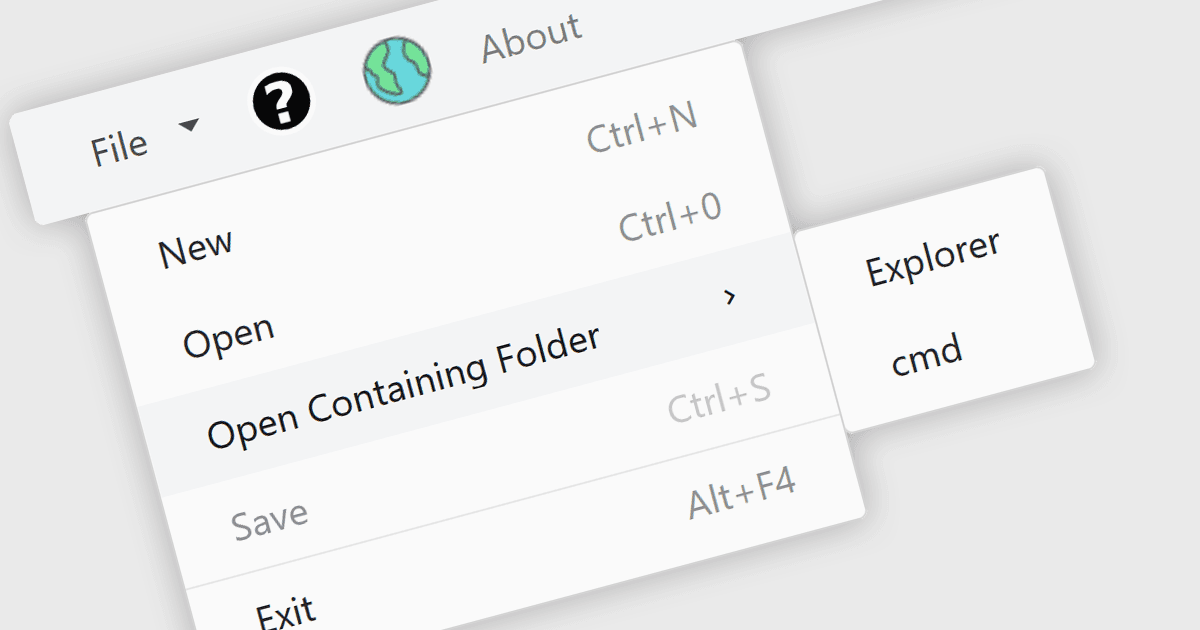
Blazor UI スイートのメニュー コントロールは、階層型のメニューにリンクや操作を整理することで、アプリケーション内のナビゲーションを構造化して提供するユーザー インターフェイス コンポーネントです。これらのコントロールは、直感的で、利用しやすく、動的なナビゲーション要素を必要とする Web アプリケーションで特に役立ちます。Blazor では、メニュー コントロールはサーバーサイドまたは WebAssembly ベースのコンポーネントとしてレンダリングできるため、Razor 構文と C# を使用してインタラクティブなメニューを構築できます。多段階のネスト、アイコン、テンプレート、データ ソースへのバインドなどの機能をサポートしており、幅広いレイアウトやユーザー エクスペリエンスに適応可能です。メニュー コントロールはルーティングやレイアウトの仕組みにスムーズに統合されるため、アプリケーション全体で一貫したナビゲーション体験を維持できます。
複数の Blazor UI スイートが、メニュー コントロールを提供しています。例:
- DevExpress ASP.NET and Blazor では、テンプレート、アイコン、方向(オリエンテーション)のサポート付きで階層型メニューを構築でき、折りたたみ挙動を備えたレスポンシブ レイアウトも含まれます。
- Telerik UI for Blazor では、アイテム テンプレート、アイコン、URL ベースのナビゲーションを備えた多段階メニューを作成でき、Blazor のルーティングと統合されます。
- Nevron Open Vision for .NET は、Blazor WebAssembly 向けに、テーマ サポート、アイコン、チェック可能なアイテム、多重クリック操作を備えたコンテキストおよびリボン メニュー コントロールを提供します。
- Blazorise は、水平方向/垂直方向のモードをサポートするレスポンシブな Bar コンポーネントを提供し、ネストされたドロップダウンとレイアウトに適したナビゲーション オプションを備えます。
- Smart UI (Smart HTML Elements) は、ネストされたアイテム、複数の表示モード、リッチなスタイリング、コンテキスト メニューのサポートを備えた専用の Blazor メニュー コントロールを提供します。
機能と価格の詳細な分析については、Blazor UI スイートの比較をご覧ください。