PDFドキュメント内のテキストをすばやく検索
柔軟な検索オプションを使用して、PDFドキュメント内の単語やフレーズをすばやく見つけ、ナビゲーションとコンテンツレビューを改善
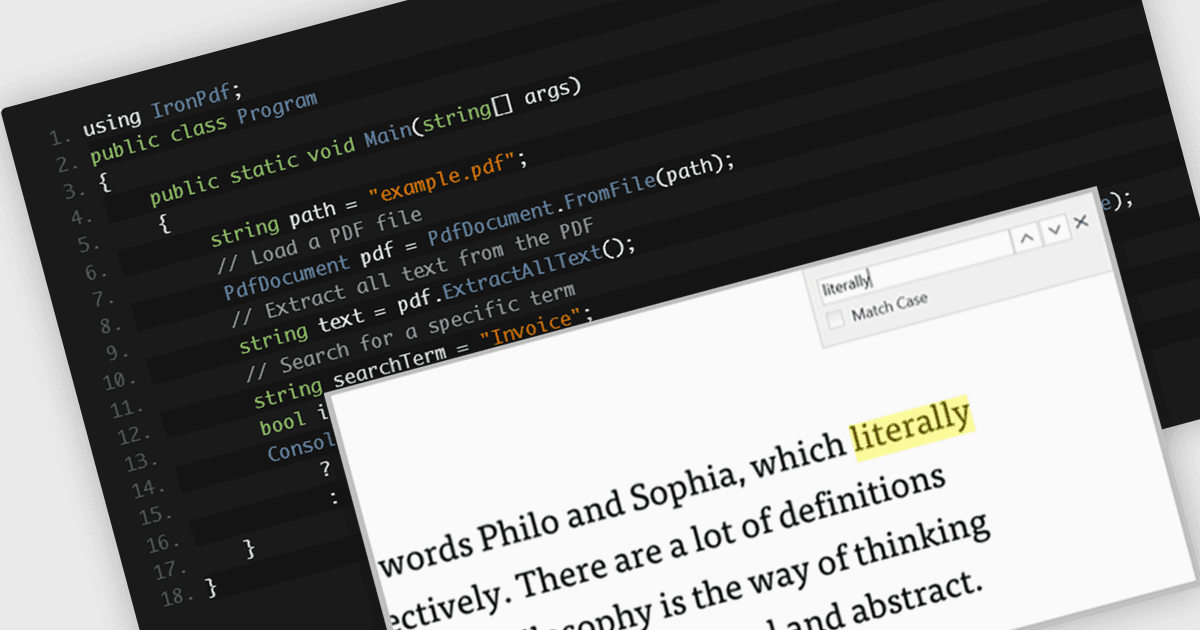
PDFコンポーネント内のテキスト検索機能により、開発者はPDFドキュメント内で特定の単語やフレーズをプログラムで見つけることができます。この機能は通常、大文字と小文字の区別、完全一致(whole word matching)、検索結果間のナビゲーションなどのオプションをサポートします。特に、ユーザーが大規模または複雑なドキュメント内の関連コンテンツを素早く特定して操作する必要があるアプリケーションで役立ちます。この機能を有効にすることで、開発者はドキュメント閲覧・編集環境におけるユーザー体験を向上させ、手作業による検索の手間を減らし、テキストのハイライト、注釈、または追加の処理のためのコンテンツ抽出などの機能をサポートできます。
テキスト検索を含むいくつかの .NET WPF PDFコンポーネント:
- Telerik UI PDF for WPF(Telerik UI for WPFの一部)では、大文字と小文字の区別や完全一致(exact words)などのシンプルなオプションを使って、PDFテキストを検索し、必要な内容をすばやく見つけることができます。
- ComponentOne Studio WPF PDF(ComponentOne Studio WPF Editionの一部)では、柔軟な設定によって、PDF内の特定の単語やフレーズを探し、より正確な結果を得ることができます。
- IronPDF for .NETは、PDFをテキストでスキャンする方法を提供し、ユーザーが重要な情報やセクションを、すべてを手作業で読み込まずに見つけられるよう支援します。
- Syncfusion WPF PDF(Syncfusion Essential Studio Enterpriseの一部)では、ユーザーがPDF内のテキストを検索し、結果をハイライト表示で確認できるため、コンテンツの見直しが容易になります。
機能と価格の詳細な分析については、.NET WPF PDFコンポーネントの比較をご覧ください。