レポート内のデータを自動的に書式設定

10月 17, 2025
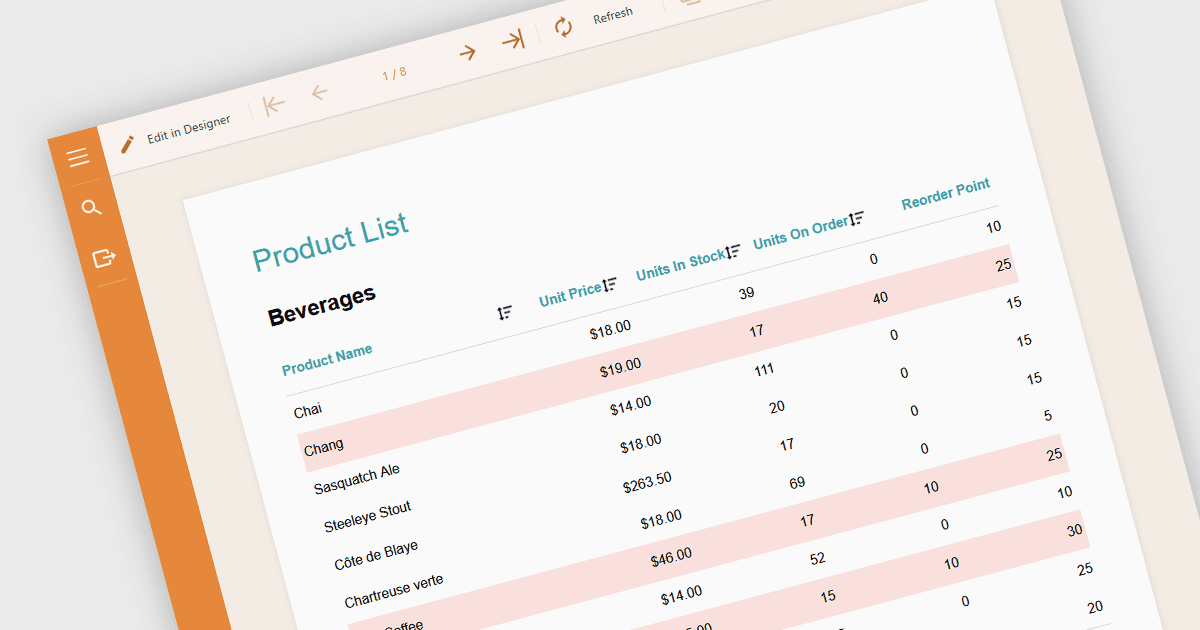
条件付き書式を利用して重要なデータポイントを動的に強調表示することで、データを解釈し、Angularレポートの異常を特定
英語で読み続ける:

Conditional formatting in a report is a feature that automatically applies visual styles, such as font or background color, to the content within the report based on logical conditions or the data values themselves. This technique allows users to highlight trends, anomalies, or key thresholds by dynamically adjusting the appearance of report elements according to predefined rules, which is especially useful in performance monitoring or exception tracking scenarios. It improves the readability of data-heavy reports by making important information stand out, helping users quickly identify patterns, exceptions, or performance issues. For developers and analysts, it provides a practical way to make complex datasets easier to interpret without manual intervention.

Several Angular reporting components allow you to apply conditional formatting, including:

  • DevExpress Reporting provides Angular applications with a range of data shaping options including the application of conditional formatting to highlight data in the report layout.
  • ActiveReportsJS by MESCIUS includes a rule designer that lets users configure appearance changes based on conditions such as value comparisons, ranges, or boolean logic.
  • Stimulsoft Reports.JS facilitates the conditional styling of components, enabling Angular developers to build reports that dynamically respond to conditions to highlight key data.

For an in-depth analysis of features and price, visit our comparison of Angular reporting components.

Compare Angular Reporting Components