組み込みPDF編集機能でフォームを簡単に完成
ユーザーがPDFドキュメント内で直接フォームフィールドに入力、検証、送信できるようにして、より高速で正確なデジタルワークフローを実現
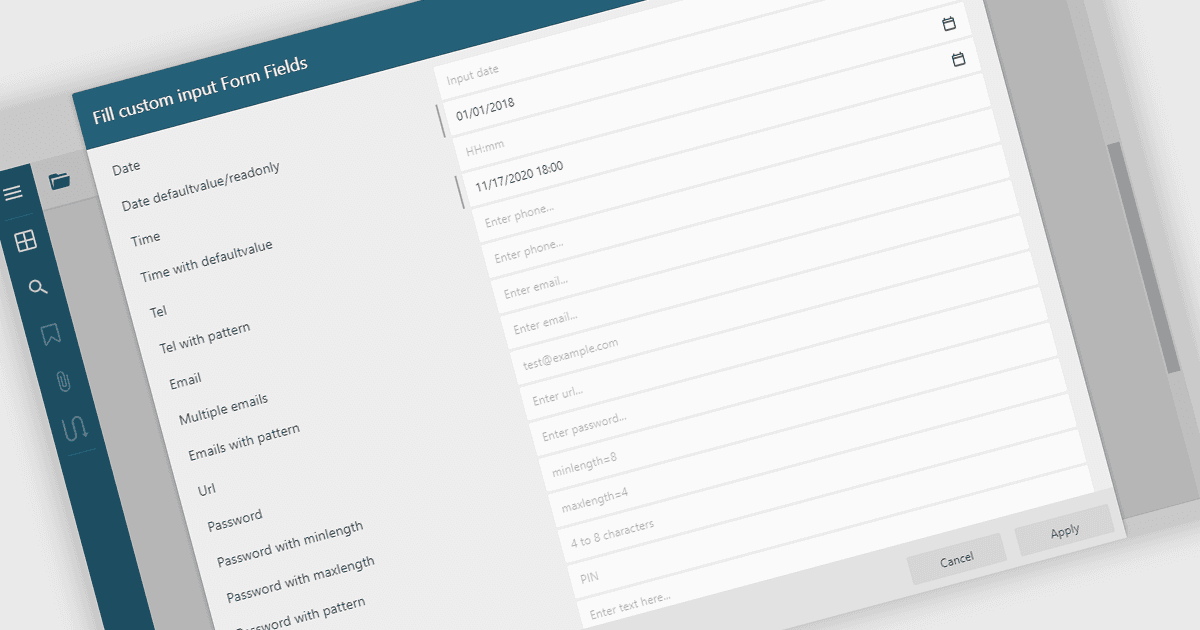
PDFフォームのフィールドに入力することで、ユーザーはPDFドキュメント内のテキストボックス、チェックボックス、ドロップダウン、署名フィールドなどのインタラクティブ要素に直接情報を入力できます。この機能により、静的なPDFを、デジタルで完了できる動的な入力可能フォームに変換し、印刷や手作業でのデータ入力の必要性を減らします。PDFビューア内でフォームを入力・検証・送信できることは、効率性、正確性、ユーザー体験を向上させ、アクセシビリティやクロスプラットフォームでの利用にも対応します。一般的な用途としては、申請書、登録フォーム、アンケート、契約書、承認書類の作成などがあり、ドキュメント主導のワークフローを効率化したい企業にとって欠かせない機能です。
いくつかの .NET WinForms PDF Viewers では、フォーム入力に対応しています。たとえば:
- DevExpress WinForms PDF Viewer(DevExpress WinForms の一部)では、アプリケーション内でインタラクティブなPDFフォームを直接完了し、送信できます。
- Telerik UI PDF for WinForms(Telerik UI for WinForms の一部)では、ユーザーがPDF内でフォームデータを入力、検証、管理をシームレスに行えます。
- PDFView4NET Windows Forms Editionでは、PDFフォームフィールドを簡単に入力、編集、保存でき、動的でデータ駆動型のドキュメント操作に対応します。
- Syncfusion Windows Forms PDF(Syncfusion Essential Studio Enterprise の一部)では、PDFドキュメント内で効率的にフォームを入力、検証し、送信できます。
機能と価格の詳細な分析については、.NET WinForms PDFビューアの比較をご覧ください。