構造化データをインパクトのあるビジュアルに変更
棒グラフと縦棒グラフは、複雑なデータセットをアクセスしやすく読みやすいグラフィックに変換し、ビジネスユーザーとデータアナリストの両方にとって最適
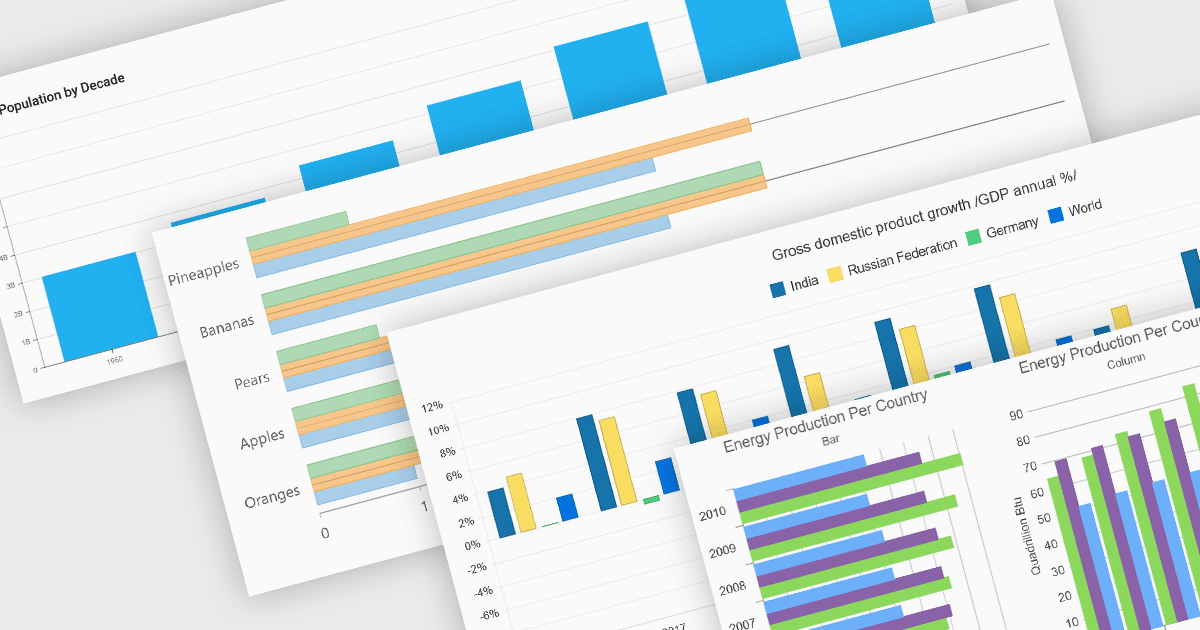
縦棒(カラム)や横棒(バー)チャートは、多くのチャート作成スイートにおける基本的な可視化ツールです。これらのチャート種別は、カテゴリにまたがる定量データを縦棒(カラム)または横棒(バー)で表すため、単純な比較に最適です。通常、単一または複数の系列を表示したり、積み上げて累計を示したり、グループ化して違いを強調したりできます。そのシンプルさと明快さにより、素早い洞察が必要とされるダッシュボード、ビジネスレポート、アナリティクスアプリケーションで定番のチャートとして活用されています。
いくつかのASP.NET Coreチャートコントロールでは、カラム&バー・チャートがサポートされています。:
- DevExpress ASP.NET Core Chart(DevExpress ASP.NET および Blazor の一部)では、積み上げのバリエーションの例を含め、カラム系列とバー系列の両方がサポートされています。
- ComponentOne Charts for ASP.NET MVC(MESCIUS の ComponentOne Studio ASP.NET MVC の一部)では、カラムとバーの両方のチャートに対応しており、積み上げ型およびフローティングバーを提供します。
- Telerik ASP.NET Core Chart(Telerik UI for ASP.NET Core の一部)では、カラムおよびバーの系列をサポートし、開発者がオリエンテーションや積み上げ/グループ化の機能を選択できます。
- Infragistics ASP.NET Core Charts(Infragistics Professional の一部)では、バーやカラムを含むさまざまな種類のチャートを提供し、2D/3Dのバリエーションやレイヤリングを可能にします。
機能や価格の詳細な分析については、ASP.NET Coreチャートコントロールの比較をご覧ください。