インタラクティブマップでレポートをレベルアップ

10月 29, 2025
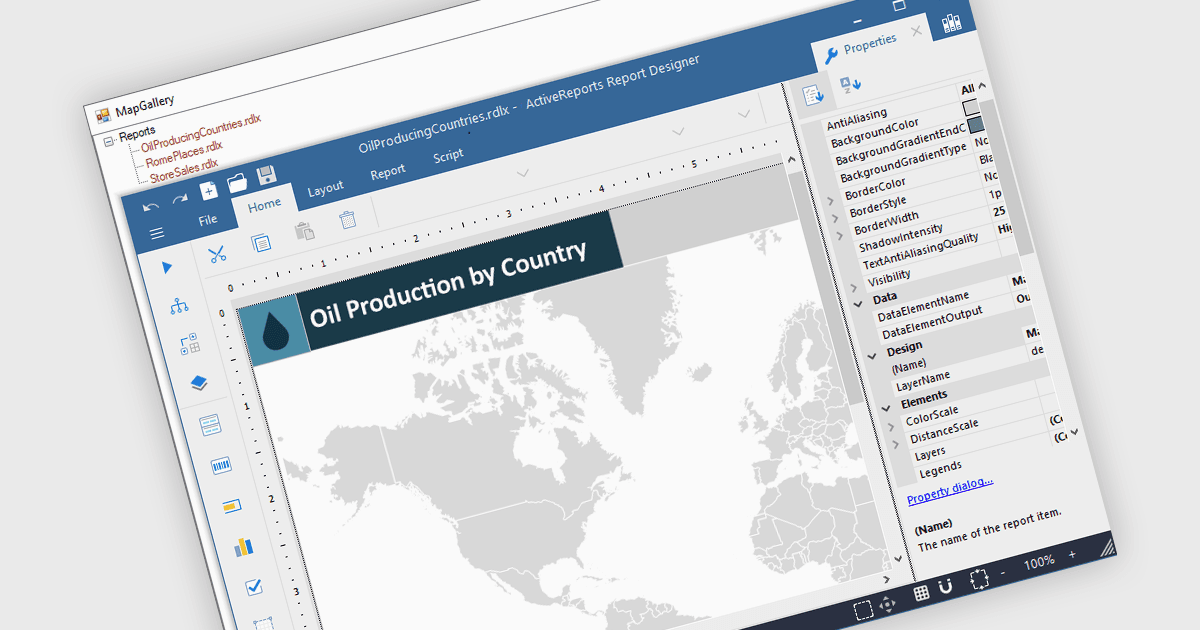
レポートにマップを追加して、データを視覚的に魅力的で位置を認識した分析情報に変換し、傾向を明らかにし、地理的コンテキストを分析
英語で読み続ける:

Maps in reports enable data to be visualized geographically, turning raw numbers into clear, location-based insights that are easy to interpret. By integrating maps, reports can highlight regional trends, patterns, and relationships that might be overlooked in traditional charts or tables. This spatial perspective supports better decision-making by revealing where performance is strongest, where opportunities exist, and where challenges may be emerging. Common use cases include visualizing sales performance by region, tracking service coverage areas, monitoring logistics routes, and presenting demographic or environmental data. Incorporating maps adds depth, context, and visual appeal, making reports more informative and engaging for any audience.

Several .NET WPF reporting controls offer maps, including:

  • ActiveReports.NET by MESCIUS lets users integrate interactive maps into reports, visualizing geographic data for clearer regional insights and trend analysis.
  • Telerik Reporting allows professionals to embed customizable maps in reports, turning spatial data into meaningful visual stories that enhance business understanding.
  • Stimulsoft Reports.WPF facilitates the display of location-based information with detailed maps, enabling users to compare regions and uncover geographic relationships.
  • FastReport .NET WPF enables the creation of visually rich reports featuring maps that illustrate distribution, performance, and spatial data patterns effectively.

For an in-depth analysis of features and price, visit our comparison of .NET WPF reporting controls.

Compare .NET WPF Reporting Controls