データを見やすくするためにグリッド列の幅を調整する
カラムのサイズを調整してスペースを最適化して煩雑さを軽減し、よりクリーンで焦点の定まったグリッドを提供し、より迅速なデータ分析とスマートな意思決定を実現
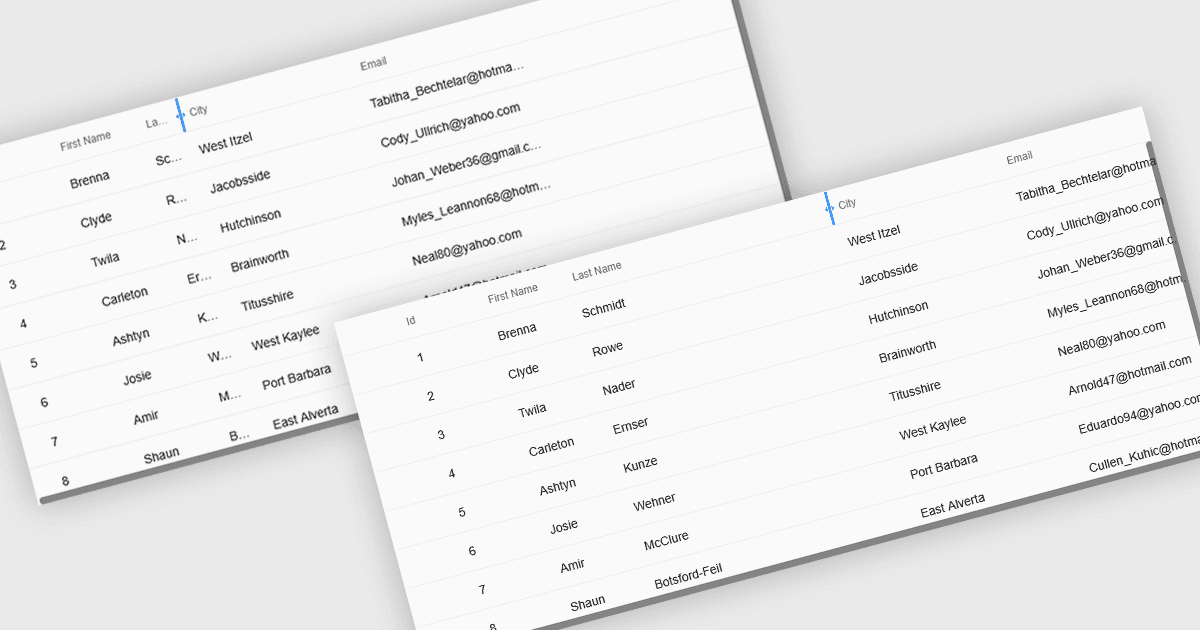
リサイザブルなグリッド列により、ユーザーはデータテーブル内の各列の幅を調整できるため、情報の表示方法を直接コントロールできます。テキストが途中で切り取られるのを防いで可読性を向上させ、重要度の低いフィールドを狭めて煩雑さを減らし、よりすっきりと効率的な作業環境を作ります。大規模なデータセット、長い商品名、詳細な説明、または「Description」列を広げて全文を読んだり、数値列を狭めて数値を素早く比較したりするような、混在するデータ型がある場合に特に役立ちます。ダッシュボード、管理パネル、レポーティングツール、データ入力システムのいずれで使っても、列のリサイズは使いやすさを高め、分析をスピードアップし、よりパーソナライズされた閲覧体験を支援します。
複数のReactグリッドコントロールでは、列の拡張およびリサイズに対応しています。
- DevExtreme React Data Grid(DevExpressのDevExtreme Completeの一部)では、列をリサイズして可読性を高め、煩雑さを減らし、データを効率的に扱えます。
- HandsontableをHandsoncodeが提供しており、列をリサイズしてコンテンツ全文を表示したり、レイアウトをカスタマイズしたり、煩雑さを最小限に抑えたり、さまざまなデータセットをより効果的に自信を持って分析したりできます。
- BestReactGridは、スペースを最適化し、重要な詳細を強調し、可読性を高め、よりすっきりと効率的なデータワークフローを作るために、列のリサイズを支援します。
- Ignite UI React Grid(Infragistics Ignite UIの一部)では、列をリサイズしてより分かりやすい表示を実現し、比較を速め、データ理解を向上させます。
機能と価格の詳細な分析については、Reactグリッドコントロールの比較をご覧ください。