Blazorグラフにおけるトレンド強調のためのインジケーターを追加
計算されたトレンドやしきい値をグラフ化したデータに重ね合わせることでデータ解釈を強化
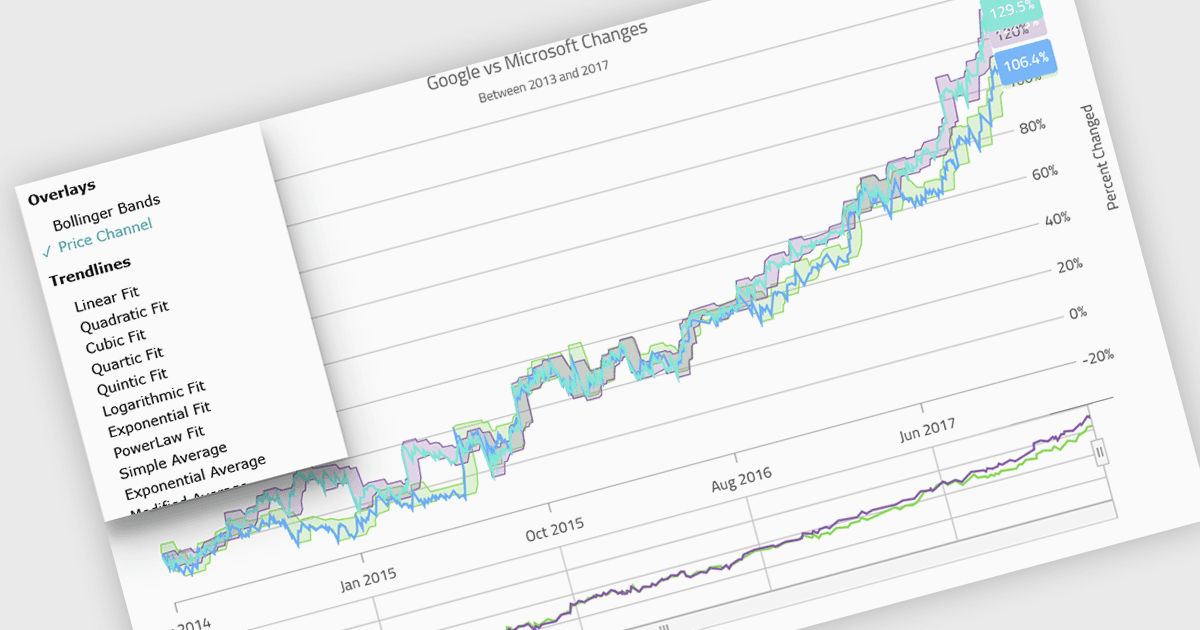
チャートコンポーネント内のインジケーターは、特定の統計的または数学的な計算を、基になるデータ上のチャートに直接表示して表すための視覚的ツールです。多くの場合、トレンド、パターン、主要な閾値(しきい値)を強調するために用いられます。金融や分析アプリケーションでよく使われ、移動平均、ボリンジャーバンド、しきい値ラインなどの要素を含めることができます。ソフトウェア開発者にとっては、インジケーターを実装することで、ユーザーがチャートのインターフェイスから離れることなく、有意義なコンテキストや実行可能なインサイトを確認できるため、データ解釈を強化する強力な方法になります。これにより意思決定が改善され、幅広いユースケースにわたって、よりインタラクティブで情報量の多い可視化を支援します。
いくつかの .NET Blazor チャートコントロールは、インジケーターに対応しています。:
- TeeChart .NET for Blazor(Steema Software)では、50種類以上の金融および統計インジケーターをインタラクティブな Blazor チャートに直接埋め込めます。
- NOV Chart for .NET(Nevron)では、2D/3D チャートに対して、金融、トレンド、統計インジケーターの包括的なセットを適用でき、大規模データのレンダリングにも対応します。
- Infragistics Ignite UI for Blazor Chart(Infragistics Ignite UI の一部)では、65種類以上のチャートタイプに対して、トレンドラインやデータ分析オーバーレイを重ねて表示できます。
- Syncfusion Blazor Charts(Syncfusion Essential Studio Enterprise の一部)では、トレンドラインや参照マーカーなどの分析用オーバーレイを統合して、チャートデータを充実させることができます。
機能の詳細と価格については、.NET Blazor チャートコントロールの比較をご覧ください。