専用のダイアログでレポート入力を最適化
ダイアログパラメータフォームによる整然かつ一貫性のあるレポート作成と、フィルター・グルーピング・計算に必要な正確で検証済みの入力を確保
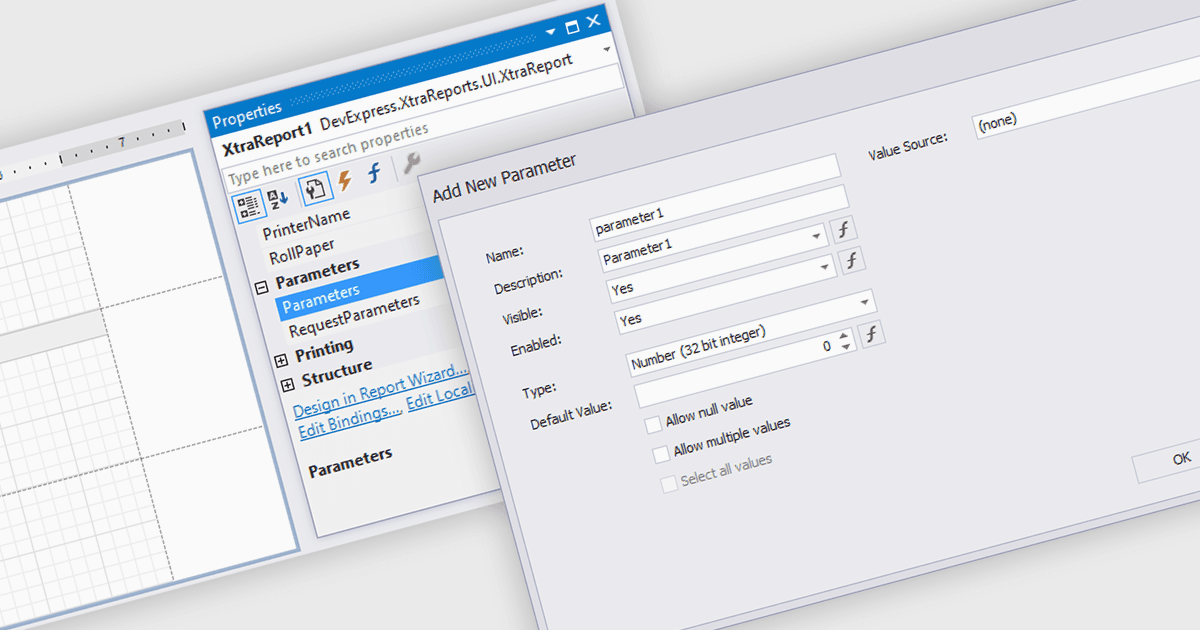
レポートのパラメータに関するダイアログは、必要な入力を正確かつ適切に収集するための、構造化されたユーザーフレンドリーな方法を提供します。手動での入力や、思い出しながらの条件指定に頼る代わりに、ユーザーは入力欄を通じて案内され、情報の一貫性と有効性が確保されます。これにより、日付範囲、製品カテゴリ、地域、または部署を選択するようなシナリオにおいて、レポートの品質が向上し、エラーが減少します。入力をわかりやすいインターフェイスに集約することで、ダイアログフォームは、入力詳細の管理よりも結果の解釈にユーザーが集中できるようにします。
いくつかの .NET WinForms レポーティングコンポーネントでは、パラメータ用のダイアログフォームを作成できます。たとえば:
- DevExpress Reporting は、正確なユーザー入力を収集するガイド付きパラメータダイアログを作成でき、レポートの精度、使いやすさ、アプリケーション全体における効率を向上させます。
- Telerik Reporting は、データ選択を改善する直感的なパラメータダイアログの構築を可能にし、ユーザーが最小限の手間で一貫性のある信頼できるレポートを作成できるようにします。
- FastReport .NET WinForms は、ユーザー入力を検証するカスタマイズ可能なパラメータダイアログを提供し、レポートの正確性を高め、複雑なフィルタリングや設定の作業を簡素化します。
- Stimulsoft Reports.NET は、ユーザーが正しいレポーティング基準を提供できるようにする構造化されたパラメータダイアログの作成を可能にし、より明確な洞察と、より確実な結果を提供します。
機能と価格を詳しく分析するには、.NET WinForms レポーティングコンポーネントの比較をご覧ください。