PDF文書にクリック可能なリンクを追加
PDF内のクリック可能なリンクをサポートし、ユーザーがドキュメントビューアを離れずにセクション、ページ、外部URLにジャンプ可能
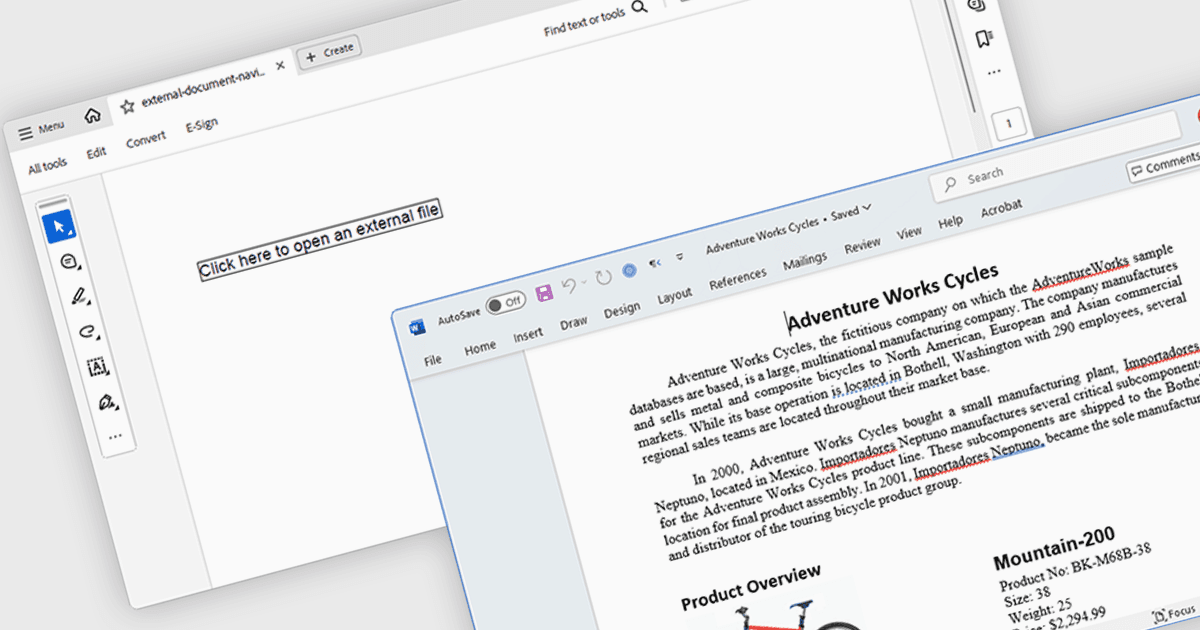
PDFコンポーネントにおけるハイパーリンクナビゲーションにより、ユーザーはドキュメント内に埋め込まれたクリック可能なリンクを操作でき、他のページ、外部URL、または特定のドキュメントセクションへ遷移できるようになります。PDF機能を統合するソフトウェア開発者にとって、この機能は、直感的なドキュメントナビゲーションをサポートすることでユーザー体験を向上させ、手動でのスクロールや検索の必要性を減らします。特に、関連コンテンツへの参照がよくある技術ドキュメント、フォーム、レポートで有用であり、Webアプリケーションおよびデスクトップアプリケーションの両方における利便性と使いやすさの向上につながります。
いくつかの.NET PDFコンポーネントでは、ハイパーリンクナビゲーションを提供しており、以下が含まれます:
- DevExpress PDF Document API for .NET(DevExpress Office File APIの一部)では、PDFファイル内にハイパーリンクを作成でき、内部ブックマークおよび外部宛先をサポートします。
- Telerik UI for WPF PdfProcessingでは、構造化されたPDFドキュメント内で、ページ、名前付き宛先、または外部サイトへユーザーを導くリンク注釈を定義できます。
- Aspose.PDF for .NETでは、ハイパーリンク要素の挿入と検出が可能になり、ドキュメント内、または外部リソースへの動的なナビゲーションを実現します。
- Syncfusion WinForms PDF(Syncfusion Essential Studio Enterpriseの一部)では、ハイパーリンクの作成および編集をサポートしており、ユーザーを関連コンテンツへ簡単に誘導できます。
機能と価格の詳細な分析については、.NET PDFコンポーネントの比較をご覧ください。