柔軟なツールバーでコマンドを整理
関連するアクションを専用のツールバーにまとめ、ユーザーが共通のタスクをより速く、インターフェースとのやり取りを減らしながら作業可能
2026年3月6日機能のハイライト
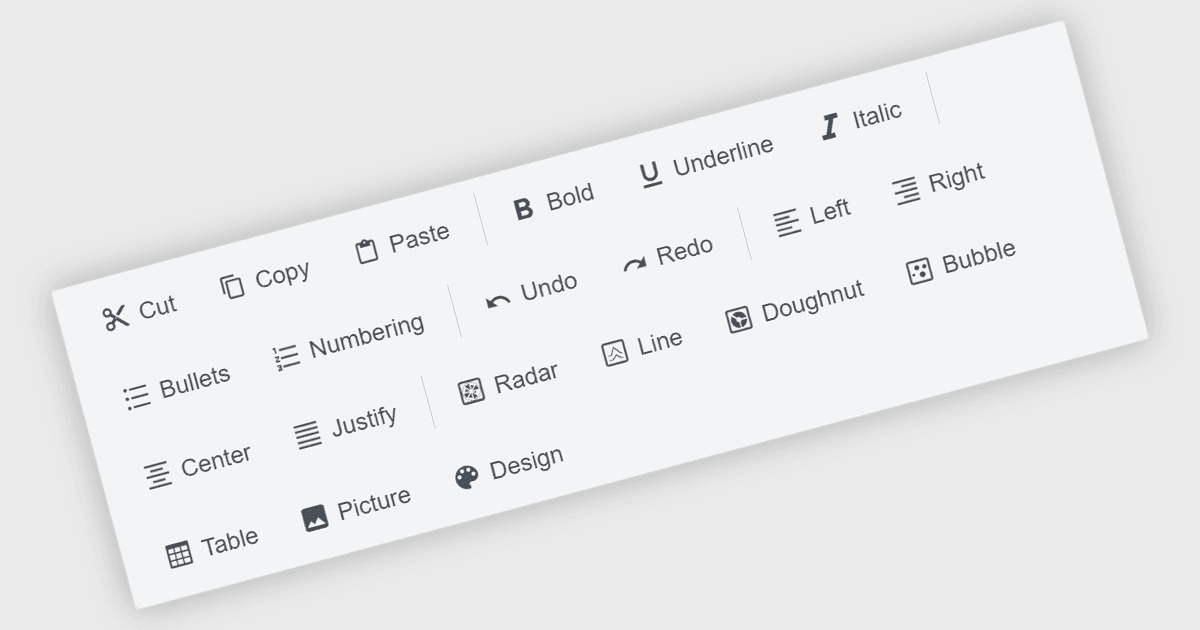
Toolbar コンポーネントは、現代の Angular UI スイートにおける一般的な機能であり、アプリケーション内で頻繁に使用されるコマンドを構造化して表示する方法を提供します。通常は、ボタン、アイコン、対話型コントロールを水平または垂直の帯として表示し、Toolbar は開発者がアクションを見やすくアクセスしやすい場所に整理するのに役立ちます。Angular ベースのアプリケーションでは、Toolbar コンポーネントはフレームワークのコンポーネントアーキテクチャと連携するように設計されることが多く、テンプレート化、レスポンシブレイアウト、メニュー、ドロップダウン、入力コントロールなどの他の UI 要素との統合といった機能をサポートします。これにより、開発者は、ユーザーに機能をどのように公開するかの柔軟性を維持しながら、一貫したコマンド操作領域を構築できます。
いくつかの Angular UI スイートでは、次のような Toolbar コンポーネントを提供しています:
- DevExtreme Complete by DevExpress には、アダプティブレイアウトとアイテムのテンプレート化をサポートする Angular Toolbar コントロールが含まれています。
- Kendo UI by MESCIUS は、コマンドボタン、分割ボタン、その他の対話型要素をグループ化できるネイティブな Angular Toolbar コンポーネントを提供します。
- Syncfusion Essential Studio UI Component Suite は、アイテムのグループ化、テンプレート化されたコンテンツ、レスポンシブなオーバーフローモードをサポートする Angular Toolbar コントロールを提供します。
- jQWidgets には、開発者がコマンドボタンやカスタムウィジェットを柔軟なレイアウトで配置できる Toolbar コンポーネントが含まれています。
機能と価格の詳細な分析については、Angular UI スイートの比較をご覧ください。