キーワード検索でPDF内の情報を検索
PDF検索で素早くテキストを見つけ、キーワードの特定、ドキュメントのナビゲーション、関連コンテンツへの即時アクセスをサポート
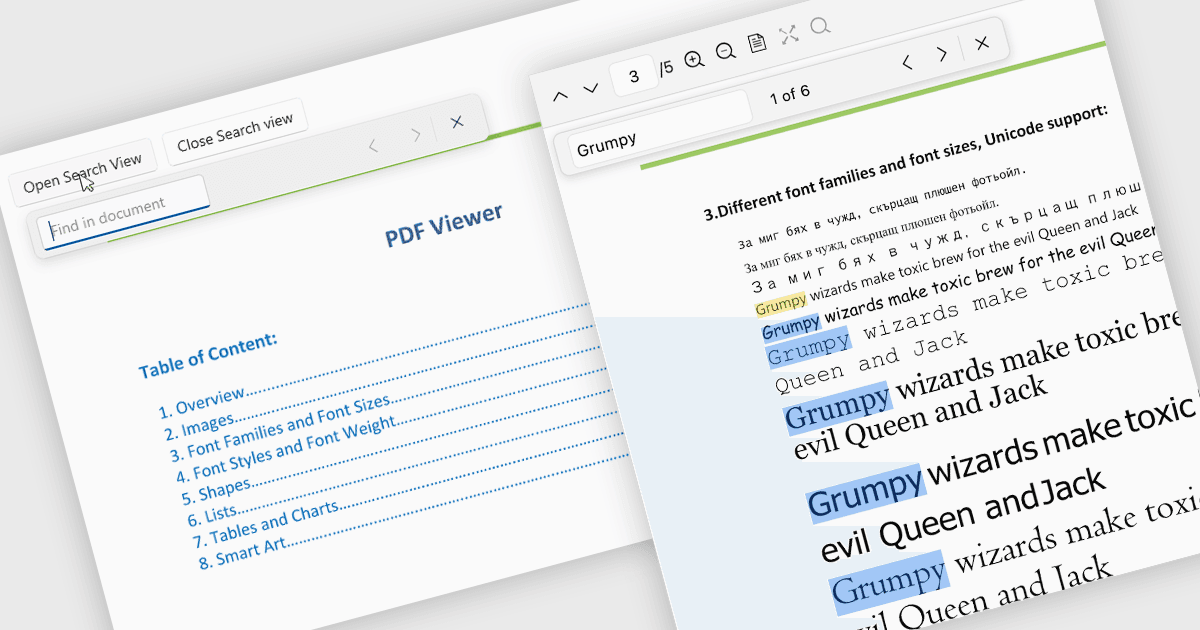
PDF ビューアーでの検索を使用すると、ユーザーは各ページを手作業で確認することなく、文書内の特定の単語、フレーズ、またはデータをすばやく見つけることができます。結果を即座にハイライトし、結果間を移動できるため、検索はレポート、マニュアル、契約書、研究論文などの大きく複雑な PDF を扱いやすくします。この機能は、関連情報をより早く見つけ、コンテンツを文脈の中で理解し、重要なセクションへ直接移動できるようにすることで、生産性を向上させます。
いくつかの .NET PDF Viewer コントロールでは、次のような PDF ファイル内のテキストを検索できます:
- Telerik UI for .NET MAUI PDF Viewer (.NET MAUI 向け Telerik UI の一部) を使用すると、テキストをすばやく検索し、一致箇所をハイライトして、ページ間で結果を移動できます。
- IronPDF for .NET by Iron Software を使用すると、PDF テキストをプログラムで検索し、キーワードを識別して、関連コンテンツを抽出できます。
- ImageGear for .NET by Accusoft は、PDF ページ内での高速なテキスト検索を可能にし、アプリケーションがフレーズを見つけ、結果をハイライトし、ナビゲーションを支援できるようにします。
- GroupDocs.Viewer for .NET を使用すると、開発者は表示中の PDF ドキュメント全体でテキストをすばやく検索し、一致箇所を見つけて、アプリケーション内にハイライト結果を表示できます。
機能と価格の詳細な分析については、.NET PDF Viewer コントロールの比較をご覧ください。