マスクエディターで構造化入力を実行
.NET Blazorのマスク入力テキストボックスエディタは、ユーザーがあらかじめ定義された形式で値を入力できるように導き、一貫性のある検証済みデータの取得を支援
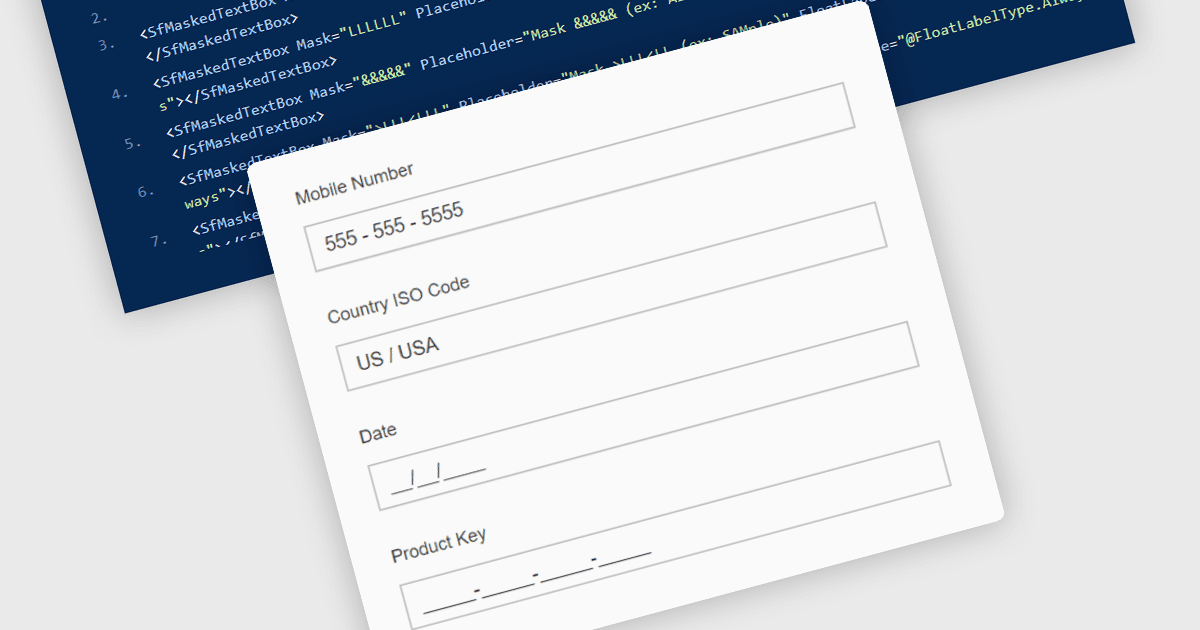
Masked Input Text Box エディターは、ユーザーが入力している間にあらかじめ定義された形式を強制する入力コンポーネントで、入力された値が電話番号、日付、郵便番号、または識別番号などの特定の構造に従うようにします。入力マスクを適用することで、エディターはユーザーが有効な位置と形式にのみ文字を入力するよう誘導し、無効または不完全なデータが送信される可能性を減らします。このアプローチは、アプリケーション全体でのデータ整合性を向上させ、クライアント側とサーバー側の両方での検証ロジックを簡素化し、ユーザー入力の追加の解析や修正の必要性を減らします。データ駆動型の Blazor アプリケーションを構築する開発者にとって、masked input エディターは、フォームやデータ編集インターフェイス内で直接、明確で構造化された入力体験を提供しながら、信頼性の高いデータ入力を維持するのに役立ちます。
多くの .NET Blazor データエディター コレクションには、次の masked input text box エディターが含まれています:
- Telerik UI Blazor Data Editors (Telerik UI for Blazor の一部) は、masked text box を使用して整形されたユーザー入力を強制し、構造化された値の一貫したデータ入力を保証します。
- ComponentOne Blazor Data Editors (MESCIUS の ComponentOne Studio Blazor Edition の一部) では、ユーザーを誘導する入力マスクを適用でき、検証精度が向上します。
- Smart UI by Smart HTML Elements は、文字を制限し、入力中にあらかじめ定義された形式を強制する masked input エディターにより、構造化されたデータ入力を容易にします。
- Infragistics Ignite UI for Blazor Data Editors (Infragistics Ignite UI の一部) では、ユーザーが必要なパターンに従って値を入力するようにする masked input フィールドを実装できます。
機能と価格の詳細な分析については、.NET Blazor data editors の比較をご覧ください。