.NETアプリケーションにWinFormsピボットテーブルを追加
Spread.NETを使ってWindowsアプリケーション内で直接データを探索・分析可能
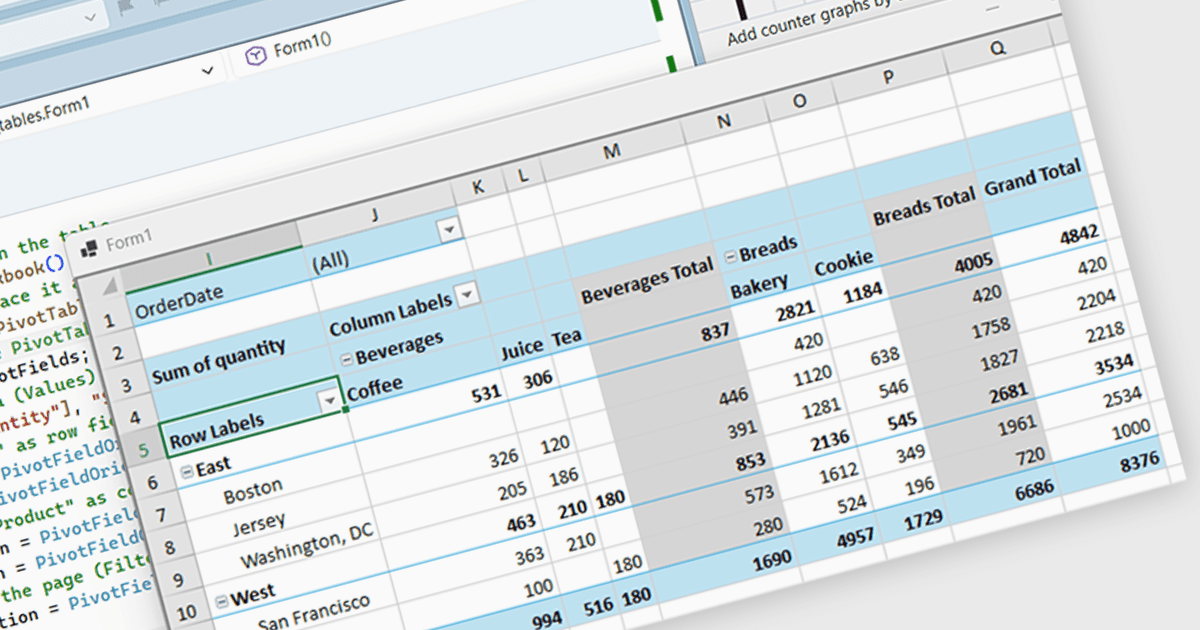
Spread.NET を使用すると、スプレッドシート、グリッド、ダッシュボード、フォームを作成できます。450以上の関数を備えた強力な計算エンジンと、Excel スプレッドシートのインポートおよびエクスポート機能が含まれています。豊富な .NET スプレッドシート API と強力な計算エンジンを活用して、分析、予算管理、ダッシュボード、データ収集および管理、科学、金融アプリケーションを作成できます。
このブログ記事では、MESCIUS Product Marketing Specialist Mackenzie Albitz が、Spread.NET WinForms コンポーネントを使用して Pivot Table を構築する方法を紹介し、ユーザーがデータを要約、グループ化、再編成しながら大規模なデータセットをすばやく分析できるようにします。Pivot Table の作成には、以下の手順が含まれます:
- PivotCache を作成する
- Pivot Table を作成する
- PivotFields コレクションにアクセスする
- Values フィールドを追加する
- Row Fields を構成する
- Column Fields を構成する
- Filter Field を追加する
詳細なソースコードとサンプルデータも用意されており、作業を進めるうえで役立ちます。
ブログ記事全文を読む ことで、.NET アプリケーションにスプレッドシート コンポーネントを統合し、外部プログラムへ誘導することなく、使い慣れたスプレッドシート機能をユーザーに提供する方法を学べます。
Spread.NET は開発者ごとのライセンスで、地域に応じて Perpetual ライセンスまたは Annual ライセンスのいずれかとして利用できます。新規ライセンス、保守更新、アップグレードライセンスを含む、あらゆる Spread.NET ライセンスをご提供できます。詳細は Spread.NET licensing page をご覧ください。
詳細については、Spread.NET product page をご覧ください。