条件付き書式でキーデータを強調表示
セルにルールベースのスタイリングを適用し、ユーザーがトレンド、外れ値、重要な値を一目で素早く特定可能
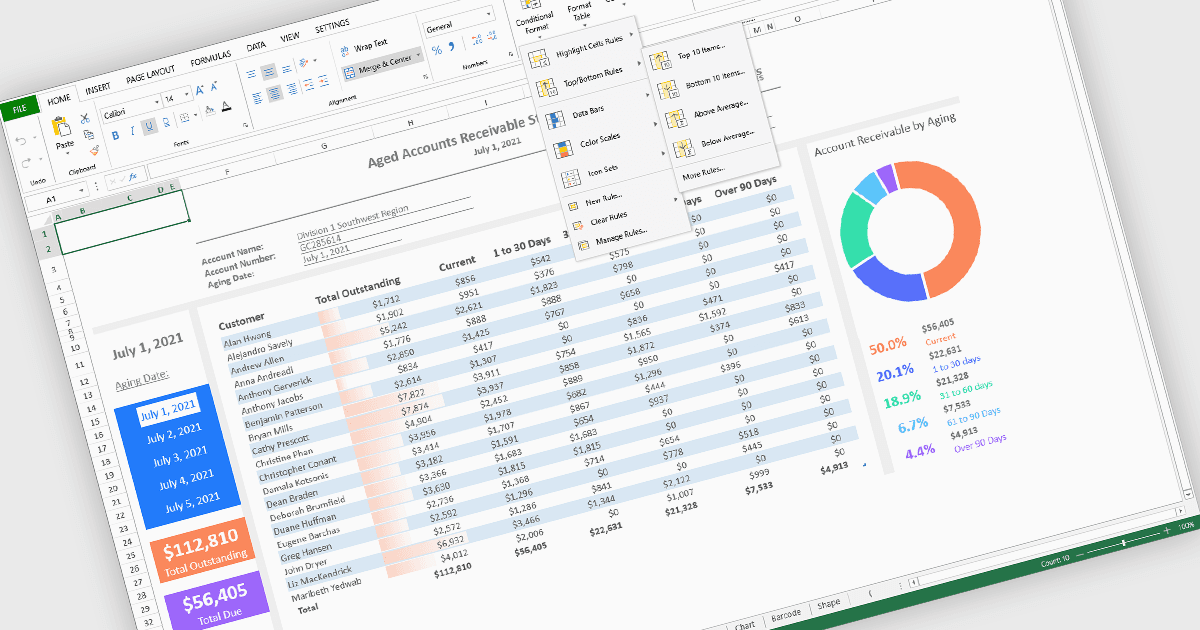
スプレッドシート コンポーネントの条件付き書式設定により、開発者はセルの値や定義されたルールに基づいて、セルの表示を動的に変更できます。この機能は、手動更新を必要とせずに重要なデータポイント、傾向、例外を強調表示するのに役立ち、ユーザーが大規模なデータセットを一目で解釈しやすくします。色、アイコン、データ バーなどの視覚的な手がかりを適用することで、条件付き書式設定は可読性を高め、スプレッドシート駆動のアプリケーション内で、より迅速で、より情報に基づいた意思決定を支援します。
条件付き書式設定をサポートする Angular スプレッドシート コントロールには、次のものがあります:
- SpreadJS は、データ バー、カラースケール、アイコン セットなどのルールをサポートする条件付き書式設定エンジンを提供し、データの動的な可視化を可能にします。
- Infragistics Ignite UI for Angular Spreadsheet (Infragistics Ignite UI の一部) には、開発者がルールベースのスタイル設定を適用できる条件付き書式設定機能が含まれています。
- Syncfusion Angular Spreadsheet (Syncfusion Essential Studio Enterprise の一部) は、さまざまなルール タイプとビジュアル スタイルをサポートする条件付き書式設定機能を提供します。
機能と価格の詳細な分析については、Angular spreadsheet controls comparison をご覧ください。