不要なグリッド編集を防止

4月 9, 2026
読み取り専用の列を持つJavaScriptグリッドは、開発者が固定値を守りつつ、インターフェース全体で編集ルールをより明確にすることが可能
英語で読み続ける:

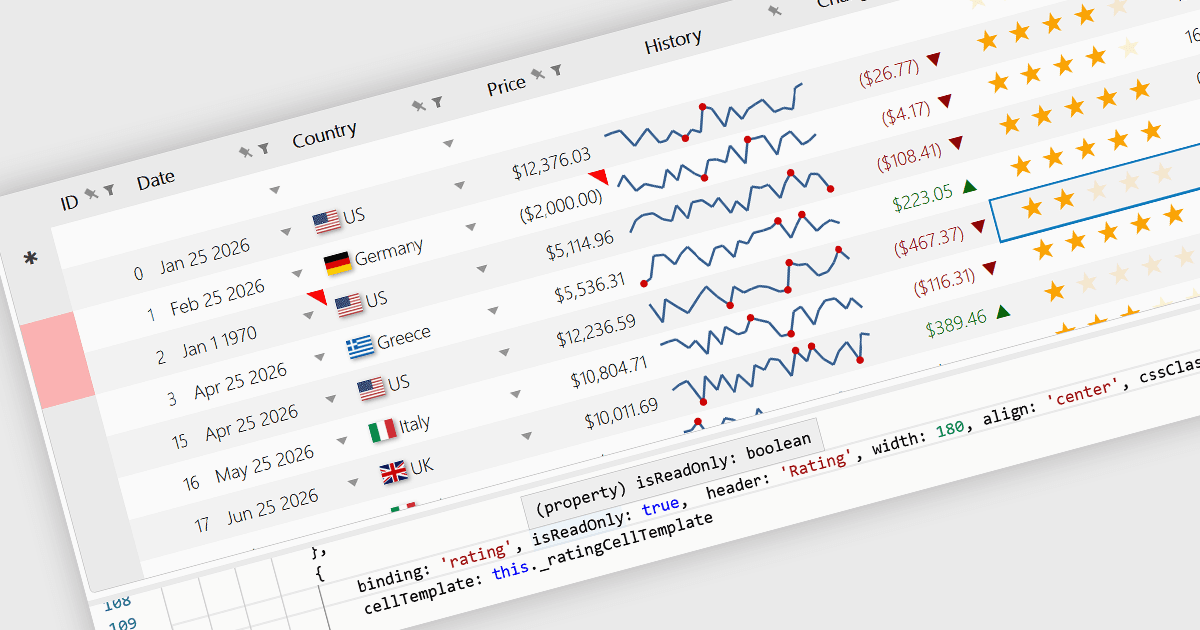
Read-only Columns are grid columns configured to display data without allowing users to edit the values directly in the interface. In a JavaScript grid control, this is typically used for fields that should remain fixed, such as calculated values, identifiers, audit data, or information controlled by business rules or backend processes. The main benefit is that it helps preserve data integrity while still making important information visible, reduces the risk of accidental changes, supports clearer editing workflows by distinguishing editable and non-editable fields, and makes it easier for developers to enforce validation and permission requirements consistently across the application.

Several JavaScript grid controls offer support for Read-only Columns including:

  • Highcharts Grid Pro lets you configure non-editable columns for protected values, helping preserve data integrity while keeping reference fields consistently visible.
  • Kendo UI Angular Grid allows you to control column editable status, keeping selected fields read-only to enforce rules and reduce accidental changes.
  • Wijmo React DataGrid (FlexGrid) facilitates read-only column scenarios through editing controls and events, supporting protected fields and condition-based restrictions.
  • DataGridXL allows you to set columns as read-only, preventing edits to protected data while preserving fast spreadsheet-like interaction.
  • Handsontable lets you lock selected grid cells from editing, preserving displayed values while still supporting sorting, filtering, validation, and spreadsheet-style navigation.
  • JSpreadsheet Pro lets you mark columns or cells as read-only, protecting fixed values while allowing editable data elsewhere.

For an in-depth analysis of features and price, visit our comparison of JavaScript grid controls.

Compare JavaScript grid controls