リアルタイムのゲージインサイトで主要指標を追跡
主要なデータをゲージチャートで提示して、現在の値を明確に示し、時間の経過による変化や傾向を簡単に発見
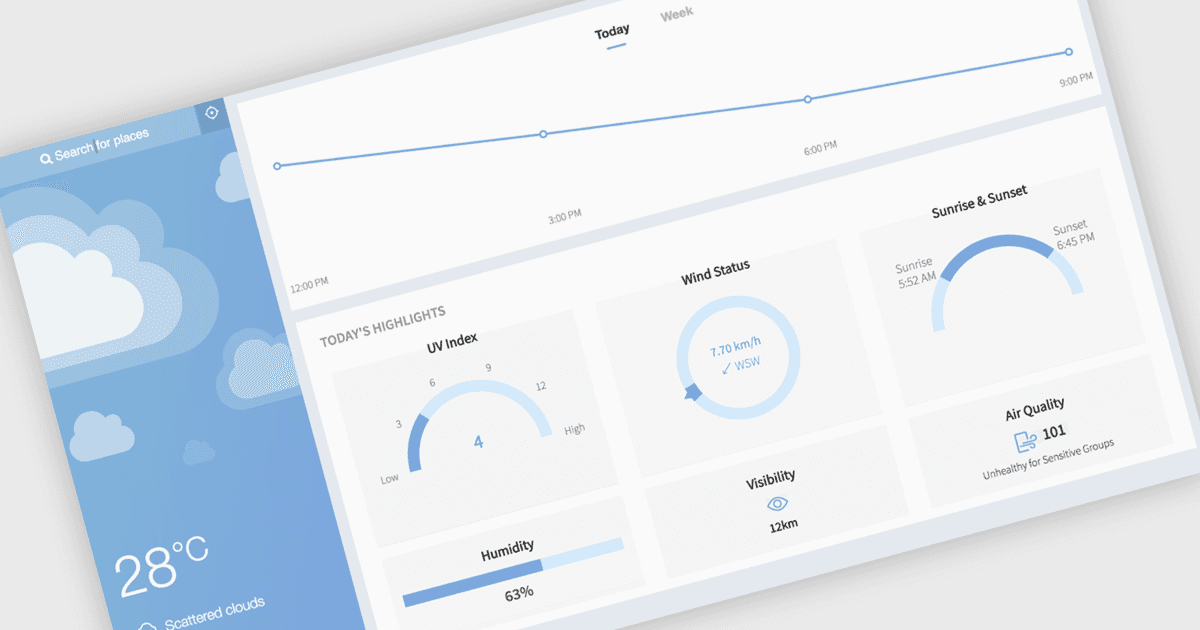
ゲージチャートは、定義された範囲内の単一の値を表示するデータ可視化で、状態や進捗をひと目で把握しやすくします。スピードメーターのような見た目で表現されることが多く、色を使ってさまざまなレベルを示しながら、値が最小しきい値と最大しきい値のどこに位置するかを示します。これにより、詳細な分析なしでも明確で即時の洞察が得られます。主な利点には、素早い理解、直感的なデザイン、そして上限や目標を強調する高い視覚的訴求力があります。ゲージチャートは、KPIの追跡、目標の監視、完了率の表示、または主要指標の強調を、シンプルかつ効果的に行うためにダッシュボードでよく使用されます。
React のいくつかのチャートコンポーネントでも、次のようなゲージが提供されています:
- DevExtreme React Chart(DevExpress の DevExtreme Complete の一部)では、範囲内の値を表示するレスポンシブなゲージチャートを作成でき、しきい値の可視化に役立ちます。
- Highcharts Core では、滑らかなアニメーションとカスタムスタイリングを備えたインタラクティブなゲージチャートを構築し、主要な値を直感的な形式で表示できます。
- FusionCharts Suite XT は、明確なインジケーターと柔軟な設定を備えたリッチなゲージチャートを実現し、値と範囲を視覚的にわかりやすく伝えるのに役立ちます。
- JSCharting では、定義された制限内のデータを強調する多用途なゲージチャートを設計でき、明確な視覚的フィードバックと容易な解釈をサポートします。
機能と価格の詳細な分析については、React チャートコンポーネントの比較をご覧ください。