BlazorでCSVにレポートをエクスポート
BlazorアプリケーションでレポートデータからCSVファイルを生成し、CSVエクスポート機能を持ち、プラットフォーム間のデータ交換を簡素化
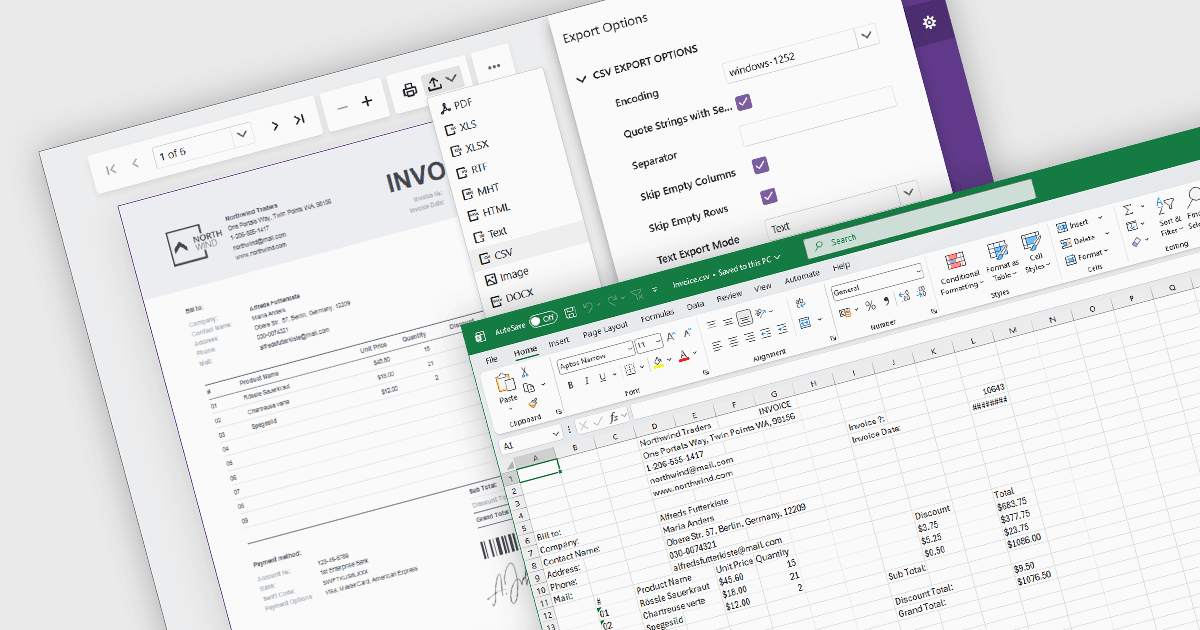
レポートを CSV(Comma-Separated Values)形式でエクスポートすると、レポートデータをスプレッドシートアプリケーション、データベース、分析プラットフォーム、その他のビジネスシステムへ簡単かつ幅広く互換性のある方法で転送できます。CSV ファイルは構造化データをプレーンテキストとして保存するため、さまざまな環境で処理、 автомат化、アーカイブ、交換しやすくなります。ソフトウェア開発者とビジネスユーザーの両方にとって、CSV エクスポート機能は、ファイルの複雑さを抑え、幅広いプラットフォームをサポートしながら、データ分析、業務レポート、統合ワークフロー、データ保持の要件を支援します。
CSV へのエクスポートに対応する Blazor のレポート コンポーネントには、次のものがあります。
- DevExpress Reporting は Blazor 対応の CSV エクスポート機能を提供し、ユーザーは設定可能なエクスポート オプションで構造化データ ファイルを生成できます。
- ActiveReports .NET Professional(MESCIUS の ActiveReports .NET の一部)は、Blazor アプリケーションのレポートに対して CSV のレンダリングおよびエクスポート機能を提供します。
- Telerik Reporting は、Blazor のレポート ビューアーとレンダリング拡張機能を通じて CSV エクスポートをサポートし、出力フォーマットとデータ構造の設定を行えます。
- Stimulsoft Reports.WEB は、Web および Blazor のレポート アプリで CSV エクスポートをサポートし、レポート データをスプレッドシート、統合処理、下流の処理に利用できるようにします。
機能と価格について詳しく分析するには、Blazor のレポート コンポーネントの比較をご覧ください。