













公式サプライヤー
公式および認定ディストリビューターとして200社以上の開発元から正規ライセンスを直接ご提供いたします。
当社のすべてのブランドをご覧ください。
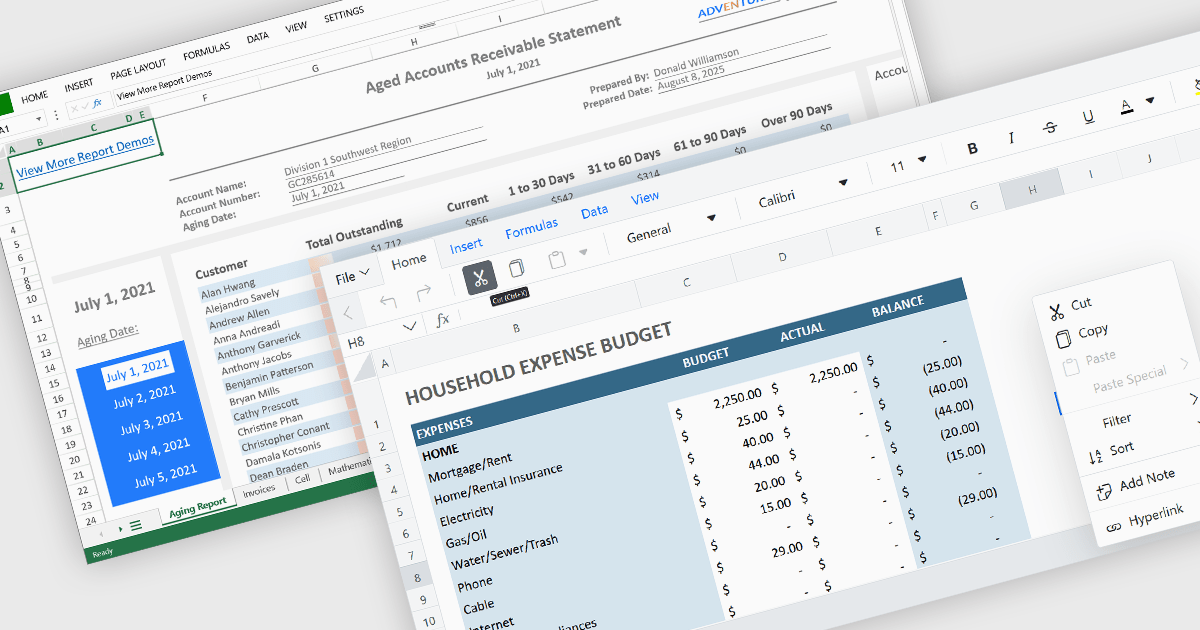
Cell-level editing and interaction features are essential components of any modern spreadsheet application, as they directly influence how users enter, modify, and manage data at the most granular level. These capabilities go beyond basic typing to provide enhanced flexibility, control, and context, enabling users to maintain accuracy while streamlining workflows. A well-designed set of cell-level tools supports both data integrity and user productivity, ensuring that spreadsheets can handle everything from quick updates to complex, structured datasets with efficiency and precision.
Common features include:
For an in-depth analysis of features and price, visit our Angular spreadsheet components comparison.

RadiantQ is a globally recognized developer of high-quality .NET-based UI components, with a clear focus on delivering robust scheduling and planning solutions. Their suite of products empowers developers to create sophisticated project management and resource scheduling interfaces within modern applications. Their offerings span a range of platforms, making them a go-to partner for organizations building cross-platform enterprise solutions.
At the core of RadiantQ’s product line is RadiantQ WPF Gantt, a powerful control set built natively in WPF for performance and elegance. With features like effort-driven scheduling, progress tracking, localization, flexible printing, and intuitive data binding, developers gain a complete toolkit for building dynamic, enterprise-grade scheduling applications.
Through its partnership with RadiantQ, ComponentSource is able to extend a compelling catalog of UI components to its global customer base. By offering RadiantQ’s specialized Gantt solutions, ComponentSource addresses a niche for customers seeking advanced project visualization tools, while ensuring worldwide access, licensing support, and regional purchasing convenience. This collaboration reinforces ComponentSource’s role as a trusted distributor of software components from leading vendors around the world.
RadiantQ WPF Gantt is licensed per named developer. It allows royalty-free distribution within your organization. It includes a one-year subscription with support and updates, while the Source Edition adds full source code and priority support. See our RadiantQ WPF Gantt licensing page for more details.
Learn more on our RadiantQ brand page.
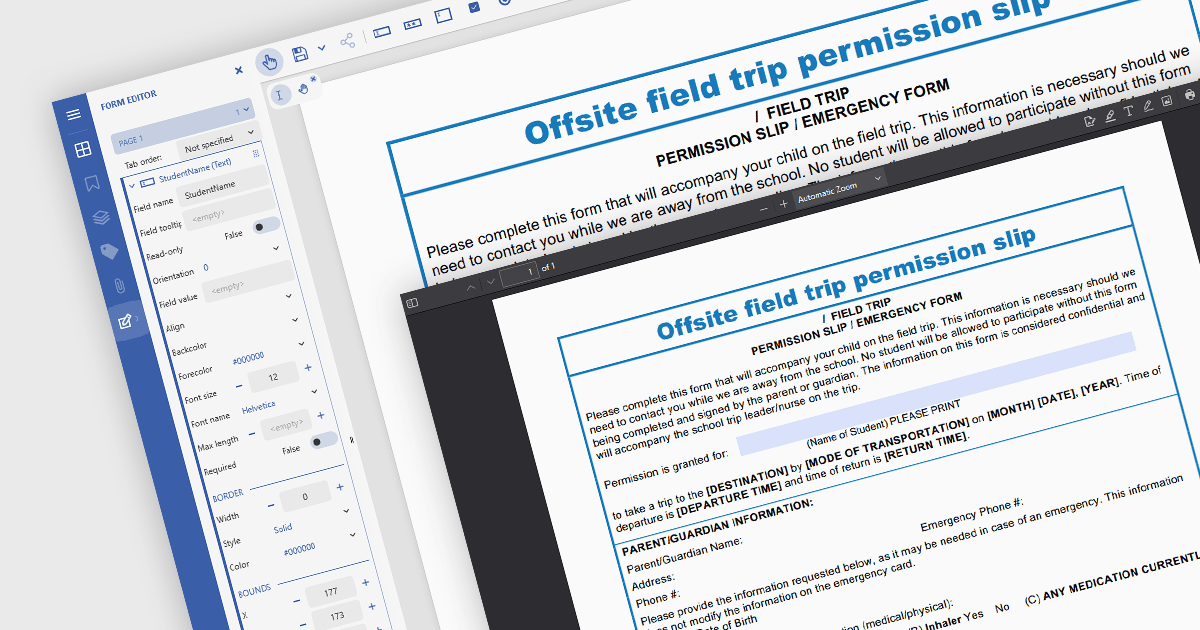
In JavaScript-based PDF viewers, the ability to add, edit, remove, and rename form fields within Acrobat-style PDF forms allows developers and users to dynamically manage form structure and content directly within the browser. This functionality enables real-time customization of interactive PDF documents without requiring external PDF editors. By supporting operations like inserting new text fields, adjusting existing ones, deleting unused fields, or updating field names to match data schemas, this feature significantly enhances the flexibility and usability of PDF forms. It benefits workflows such as document automation, digital signatures, and data collection, particularly in applications where user-driven or programmatic form manipulation is essential for tailoring documents to specific tasks or data sources.
Several JavaScript PDF viewer components allow you to add, edit and remove form fields from PDF forms, including:
For an in-depth analysis of features and price, visit our comparison of JavaScript PDF viewer components.
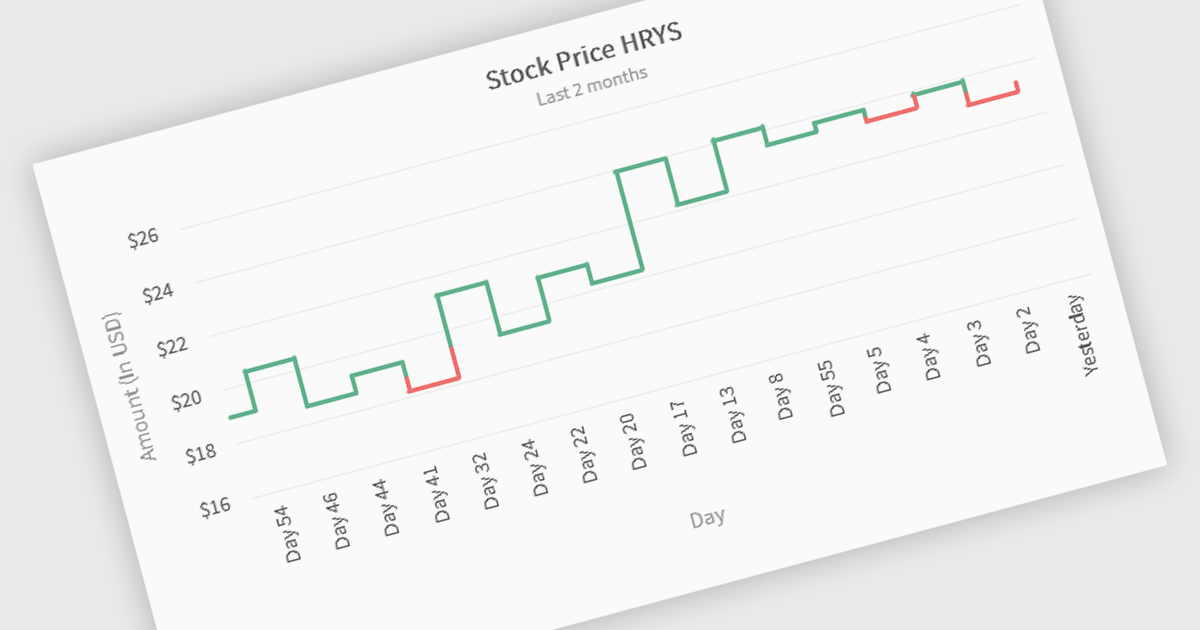
Kagi charts are a technical analysis tool that display price movement through vertical lines, ignoring time to focus on significant price changes. Thick lines indicate rising demand when prices break above previous highs, while thin lines signal increased supply when prices fall below previous lows. This clear visual format helps traders filter out noise, identify trends, and spot key breakouts or reversals. Ideal for analyzing market sentiment, Kagi charts are used across stocks, forex, and commodities to support confident, data-driven trading decisions.
Several JavaScript chart components provide Kagi charts, including:
For an in-depth analysis of features and price, visit our JavaScript charts comparison.
SmartClient is a powerful JavaScript component suite compatible with React, Vue, Angular, and more, designed for building large-scale, high-performance web apps. It offers advanced UI components, dynamic data handling, customizable grids, and responsive design. Ideal for enterprise use cases like financial analytics and real-time reporting, SmartClient supports seamless backend integration and delivers optimized performance and scalability.
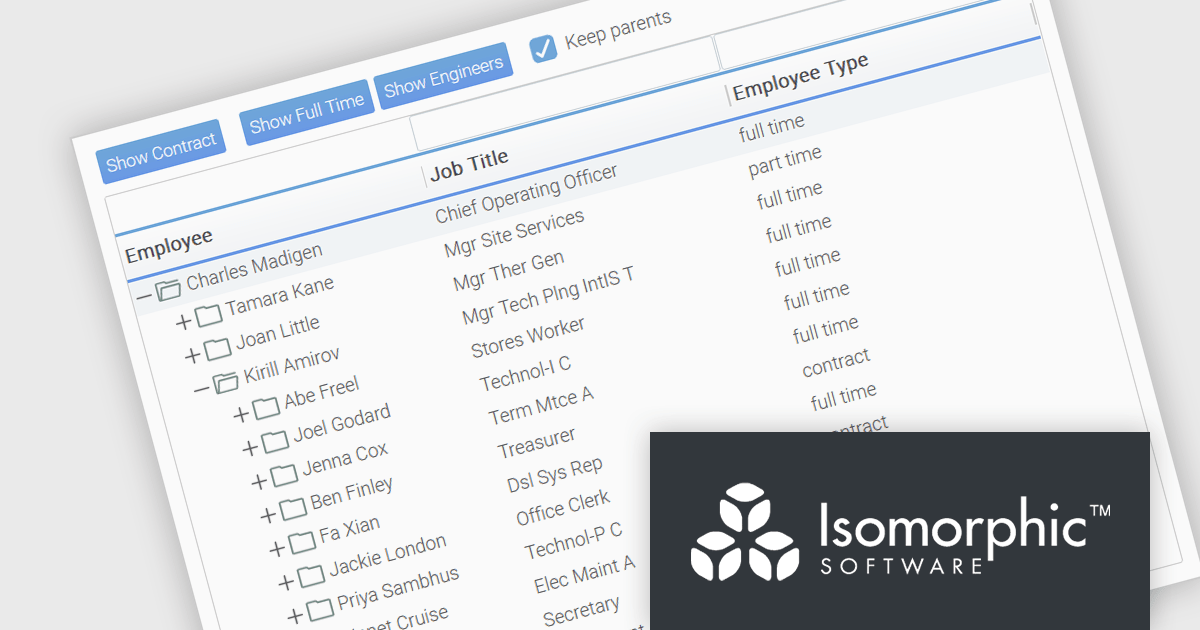
SmartClient has enhanced hierarchical data handling with the included KeepParentsOnFilter setting, ensuring that parent nodes remain visible in filtered views, even when data is loaded dynamically. It loads "skeleton branches" via a complex client-driven algorithm, automatically managed by SmartClient, to maintain high performance without preloading the entire tree, meaning it doesn't require server-side programming. This is particularly useful in large datasets with load-on-demand trees, as it allows users to maintain full visibility into the structure of filtered results without losing context. By preserving the hierarchical path to matching records, this feature improves usability and clarity in tree-based components, especially in applications where understanding the parent-child relationship is critical.
SmartClient is licensed per developer and is available as both perpetual and subscription licenses. Product updates and technical support is also available. See our SmartClient licensing page for full details.
For more information, visit our SmartClient product page.
電話: (888) 850 9911
Fax: +1 770 250 6199


