













公式サプライヤー
公式および認定ディストリビューターとして200社以上の開発元から正規ライセンスを直接ご提供いたします。
当社のすべてのブランドをご覧ください。
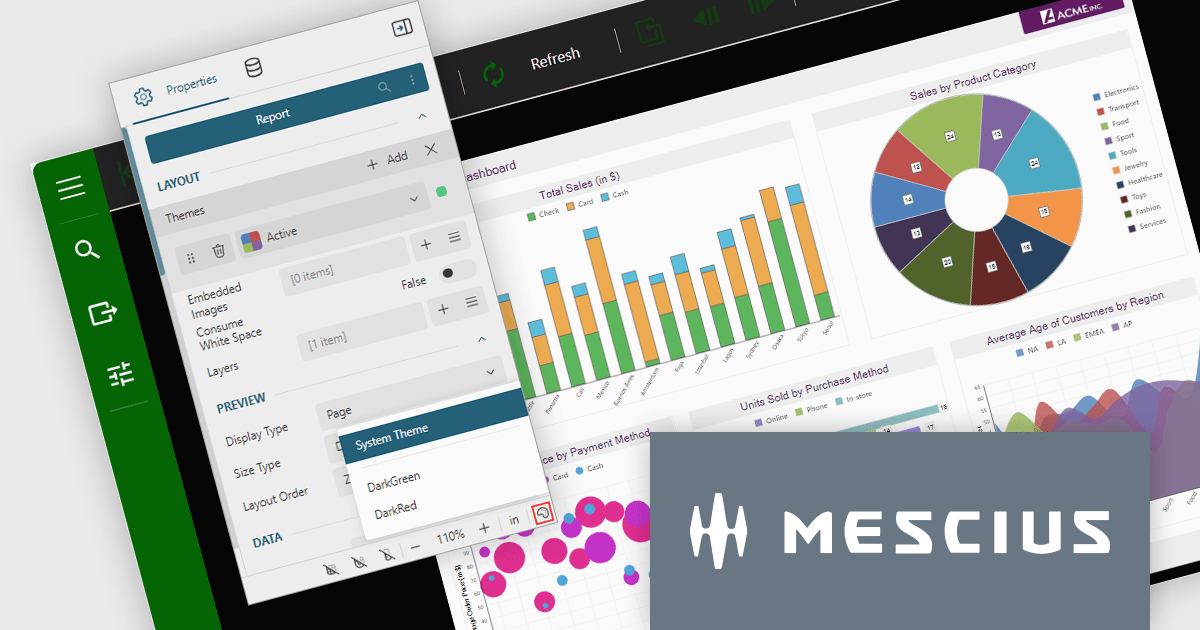
ActiveReports.NET is a reporting tool that allows developers to design and deliver reports with intuitive, reliable, and user-friendly report designers and controls. Features include the ability to create reports in a variety of formats, such as PDF, Excel, and HTML. ActiveReports.NET is also highly customizable, with an extensive API and advanced feature library.
ActiveReports.NET v18 brings robust theme support to its JS Viewer and Web Designer components, granting you extensive control over the user interface. Choose from a diverse selection of built-in UI themes for instant customization, or exercise fine-grained control by creating your own theme. This allows you to precisely match the components' appearance with your application's unique branding, ensuring a visually cohesive and professional user experience.
To see a full list of what's new in version 18, see our release notes.
ActiveReports.NET is licensed per developer and is available with or without a 12 month support and maintenance subscription. See our ActiveReports.NET licensing page for full details.
For more information, visit our ActiveReports.NET product page.
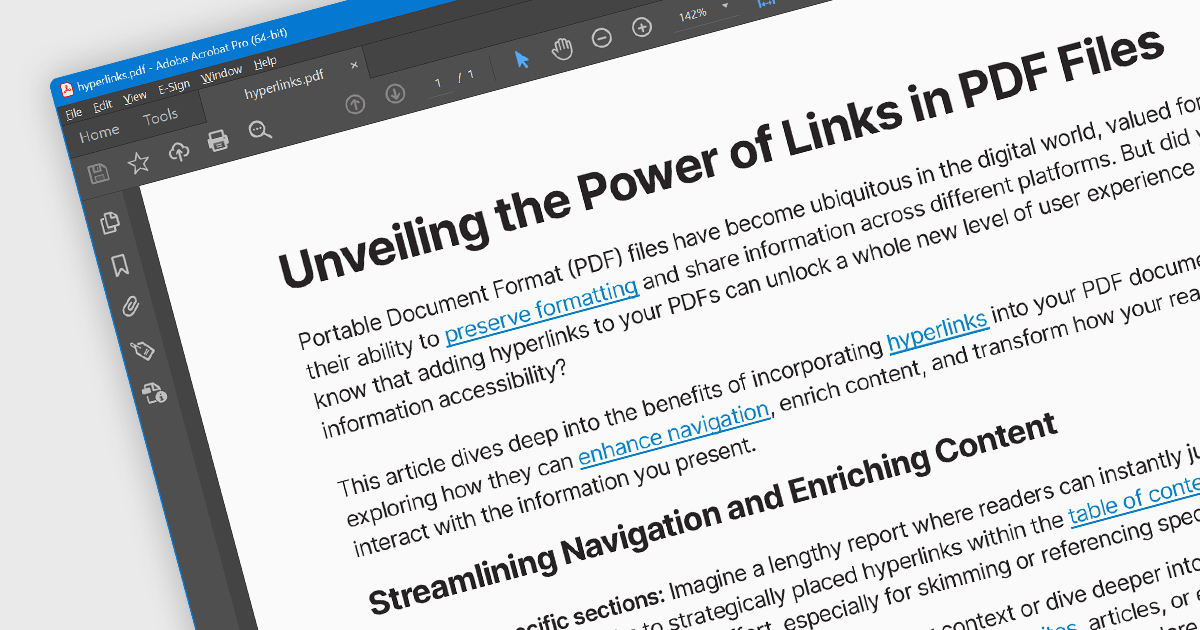
Hyperlink navigation allows users to seamlessly jump to different sections of the document, external websites, or other files by clicking on embedded hyperlinks. These links are typically highlighted or underlined, and clicking them triggers actions based on their type, such as navigating to a specific page within the PDF, opening a web page, or launching an external application. This functionality enhances user experience by enabling easy exploration of related information and resources directly from within the PDF document.
Several WinForms PDF Viewer components offer hyperlink navigation, including:
For an in-depth analysis of features and price, visit our WinForms PDF Viewer components comparison.
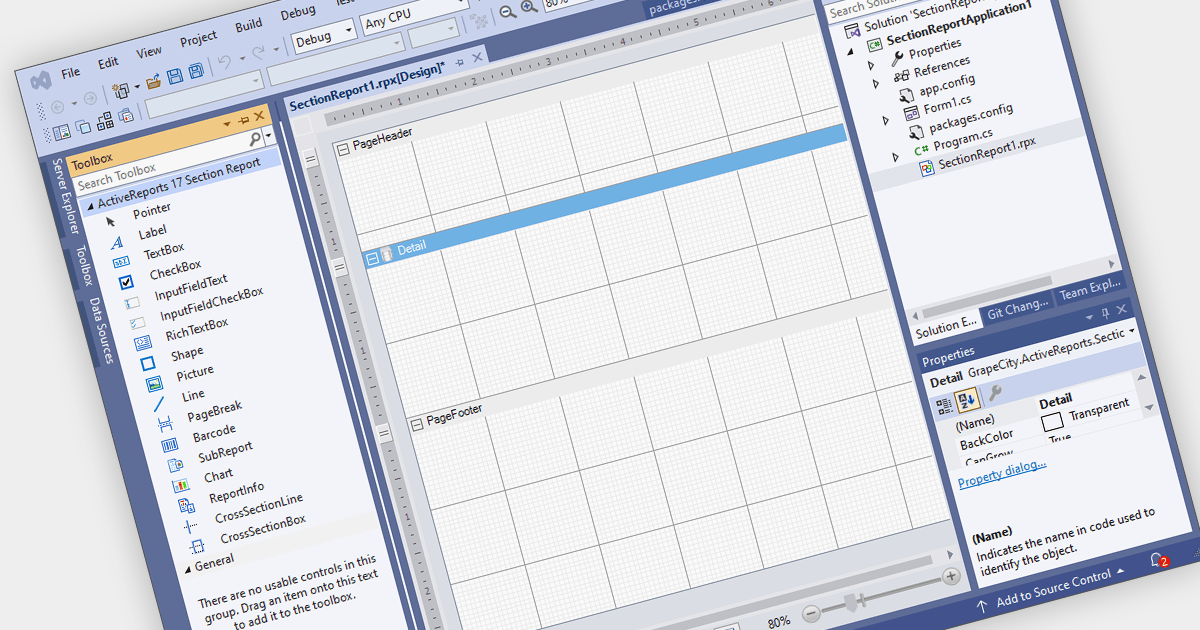
Visual Studio integrated report designers are comprehensive tools integrated into the Visual Studio development environment that enable software developers to design, create, and customize reports seamlessly within their projects. This feature streamlines the report creation process by providing a user-friendly interface for designing layout, formatting data, and integrating data sources directly within Visual Studio. Its benefits include increased productivity through the elimination of the need for external tools, enhanced collaboration among development teams, and improved efficiency in report development workflows, ultimately leading to faster delivery of high-quality reporting solutions in software applications.
Several .NET WinForms reporting controls offer Visual Studio integrated designers, including:
For an in-depth analysis of features and price, visit our WinForms reporting controls comparison.
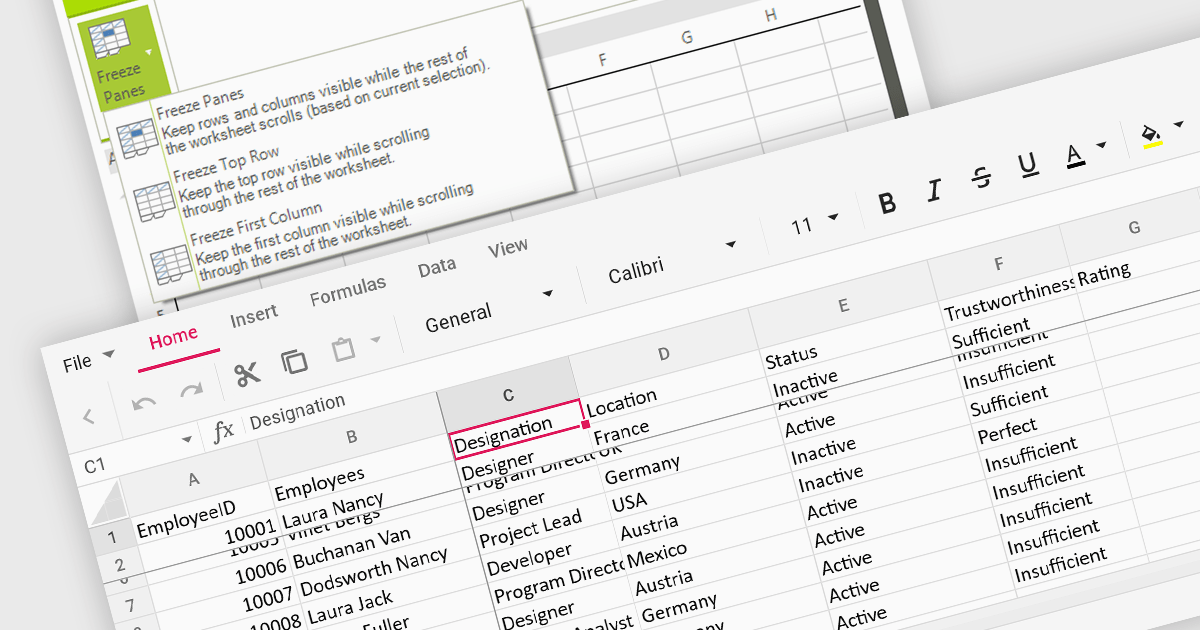
Freeze pane support allows you to fix specific rows or columns in place while scrolling through the rest of the data. This is particularly useful for large spreadsheets with header rows or key columns you need to reference constantly. By freezing panes, you ensure these crucial elements remain visible even as you navigate across vast datasets, improving readability and data analysis efficiency.
Several WinForms spreadsheet controls offer freeze pane support including:
For an in-depth analysis of features and price, visit our WinForms spreadsheet controls comparison.

LightningChart .NET is a 2D and 3D data visualization SDK empowering developers with high-performance and flexibility. Boasting over 100 chart types, advanced technical indicators, and real-time rendering capabilities, it handles demanding scientific, financial, and engineering challenges, while its rich API and comprehensive support equip developers to craft informative and interactive dashboards.
The LightningChart .NET v11.0.1.1 release enhances text rendering fidelity in WinForms applications, ensuring exceptional clarity and readability across diverse screen resolutions and DPI configurations. This update guarantees a visually consistent and crisp user experience, independent of the user's device display characteristics. Additionally, it optimizes per-monitor DPI awareness for text rendering in both WinForms and WPF applications, particularly within the .NET 6 build environment. This refinement assures well-rendered and accurately scaled text across multiple monitors with varying DPI settings.
To see a full list of what's new in v11.0.1.1, see our release notes.
LightningChart .NET is available per developer in packages for either WPF, WinForms, UWP or all 3. Each package comes as a subscription license (with 1 or 2 years of limited support), or a perpetual license (with 1 or 2 years of Standard or Premium support). Floating licenses and site licenses are available upon request. See our LightningChart .NET licensing page for full details.
For more information, see our LightningChart .NET product page.
電話: (888) 850 9911
Fax: +1 770 250 6199


