













公式サプライヤー
公式および認定ディストリビューターとして200社以上の開発元から正規ライセンスを直接ご提供いたします。
当社のすべてのブランドをご覧ください。
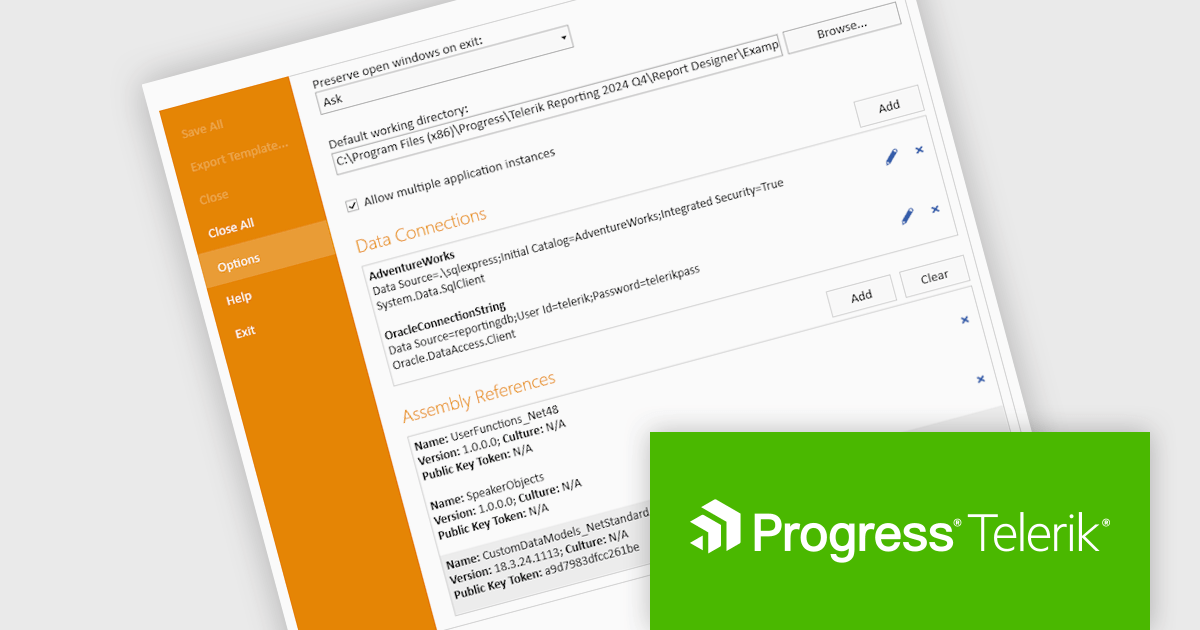
Telerik Reporting is a comprehensive and lightweight embedded reporting tool for .NET web and desktop applications. It enables developers and reporting users to create, design, and export visually appealing, interactive, and reusable reports to effectively present analytical and business data. It supports various technologies, including ASP.NET Core, Blazor, ASP.NET MVC, ASP.NET AJAX, HTML5/JS, Angular, WPF, WinForms, and WinUI.
The Telerik Reporting 2024 Q4 update introduces enhanced Standalone Report Designer tooling, providing developers with a streamlined approach to extending the Standard Report Definition (SRD). This new tooling allows for seamless customization through an intuitive UI, eliminating the need to manually edit configuration files or restart the designer after modifications. By enabling real-time updates and reducing workflow interruptions, this feature enhances development efficiency, minimizes errors, and accelerates iteration cycles, ensuring a more productive and user-friendly reporting experience.
To see a full list of what's new in 2024 Q4 (18.3.24.1112), see our release notes.
Telerik Reporting is licensed per developer and is available as a perpetual license with a one year support subscription, which is offered in three tiers: Lite, Priority or Ultimate. See our Telerik Reporting licensing page for full details.
Telerik Reporting is available to buy in the following products:
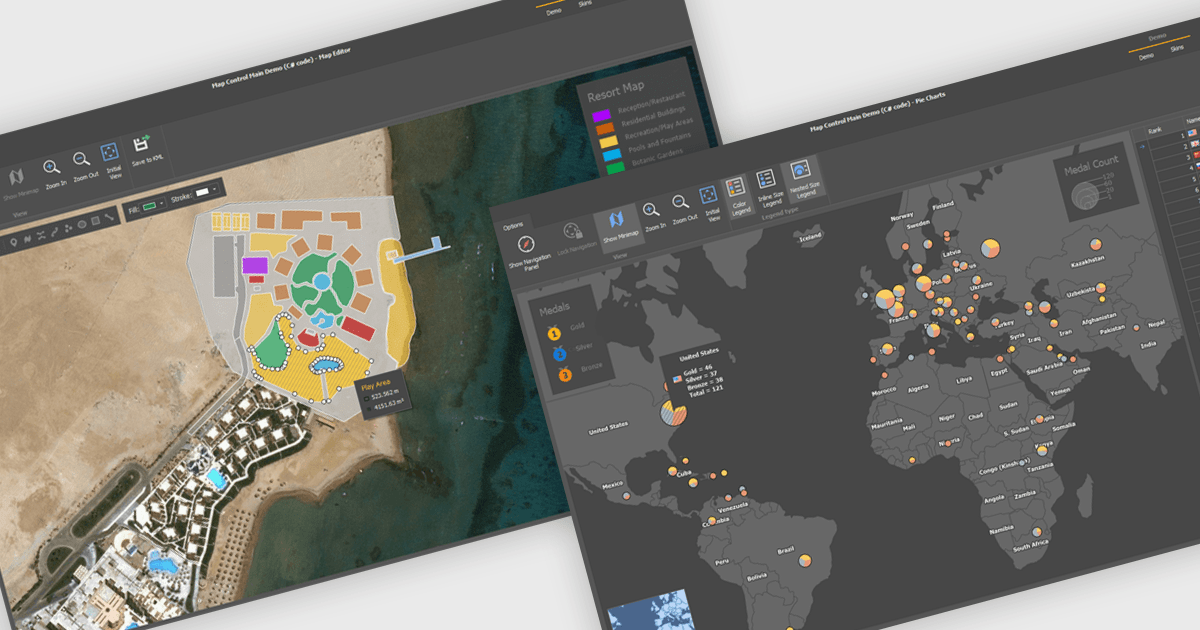
Maps are powerful tools for integrating geographic data and visualizations, enabling users to explore and understand information in a spatial context. With features like zooming, panning, and layering, maps provide an interactive way to analyze data and identify patterns. They support cross-platform compatibility, allowing consistent performance across devices, and can be customized to align with specific branding or design needs.
Several .NET WinForms UI suites offer map components including:
For an in-depth analysis of features and price, visit our comparison of .NET WinForms UI suites.
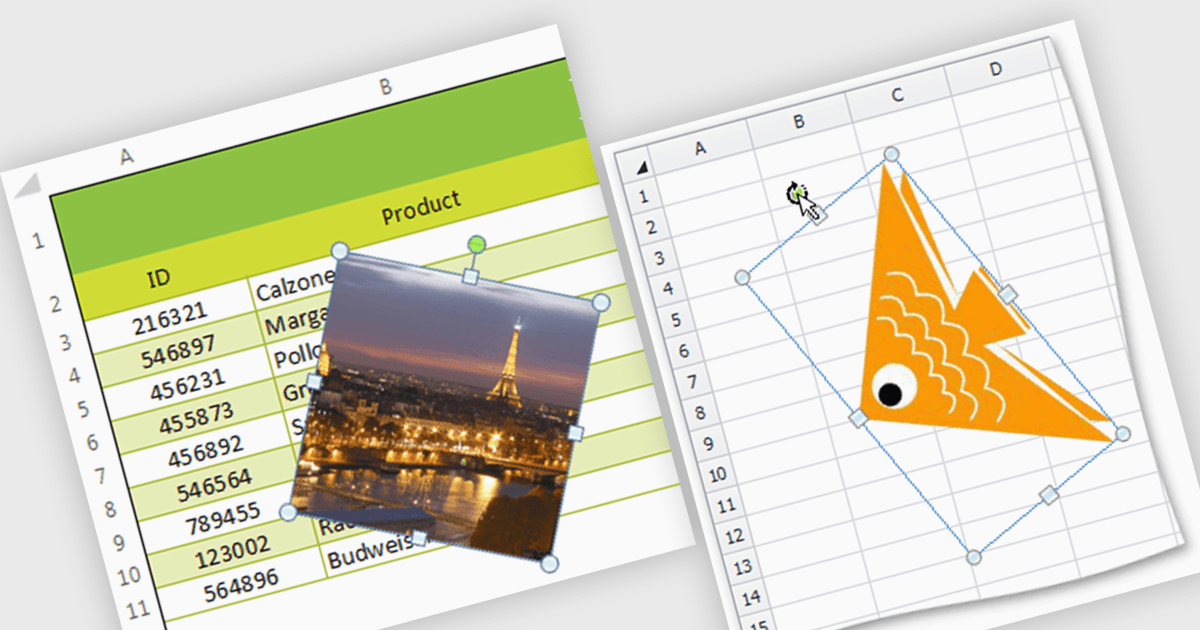
Image support within a spreadsheet component allows developers to seamlessly integrate and manipulate images directly within the spreadsheet environment, enabling features such as inserting, resizing, positioning, and formatting images within cells or as background elements. By embedding images alongside numerical or textual data, users can enhance data visualization, streamline report generation, and provide richer context for decision-making, ultimately improving communication and enabling more effective data analysis within applications.
Several WinForms spreadsheet components support inserting images, including:
For an in-depth analysis of features and price, visit our WinForms spreadsheet controls comparison.
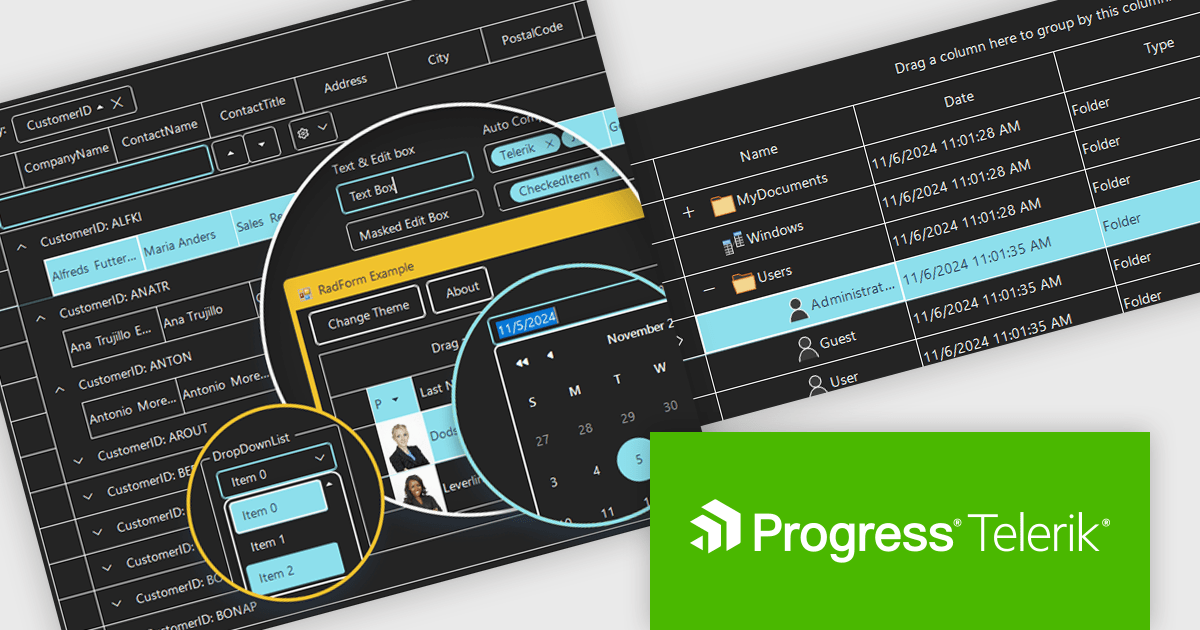
Telerik UI for WinForms is a comprehensive UI library offering over 160 versatile controls designed to streamline the development of modern, data-rich desktop applications. With features like built-in High DPI support, extensive customization options, and components ranging from grids and charts to schedulers and rich text boxes, it empowers developers to craft visually appealing and feature-packed Windows Forms applications.
The Telerik UI for WinForms 2024 Q4 update introduces the Windows 11 High Contrast Theme, providing developers with an essential tool to enhance accessibility and meet the needs of users with visual impairments or those who prefer high-contrast displays. This new theme aligns with Windows 11's modern design principles, ensuring consistency with the operating system's native appearance. By incorporating this theme, developers can create applications that are both visually appealing and inclusive, addressing diverse user requirements while maintaining seamless integration and ease of implementation within existing projects.
To see a full list of what's new in 2024 Q4, see our release notes.
Telerik UI for WinForms is licensed per developer and is available as a perpetual license with a one year support subscription, which is available in three tiers: Lite, Priority or Ultimate. See our Telerik UI for WinForms licensing page for full details.
Telerik UI for WinForms is available individually or as part of the following products:
Infragistics Ultimate is a comprehensive toolkit designed to streamline UX/UI creation and development across desktop, web, and mobile platforms. It offers hundreds of pre-built, high-performance UI components like grids and charts, alongside design-to-code tools for rapid prototyping, user testing, and even code generation. This enables developers and designers to create visually appealing and interactive applications faster, while its support for various frameworks and platforms ensures flexibility.
Infragistics Ultimate UI for Windows Forms, Ultimate UI for WPF and Ignite UI for Blazor now support .NET 9. By embracing the latest version of Microsoft's popular framework, developers gain access to the most up-to-date language features, performance enhancements, and improved tooling provided by .NET 9. This ensures that applications built with Infragistics components are modern, efficient, and leverage the latest innovations in the .NET ecosystem.
Infragistics Ultimate UI for Windows Forms, Ultimate UI for WPF and Ignite UI for Blazor are licensed per developer and are available as a Perpetual License with 1, 2 or 3 year support and maintenance subscription. See our Infragistics Ultimate UI for Windows Forms, Ultimate UI for WPF and Ignite UI licensing pages for full details.
For more information please visit our product pages:
Infragistics Windows Forms, WPF and Ignite UI are also available in the following product suites:
電話: (888) 850 9911
Fax: +1 770 250 6199


