













公式サプライヤー
公式および認定ディストリビューターとして200社以上の開発元から正規ライセンスを直接ご提供いたします。
当社のすべてのブランドをご覧ください。
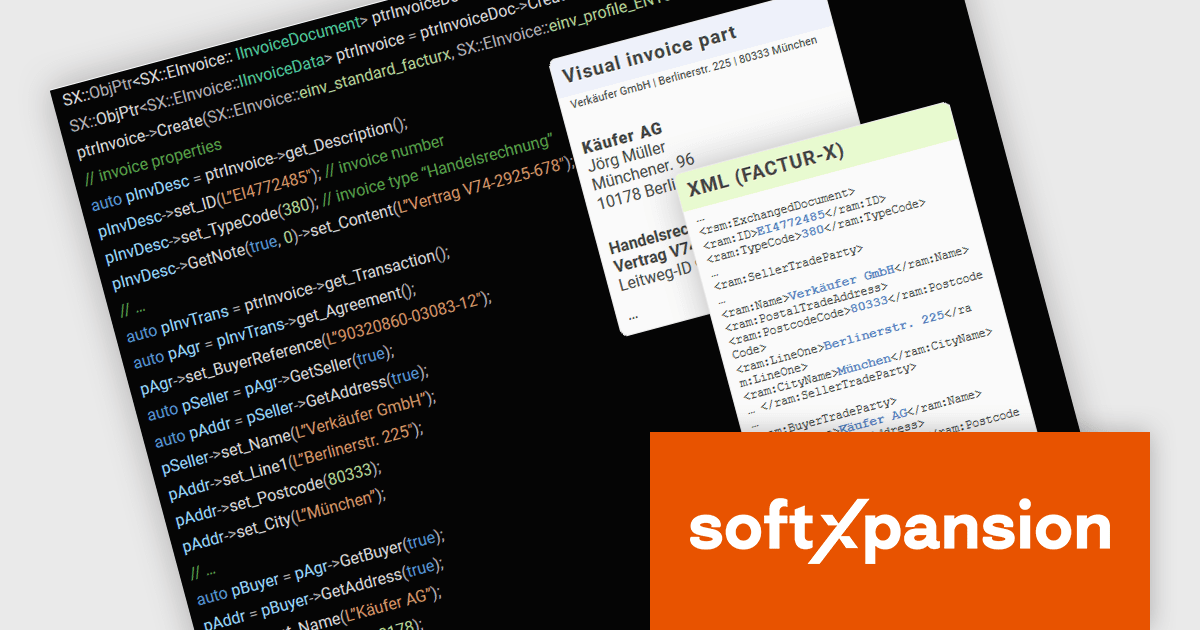
PDF Xpansion SDK – E-Invoicing from soft Xpansion is a comprehensive software development kit designed to facilitate the creation, processing, and management of electronic invoices in compliance with international standards. The SDK simplifies integration into existing applications, allowing seamless handling of structured invoice data in XML, and the hybrid format PDF/A, thereby enabling digital invoicing workflows, enhancing automation, and ensuring legal conformity.
As of January 1, 2025, Germany has implemented a mandatory e-invoicing regulation requiring businesses to receive and process invoices compliant with the EU standard EN 16931. With paper invoices losing their priority status, companies must now adapt swiftly to digital invoicing formats. To support this transition, the PDF Xpansion SDK – E-Invoicing 17.1.2 offers enhanced functionality for XRechnung and Factur-X/ZUGFeRD, ensuring seamless compliance. Among other enhancements the SDK now supports the credit note (code 381) in XRechnung (UBL syntax) and enables extraction of non-standard XMLs from Factur-X/ZUGFeRD invoices for greater flexibility.
To see a full list of what's new in v17, see our release notes.
soft Xpansion offers the following products to meet your e-Invoice needs:
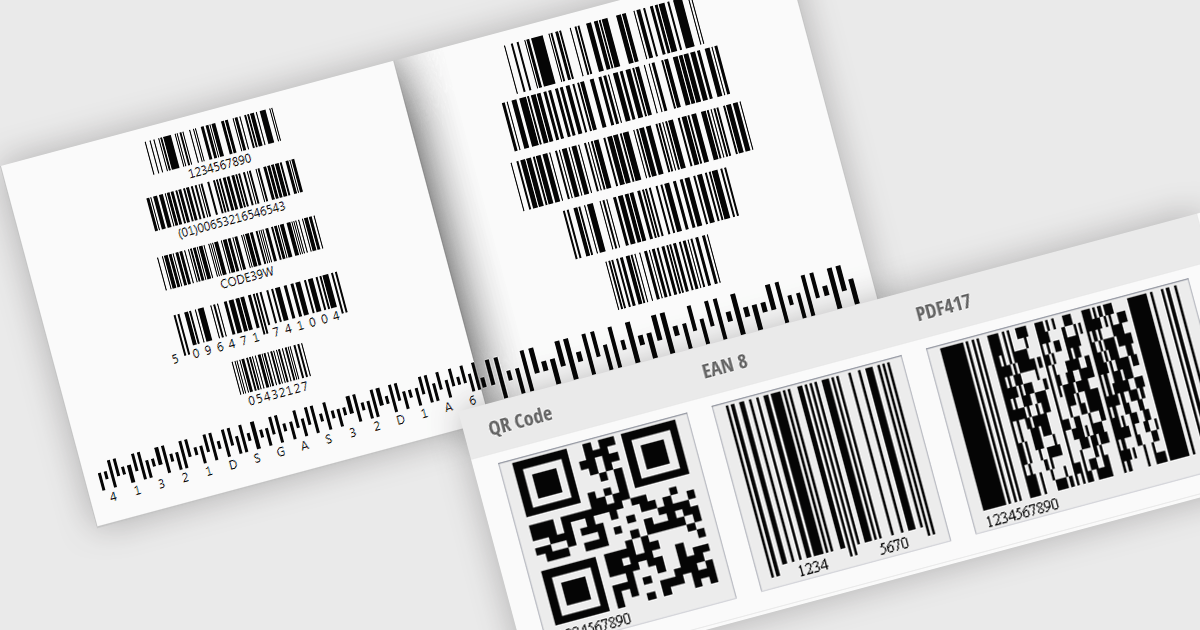
Barcode generation involves creating visual representations of data encoded in standardized barcode formats. This feature provides developers with the ability to programmatically produce barcodes, such as QR codes or Code 128, that can be displayed, printed, or exported. Integrating barcode generation simplifies the process of embedding machine-readable information into documents or physical items, allowing applications to automate data transfer, facilitate inventory tracking, and improve overall data management by enabling the creation of easily scannable identifiers.
Several WinForms UI Suites feature a barcode component including:
For an in-depth analysis of features and price, visit WinForms UI Suites comparison.
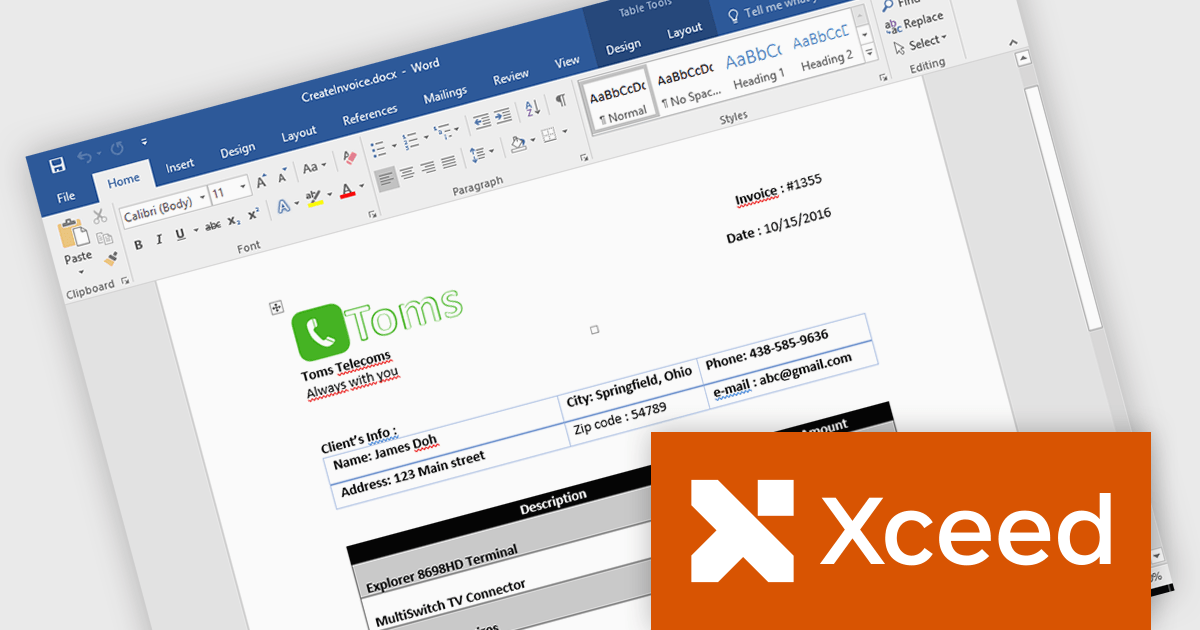
Xceed Words for .NET is designed to enable .NET developers to programmatically create, modify, and convert Microsoft Word (.docx) documents without requiring Microsoft Word or Office to be installed. It provides a comprehensive API for manipulating document elements, including paragraphs, tables, images, and formatting, and extends functionality to include PDF conversion, allowing for robust document generation and processing within .NET applications.
The Xceed Words for .NET 4.0 release adds support for .NET 9. This allows developers to leverage the latest performance enhancements and language features offered by the .NET platform, ensuring optimal efficiency and maintainability in document processing workflows. This compatibility provides access to improved runtime performance, enhanced security features, and streamlined development practices, enabling developers to build more robust and future-proof applications that can handle complex Word document operations with greater speed and reliability.
To see a full list of what's new in version 4.0, see our release notes.
Xceed Words for .NET is licensed per developer and is available as a perpetual license with 1 year of updates and support. See our Xceed Words for .NET licensing page for full details.
Xceed Words for .NET is available individually or as part of Xceed Ultimate Suite.
DevExpress Reporting is a comprehensive suite of reporting tools that empowers developers to create visually stunning and highly customizable reports for various applications. With its rich feature set, including data binding, layout design, printing, and exporting capabilities, DevExpress Reporting enables the efficient creation of reports that meet the most demanding business requirements.
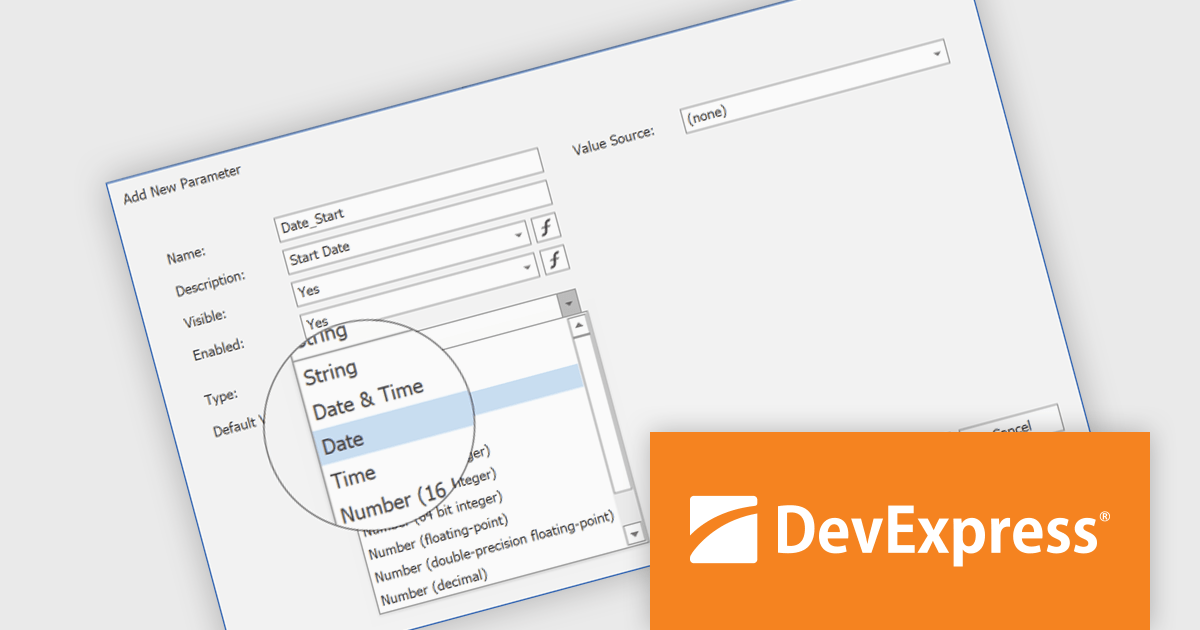
The DevExpress Reporting v24.2 update introduces DateOnly and TimeOnly support, enabling more precise data handling in reports. This enhancement allows developers to bind report controls to date or time values without unnecessary datetime components, improving accuracy in calculations, filtering, sorting, and grouping. By eliminating the need for manual conversions, it streamlines query execution and enhances performance when working with date- and time-specific data. With native support for these types, reports can now better align with modern data models, ensuring clarity and consistency across applications.
To see a full list of what's new in version 24.2, see our release notes.
DevExpress Reporting is licensed per developer and is available as a Perpetual License with a 12 month support and maintenance subscription. See our DevExpress Reporting licensing page for full details.
DevExpress Reporting is available to buy in the following products:
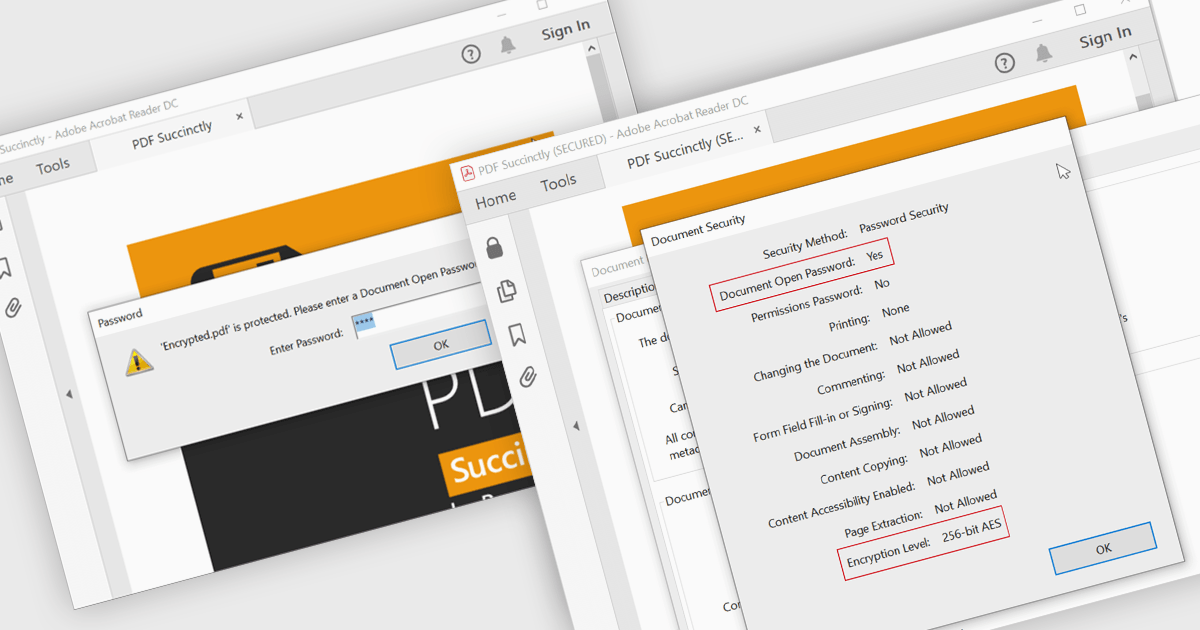
Encrypting and decrypting PDFs protect sensitive information by preventing unauthorized access, data breaches, and cyber threats. With strong encryption, password protection, and role-based access control, it ensures document confidentiality while allowing secure sharing and controlled modifications. Decryption enables authorized users to access protected files without compromising security. Essential for businesses, legal firms, and financial institutions, it safeguards contracts, financial records, and proprietary data while ensuring compliance with data protection regulations.
Several .NET WPF PDF controls offer encryption and decryption support including:
For an in-depth analysis of features and price, visit our .NET WPF PDF controls comparison.
電話: (888) 850 9911
Fax: +1 770 250 6199


