













公式サプライヤー
公式および認定ディストリビューターとして200社以上の開発元から正規ライセンスを直接ご提供いたします。
当社のすべてのブランドをご覧ください。
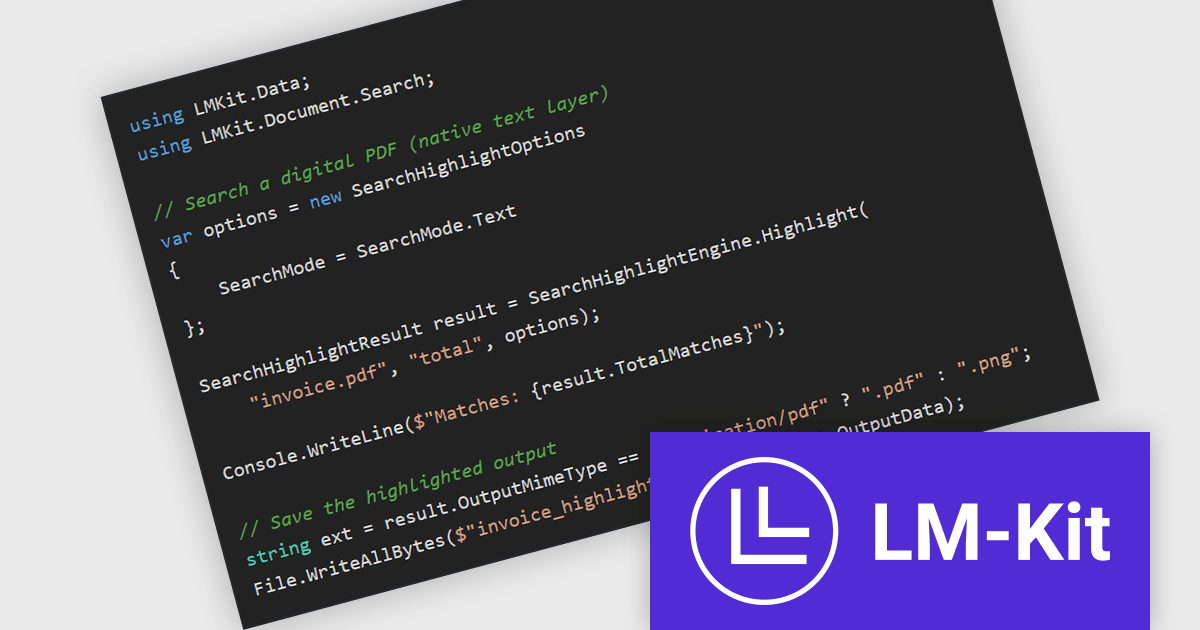
LM-Kit.NET is a cross-platform software development kit (SDK) designed for .NET applications, enabling on-device execution of large and small language models without relying on external cloud services. It supports a broad range of natural language processing tasks, including text generation, translation, summarization, and entity recognition, executed locally on CPU or GPU, with compatibility across Windows, Linux, and macOS. The SDK provides native integration through a NuGet package, allowing developers to embed AI capabilities directly into desktop, server, or edge applications while maintaining full control over data, performance, and compliance requirements. It supports multiple model architectures and inference backends, giving developers flexibility to tailor performance and resource usage to their specific environments.
The LM-Kit.NET 2026.3.2 update introduces the SearchHighlightEngine, a new feature that enables applications to search and visually highlight text within paginated documents such as PDFs or images. It supports exact matches, regular expressions, and fuzzy matching using the Damerau–Levenshtein distance, allowing developers to locate text even when small spelling variations or recognition errors are present. The engine produces a highlighted version of the document, making results immediately visible and easier to review in document processing, analysis, or verification scenarios. It can also accept pre-computed PageElement instances for raster PDFs or images, allowing existing layout or text extraction results to be reused and reducing the processing required to add search highlighting capabilities.
To see a full list of what's new in version 2026.3.2, see our release notes.
LM-Kit.NET is licensed per deployed commercial application per year. The license is subscription-based and must be renewed every year to continue using the Software. See our LM-Kit.NET licensing page for full details.
Learn more on our LM-Kit.NET product page.
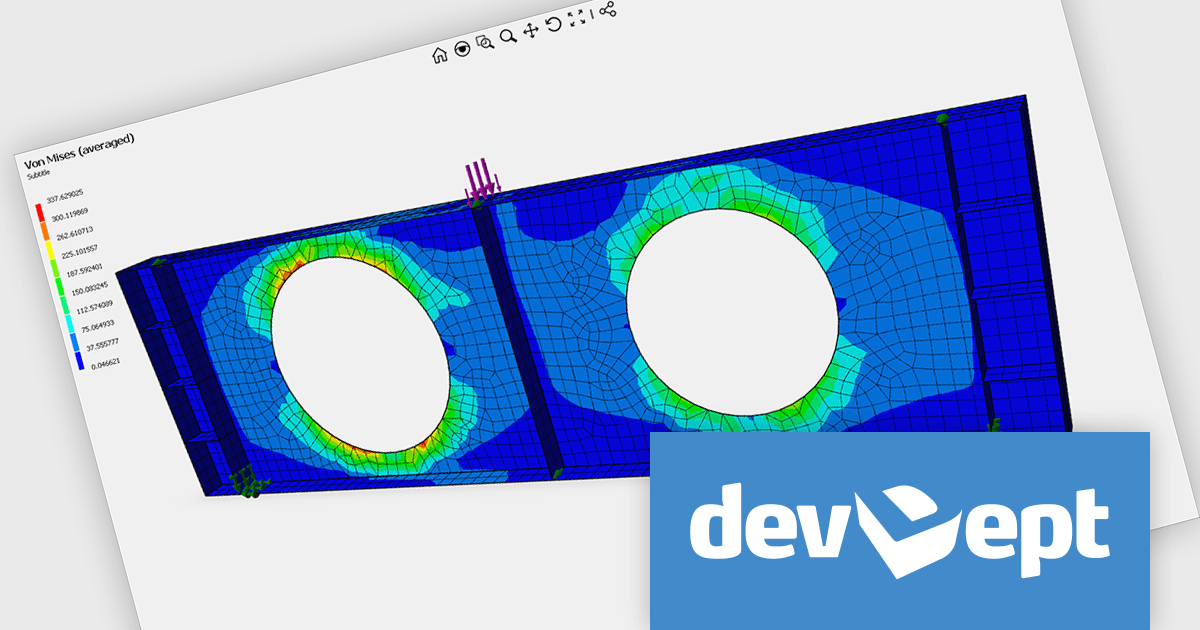
EyeShot by devDept is a comprehensive 3D graphics toolkit designed for .NET developers building engineering and CAD (Computer-Aided Design) applications. It offers a robust set of components for creating, editing, and rendering complex 2D and 3D geometry directly within Windows Forms and WPF environments. With support for advanced modeling features, viewport controls, and industry-standard file formats, EyeShot simplifies the integration of interactive graphics into technical software. It is well-suited for developers working in areas like mechanical design, architecture, and simulation who need high-performance rendering and precise modeling capabilities.
The EyeShot Fem 2026 update introduces support for 3D triangular and quadrangular FEM (Finite Element Method) shell elements, designed for analysing structures where one dimension is significantly smaller than the others. These specialized two-dimensional elements are widely used to simulate thin-to-moderately thick components such as plates, curved shells, and aerospace fuselage sections.
To see a full list of what's new in version 2026, see our release notes.
Eyeshot Fem is licensed per developer and is available as an annual license, with either Lite or Priority support. See our licensing pages for Eyeshot Fem for full details.
For more information, visit our Eyeshot Fem product page.
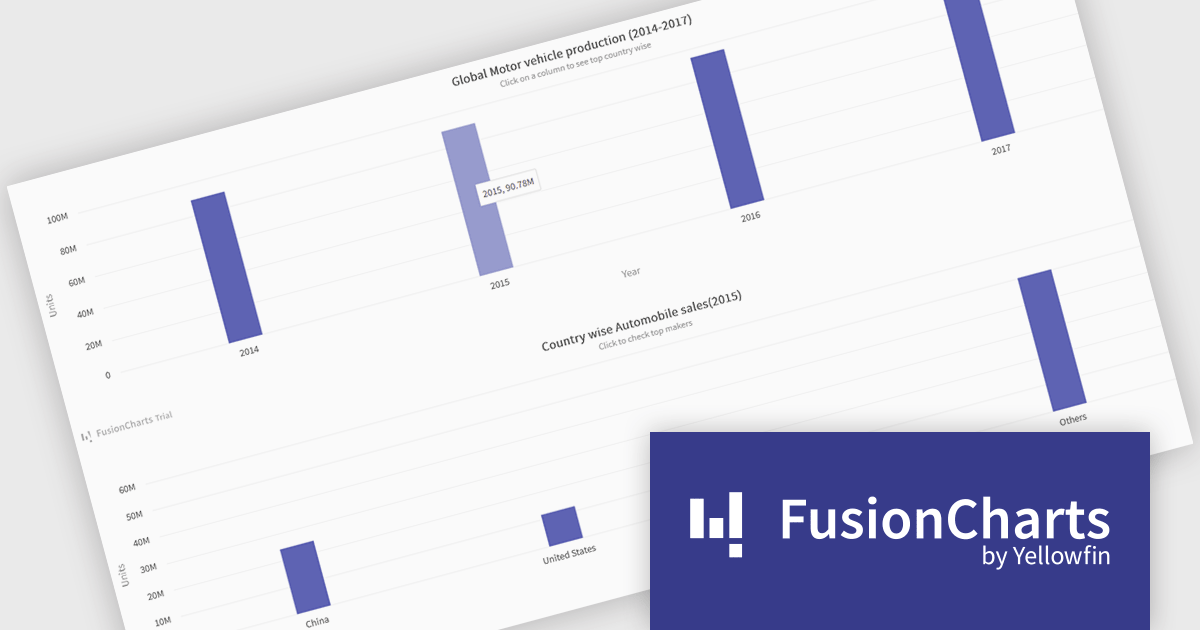
FusionCharts Suite XT is a collection of charting and mapping tools that helps developers create interactive and data-driven dashboards for their web and mobile applications. It provides a wide range of features, including over 100 chart types, data-driven maps, and a variety of customization options. FusionCharts Suite XT helps you visualize and present data in a clear and engaging way.
FusionCharts Suite XT allows developers to implement drill down charts that let users click individual data points to view related charts with more detailed information. This functionality helps developers present large or complex datasets in a structured way, allowing applications to display high level summaries while providing access to deeper data when required. By supporting multiple levels of drill down across most chart types, it supports scalable and interactive data exploration without overloading the initial visualization.
FusionCharts Suite XT is licensed through tiered plans, including Basic, Pro, Enterprise, and Enterprise+, available as annual or perpetual licenses for different developer and deployment needs. See our FusionCharts Suite XT licensing page for full details.
For more information, visit our FusionCharts Suite product page.
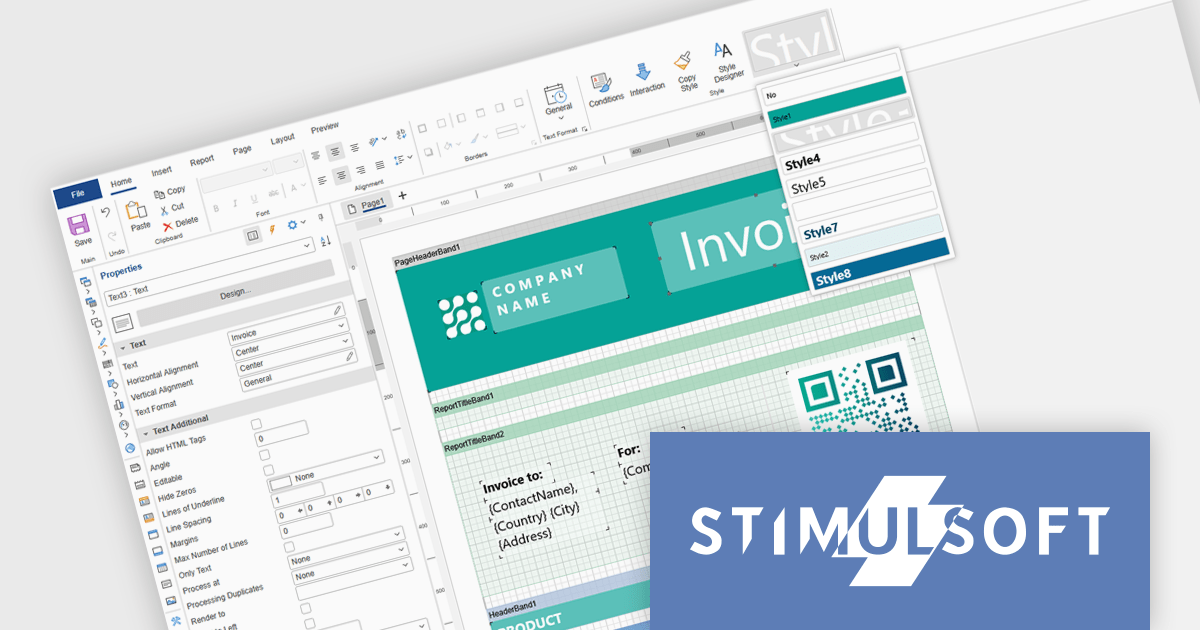
Stimulsoft Ultimate is a reporting and dashboard solution that provides a set of tools for building interactive reports and data visualizations across platforms, including WinForms, ASP.NET, .NET Core, Blazor, JavaScript, WPF, PHP, Java, and Avalonia. It enables developers and organizations to design, generate, and deploy professional reports and dashboards using visual designers, flexible styling options, rich charting and data visualization components, and extensive data connectivity. With support for multiple development environments and technologies, Stimulsoft Ultimate helps teams improve report creation, maintain consistent designs, and deliver clear, data-driven insights for business intelligence, analytics, operational reporting, and enterprise applications.
Stimulsoft Ultimate enables developers to apply centralized report styling that ensures consistent formatting across report elements while reducing the time required to design and maintain reports. By using reusable styles for fonts, colors, borders, and other visual properties, developers can standardize report layouts, quickly apply formatting to multiple components, and implement global design changes without editing each element individually. This approach improves development efficiency, simplifies maintenance, and helps teams deliver professional, visually consistent reports across applications and platforms.
Stimulsoft Ultimate is licensed per developer with Single, Team, Enterprise, and WorldWide options that support one to unlimited developers within an organization. Licenses include a 12 month subscription with updates, priority technical support, a royalty free runtime report designer and viewer, and a build server license for Team and higher tiers. See our Stimulsoft Ultimate licensing page for full details.
For more information, visit our Stimulsoft Ultimate product page.
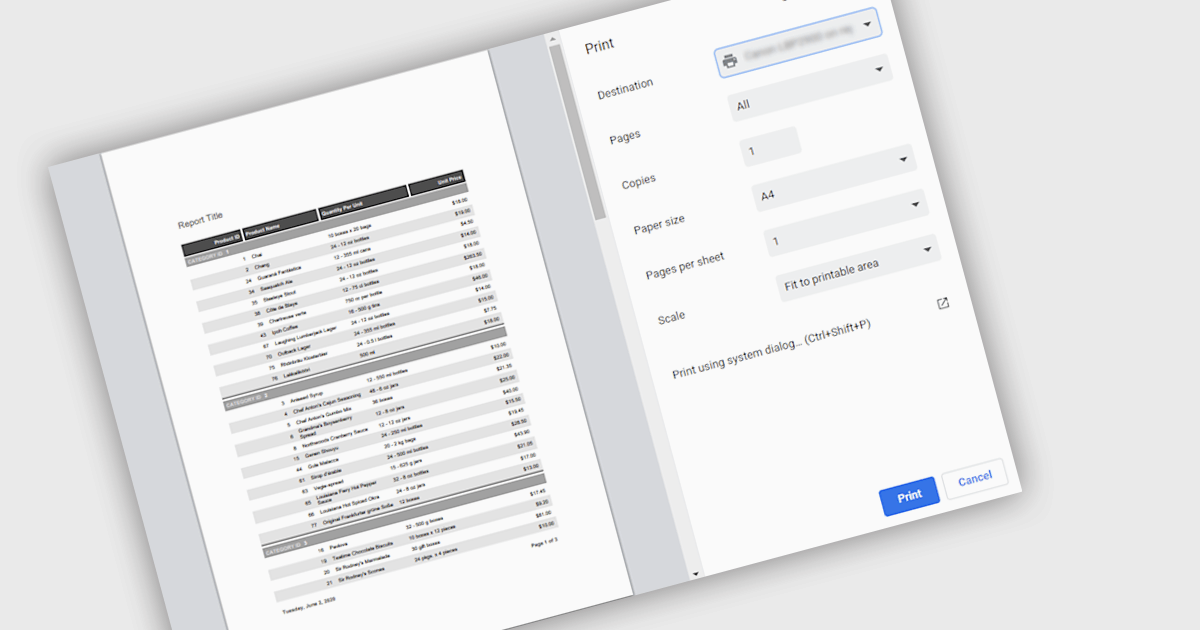
Printing reports allows users to generate physical copies of structured data, summaries, or analysis directly from an application. By converting digital information into printed documents, users can easily review content offline, share insights in meetings, and maintain clear records for documentation or compliance. Printed reports provide a consistent layout that improves readability and makes complex information easier to present to stakeholders who may prefer or require hard copies. Common use cases include distributing reports during team meetings, preparing documentation for audits or regulatory requirements, archiving important records, and sharing key findings with clients or decision-makers in a clear and professional format.
Several .NET reporting components support printing including:
For an in-depth analysis of features and price, visit our .NET reporting comparison.
電話: (888) 850 9911
Fax: +1 770 250 6199


