













公式サプライヤー
公式および認定ディストリビューターとして200社以上の開発元から正規ライセンスを直接ご提供いたします。
当社のすべてのブランドをご覧ください。
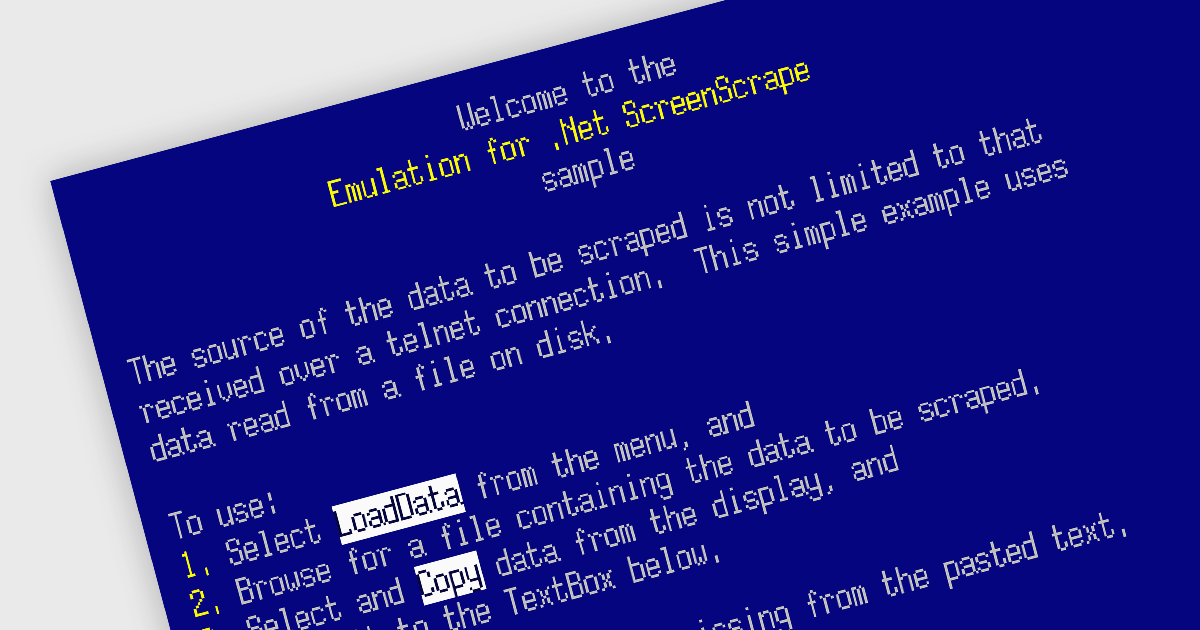
Emulation in internet communications components allows software developers to mimic the behavior of older protocols or systems over modern networks. It helps breathe new life into outdated systems by exposing their functionality through modern interfaces, extending their lifespan and avoiding costly replacements.
Several .NET communications and messaging components offer emulation functionality including:
For an in-depth analysis of features and price, visit our .NET comms & messaging components comparison.
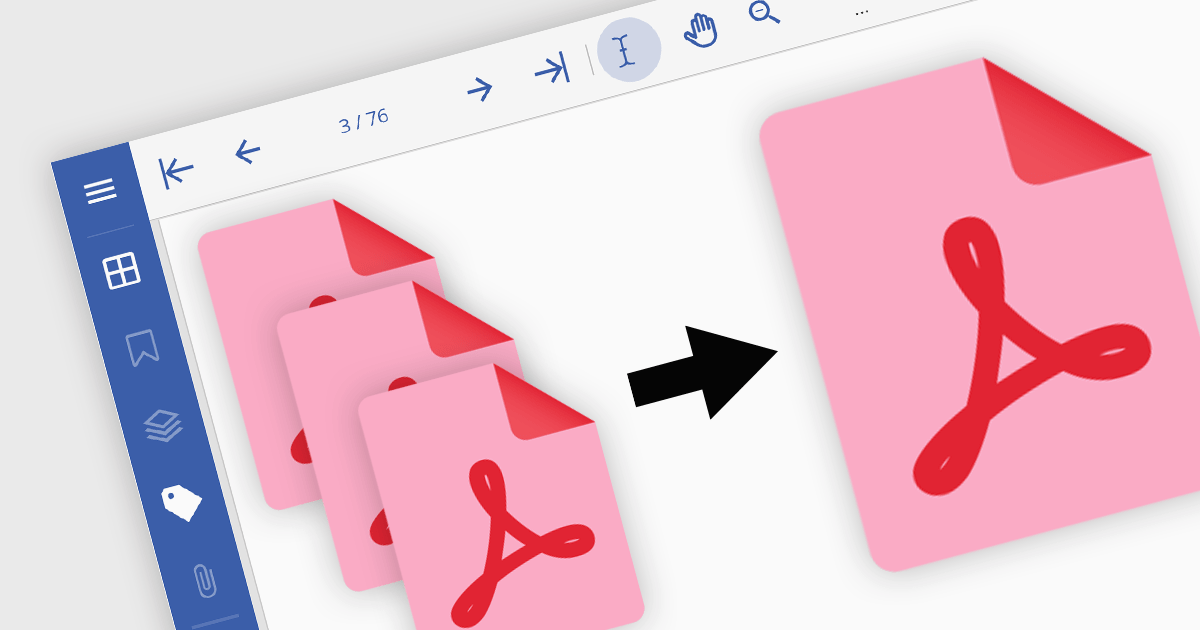
PDF merging combines multiple Portable Document Format (PDF) files into a single, cohesive document. Merging empowers developers to programmatically assemble dynamic documents based on user input or data extraction, unlocking new possibilities for interactive applications. By efficiently managing and consolidating related PDF information, PDF merging offers developers a powerful tool for building robust and user-friendly software solutions.
Several .NET components offer PDF merging including:
For an in-depth analysis of features and price, visit our comparison of .NET PDF components.
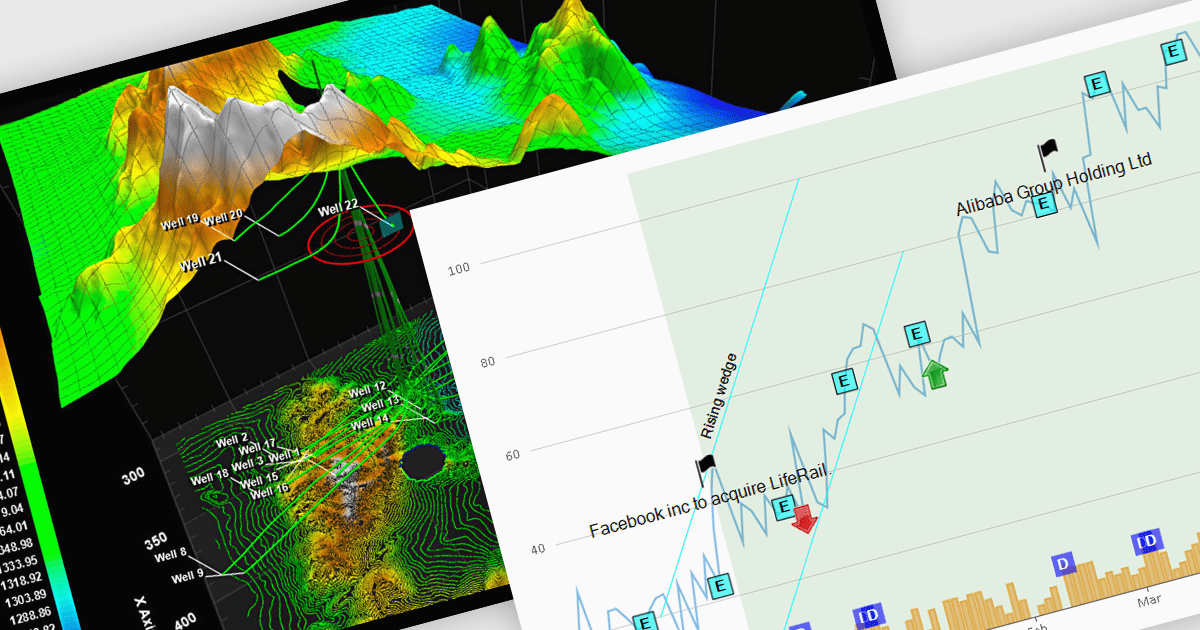
Annotations in a chart refer to additional textual or graphical elements overlaid onto the visual representation of data. They serve to provide context, explanations, or highlights within the chart, making it easier to understand. Software developers can utilize annotations to label specific data points, mark significant events, or add explanatory notes, thereby improving the clarity and insightfulness of the chart for end-users. By incorporating annotations, developers can effectively convey complex information, facilitate better data comprehension, and enable more informed decision-making processes within their applications.
Several WPF chart controls support annotations including:
Many WPF suites contain chart controls with annotation support including:
For an in-depth analysis of features and price, visit our comparison of WPF Chart Controls.
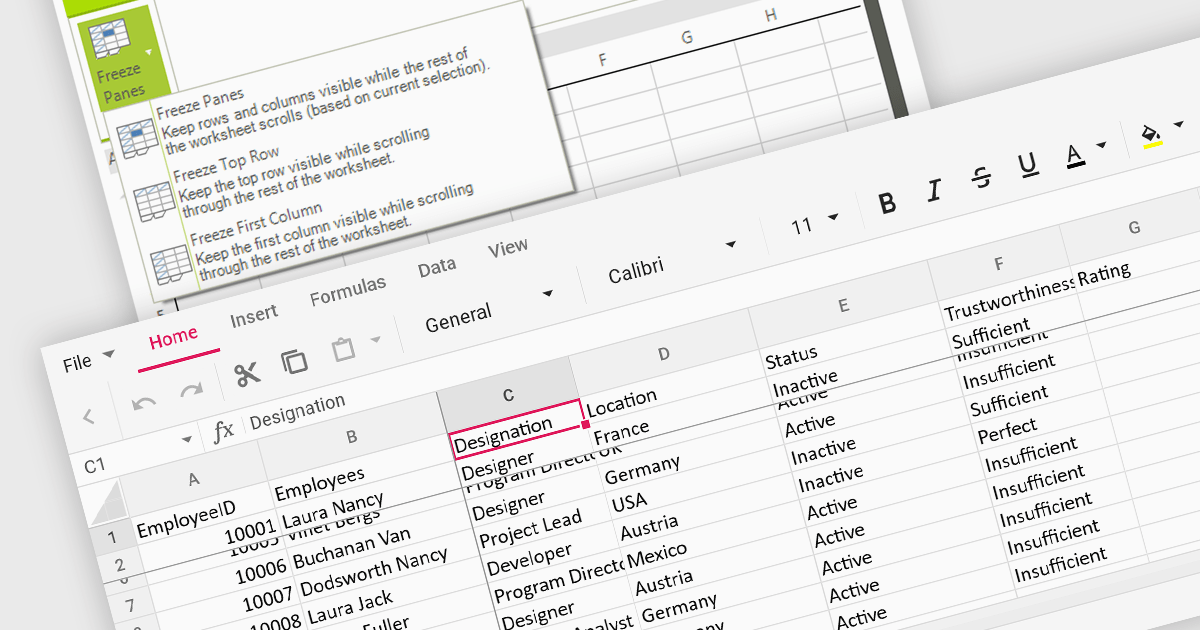
Freeze pane support allows you to fix specific rows or columns in place while scrolling through the rest of the data. This is particularly useful for large spreadsheets with header rows or key columns you need to reference constantly. By freezing panes, you ensure these crucial elements remain visible even as you navigate across vast datasets, improving readability and data analysis efficiency.
Several WinForms spreadsheet controls offer freeze pane support including:
For an in-depth analysis of features and price, visit our WinForms spreadsheet controls comparison.

LightningChart .NET is a 2D and 3D data visualization SDK empowering developers with high-performance and flexibility. Boasting over 100 chart types, advanced technical indicators, and real-time rendering capabilities, it handles demanding scientific, financial, and engineering challenges, while its rich API and comprehensive support equip developers to craft informative and interactive dashboards.
The LightningChart .NET v11.0.1.1 release enhances text rendering fidelity in WinForms applications, ensuring exceptional clarity and readability across diverse screen resolutions and DPI configurations. This update guarantees a visually consistent and crisp user experience, independent of the user's device display characteristics. Additionally, it optimizes per-monitor DPI awareness for text rendering in both WinForms and WPF applications, particularly within the .NET 6 build environment. This refinement assures well-rendered and accurately scaled text across multiple monitors with varying DPI settings.
To see a full list of what's new in v11.0.1.1, see our release notes.
LightningChart .NET is available per developer in packages for either WPF, WinForms, UWP or all 3. Each package comes as a subscription license (with 1 or 2 years of limited support), or a perpetual license (with 1 or 2 years of Standard or Premium support). Floating licenses and site licenses are available upon request. See our LightningChart .NET licensing page for full details.
For more information, see our LightningChart .NET product page.
電話: (888) 850 9911
Fax: +1 770 250 6199


