













公式サプライヤー
公式および認定ディストリビューターとして200社以上の開発元から正規ライセンスを直接ご提供いたします。
当社のすべてのブランドをご覧ください。
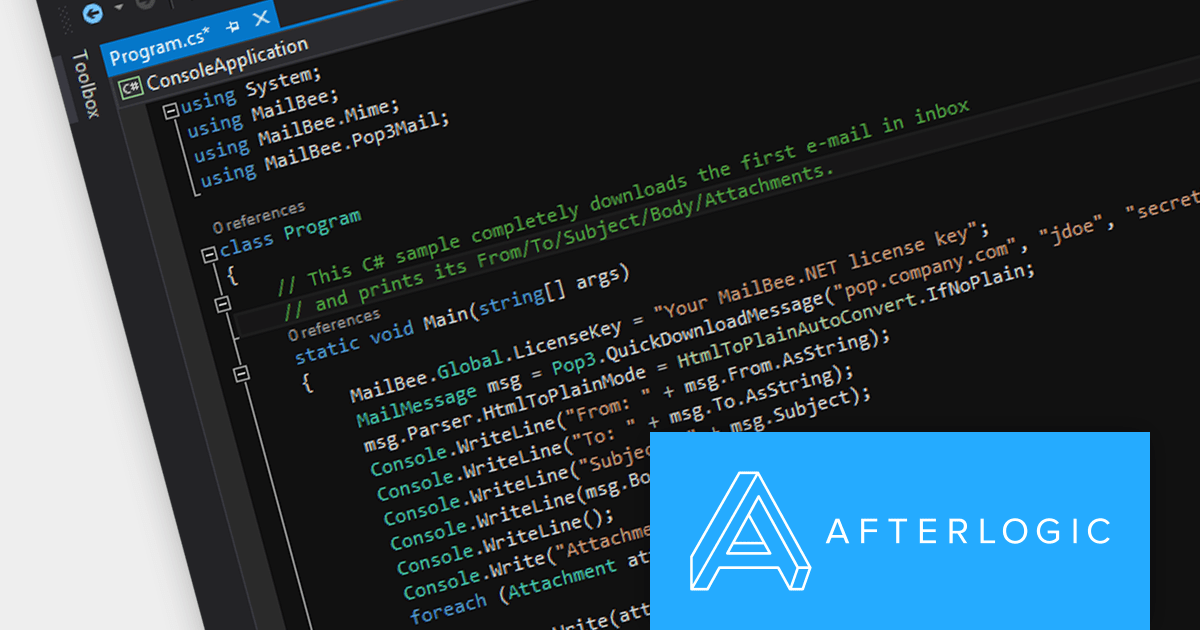
MailBee.NET Objects is a comprehensive suite of .NET components designed to empower developers with robust tools for integrating email functionality into their applications. It offers a wide array of features covering email creation, sending, receiving, processing, and management, ensuring flexibility and control over various email-related tasks.
The MailBee.NET Objects v12.4 release adds support for Microsoft .NET 8, allowing developers to enjoy the performance boosts, enhanced cross-platform compatibility, and new APIs in the latest version of Microsoft's popular development framework. It has also been fully tested with Visual Studio 2022, empowering developers to build robust, efficient, and adaptable email solutions that stand the test of time.
To see a full list of what's new in version 12.4, see our release notes.
MailBee.NET Objects is licensed per developer and is run-time royalty free. All licenses include a 12 month maintenance plan which provides all major and minor product updates and standard technical support. Extended (Priority) Support and Source Code options are also available. See our MailBee.NET Objects licensing page for full details.
For more information, visit our MailBee.NET Objects product page.

Aspose.CAD for .NET is a standalone class library that allows .NET developers to enhance their applications with CAD drawing processing capabilities without requiring AutoCAD or any other rendering workflow. It supports a wide range of CAD file formats, including DWG, DXF, DWF, DGN, STL, OBJ, and IFC, and can convert them to PDF and raster image formats.
The Aspose.CAD for .NET 23.11 release adds the ability to create IFC (Industry Foundation Classes) files from scratch. This unlocks doors to greater flexibility and precision in BIM (Building Information Modeling) workflows. Instead of relying on the translation limitations of existing models, you get granular control over every element, property, and relationship within your design. This level of detail facilitates deeper collaboration across disciplines, optimizes downstream processes like cost estimation and simulation, and ultimately paves the way for a truly optimized and future-proofed building project.
To see a full list of what's new in Aspose.CAD for .NET 23.11, see our release notes.
Aspose.CAD for .NET is licensed per developer and is available as a Perpetual license with 1 year support and maintenance. See our Aspose.CAD for .NET licensing page for full details.
Aspose.CAD for .NET is available to buy in the following products:
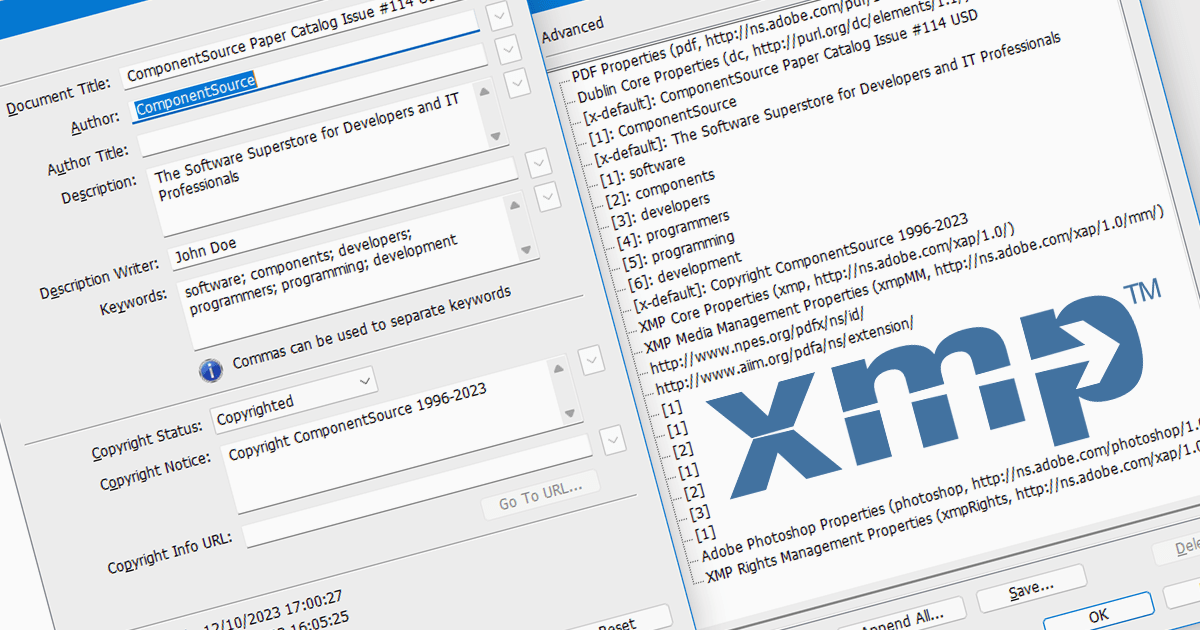
XMP, or Extensible Metadata Platform, acts like a digital label embedded within PDFs, carrying information beyond the document itself. It holds details like author names, creation dates, keywords, and even revision history. Programmatically extracting this XMP data unlocks a treasure trove of possibilities. Imagine automatically organizing PDFs based on author or keyword, extracting copyright information for legal purposes, or even tracing the evolution of a document through its XMP timestamps. This power makes XMP extraction invaluable for researchers, librarians, and anyone who wants to squeeze the most out of their PDF collection.
Several .NET Core PDF components support the extraction of XMP metadata including:
For an in-depth analysis of features and price, visit our .NET Core PDF Components comparison.
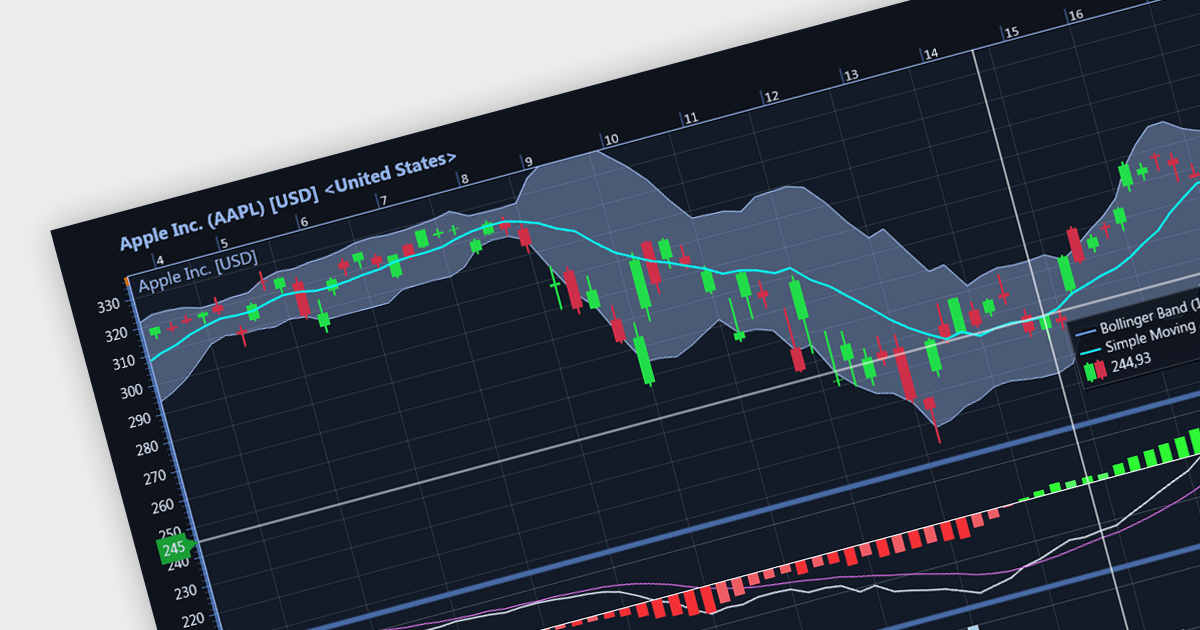
Candlestick charts are a style of financial chart used to describe price movements of a security, derivative, or currency. Each "candlestick" typically shows one day, with the central "box" representing the range between the opening and closing prices and the lines showing highs and lows. Their unique visual format helps traders to quickly understand market sentiment.
Several WinForms chart controls offer Candlestick charts including:
For an in-depth analysis of features and price, visit our WinForms chart controls comparison.
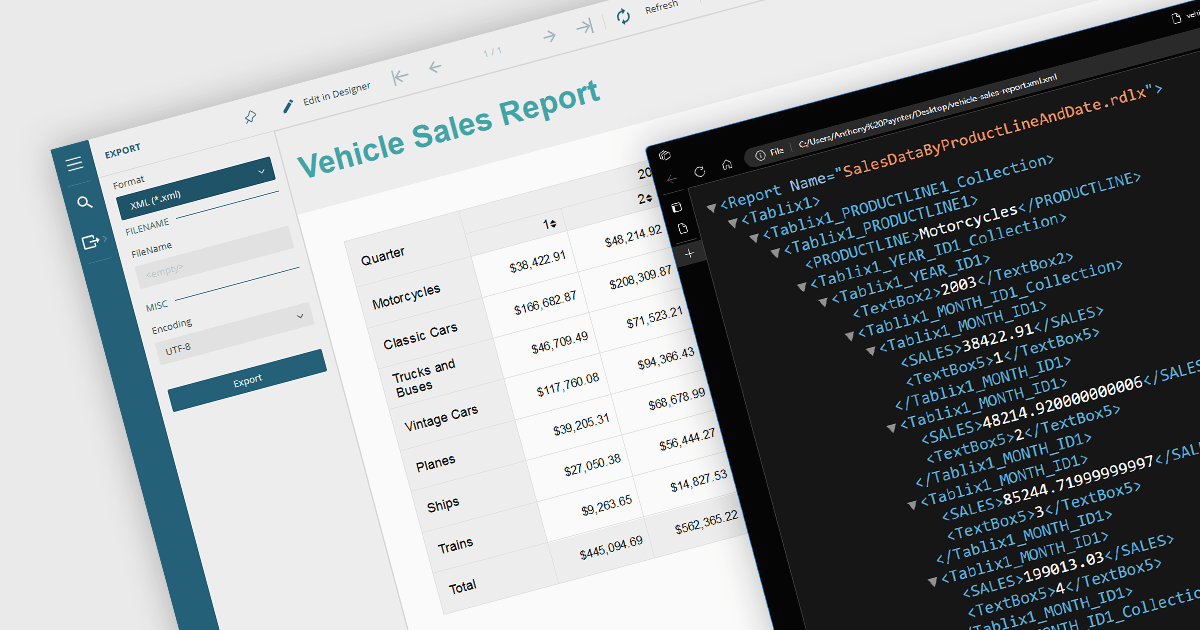
Exporting reports to XML offers several benefits. Firstly, its structured format makes it easy to share and integrate with various applications and platforms regardless of their operating system or software. This flexibility fosters seamless data exchange and analysis across different systems. Secondly, XML's clear tags and hierarchy simplify data manipulation and transformation, allowing for easier filtering, sorting, and restructuring of report data. Additionally, XML's compact nature often translates to smaller file sizes, making it efficient for storage and transmission. Overall, XML export empowers users with greater flexibility, interoperability, and data manipulation compared to traditional formats, unlocking valuable insights from their reports.
Several .NET WinForms reporting controls offer XML export including:
For an in-depth analysis of features and price, visit our .NET WinForms reporting comparison.
電話: (888) 850 9911
Fax: +1 770 250 6199


