













公式サプライヤー
公式および認定ディストリビューターとして200社以上の開発元から正規ライセンスを直接ご提供いたします。
当社のすべてのブランドをご覧ください。
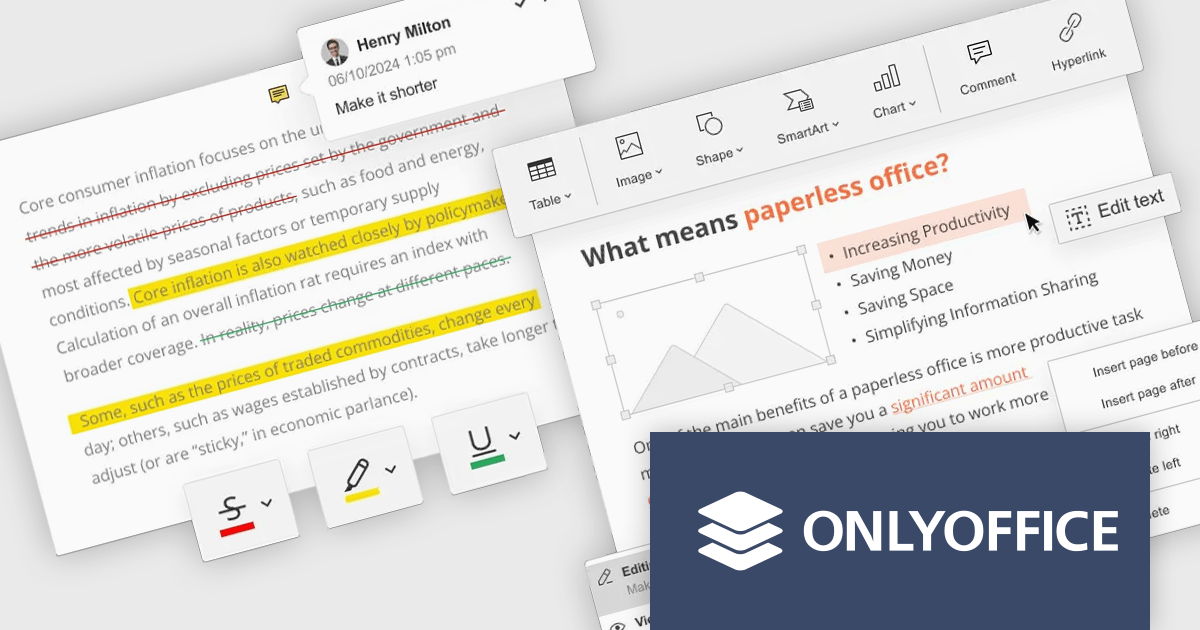
ONLYOFFICE Docs Enterprise Edition with Nuxeo Connector integrates online editing for Word, Excel, and PowerPoint directly within Nuxeo. Users can collaboratively create, edit, and co-author documents in real-time, utilizing ONLYOFFICE's formatting tools and broad format support, including OOXML. This in-browser editing and collaboration enhances productivity, streamlines workflows, and allows for potential re-branding and customization.
The ONLYOFFICE Docs Enterprise Edition with Nuxeo Connector v3.0 update introduces a fully functional PDF editor within the Nuxeo platform. This integration allows users to directly create, modify, and collaboratively author PDF documents, eliminating the need for external applications. Developers can leverage this expanded document handling capability within their Nuxeo-based solutions, offering end-users a more cohesive content management experience with features such as text editing, page manipulation, object insertion, annotation, and co-authoring functionalities.. This provides opportunities for custom workflow implementations and better development of applications focused on documents within Nuxeo.
To see a full list of what's new in v8.3.2 (3.0.0), see our release notes.
ONLYOFFICE Docs Enterprise Edition with Nuxeo Connector is licensed by the number of simultaneous document connections and is available as an annual license with 1 year support and upgrades. See our ONLYOFFICE Docs Enterprise Edition with Nuxeo Connector licensing page for full details.
For more information, see our ONLYOFFICE Docs Enterprise Edition with Nuxeo Connector product page.
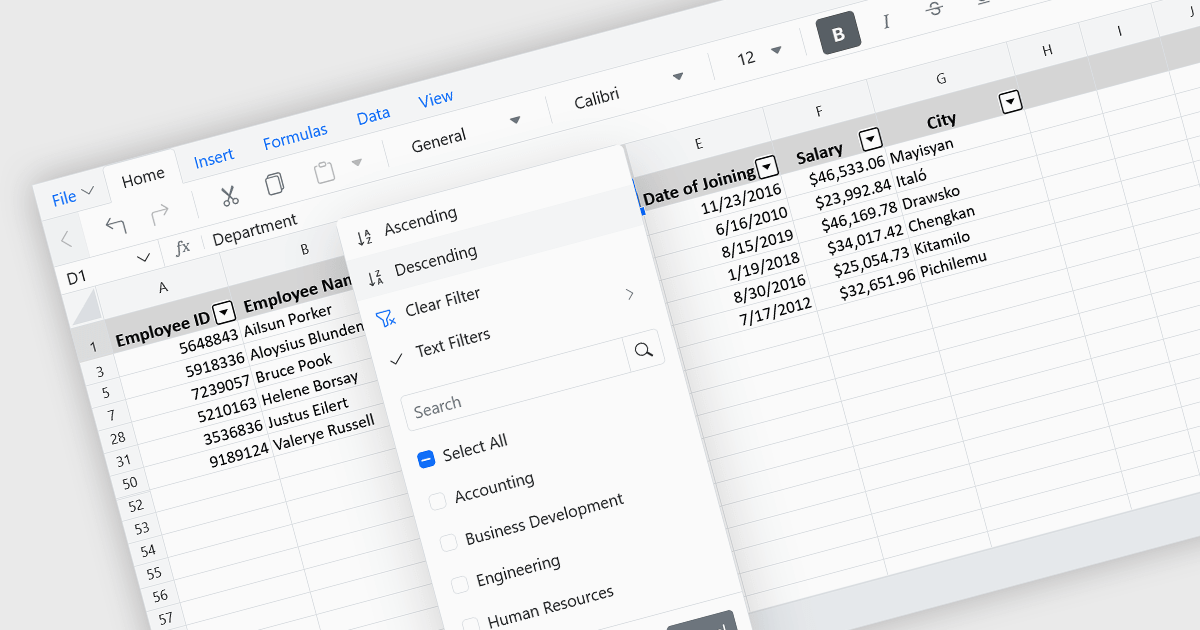
Data sorting in a spreadsheet control is a fundamental feature that enables users to rearrange data within a grid or table based on specific criteria, typically ascending or descending alphabetically or by numerical value. Sorting will usually be performed on single or multiple columns and is often integrated with other data manipulation tools like filtering, grouping, and searching. By sorting data, users can quickly locate and analyze information, identify patterns, and ensure consistency across records. Especially useful in large datasets, it improves the readability of the information and makes it more organized in preparation for decision-making, reporting, and data validation. This capability facilitates efficient data analysis, and supports better user interaction by allowing datasets to be viewed in meaningful sequences.
Several Vue.js spreadsheet controls allow you to sort data, including:
For an in-depth analysis of features and price, visit our comparison of Vue.js spreadsheet controls.
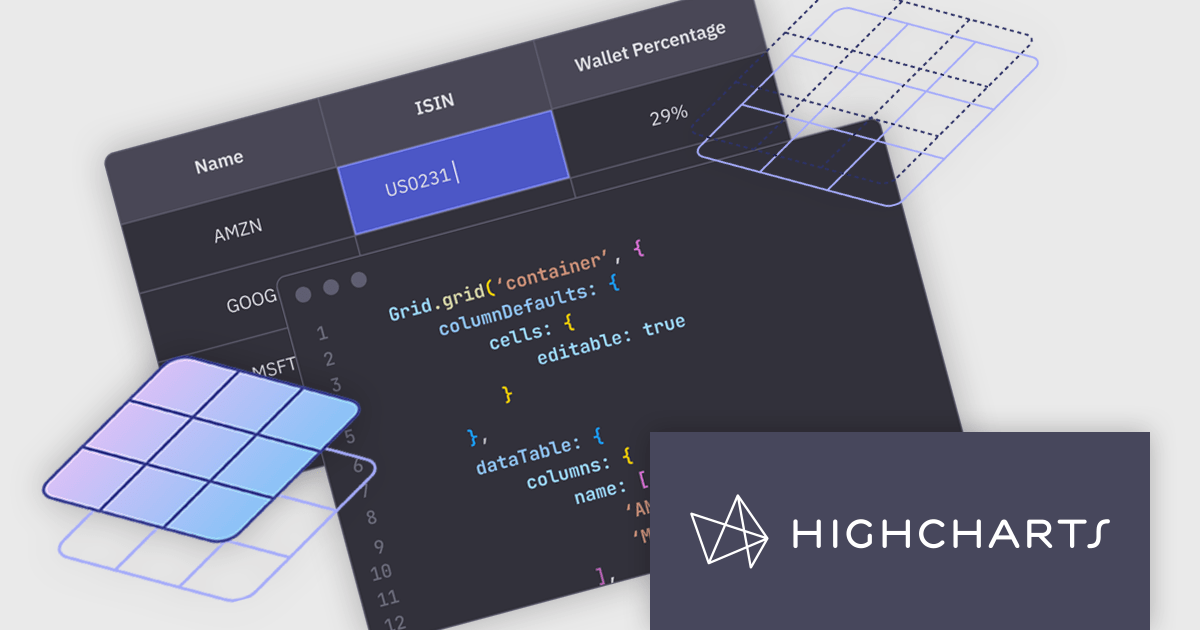
Highcharts Grid is a feature-rich data grid component developed by Highsoft, designed for use within Highcharts Dashboards or as a standalone component. Grid Lite is a free, lightweight version ideal for developers seeking a performant and accessible data grid with a basic feature set. Grid Pro is a commercial, feature-rich version built for complex applications that demand advanced data manipulation and interactivity. It includes all the capabilities of Grid Lite, along with a highly customizable and interactive interface that supports inline editing, column sorting, and event handling, enabling developers to build responsive data visualization applications.
Highcharts Grid delivers high performance when handling large datasets by employing row virtualization, a technique that renders only the rows currently visible within the viewport. This significantly reduces memory consumption and ensures fluid, responsive scrolling, even when working with thousands of records.
Highcharts Grid Pro requires a license for Highcharts Dashboards, licensed per developer as an Annual or Perpetual License with Internal, Saas, SaaS+ and OEM distribution options. The annual license includes support and all product updates for 1 year and must be renewed to continue to use the software. The perpetual license includes an "Advantage Subscription" for 1 to 5 years which provides support and updates for that period. If you do not renew Advantage then you may continue to use the software at the last release available during the active Advantage period. See our Highcharts Dashboards licensing page for full details.
Learn more on our Highcharts Dashboards product page.
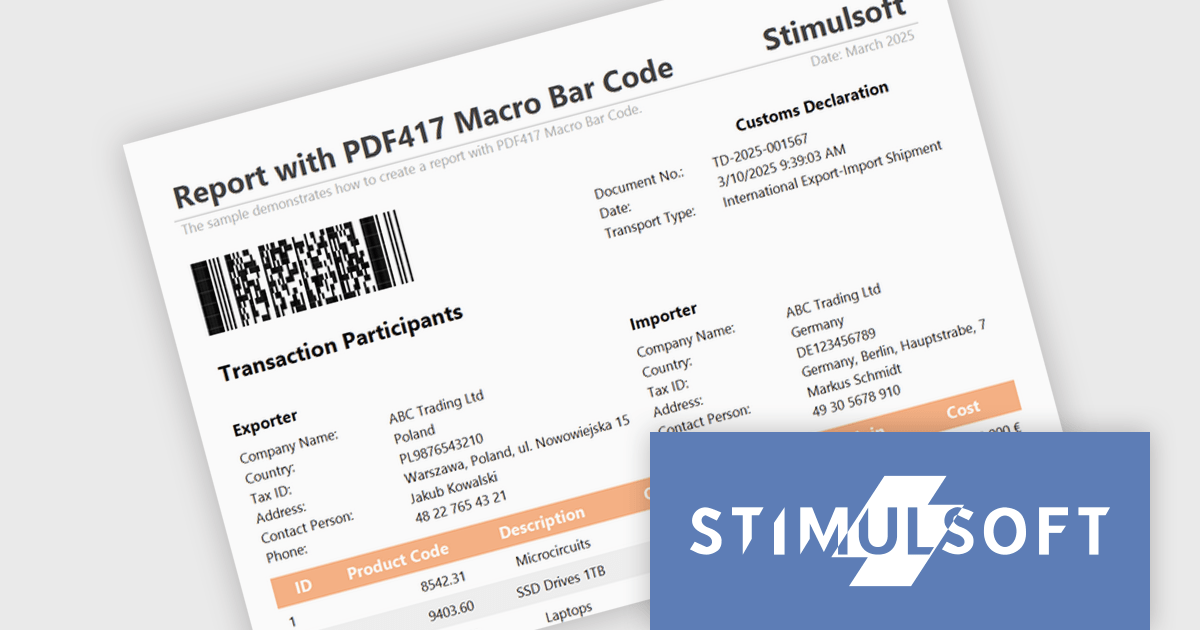
Stimulsoft Reports.JS provides a robust reporting toolkit designed specifically for JavaScript applications. This library leverages a client-side architecture, offering a pure JavaScript report engine for efficient report rendering directly within web browsers. The solution includes a user-friendly report designer for building reports with various data sources and visualizations, along with a report viewer for seamless integration and display within your JavaScript applications. This eliminates the need for server-side dependencies or browser plugins, simplifying the development process for embedding powerful reporting functionalities into your web projects.
The Stimulsoft Reports.JS 2025.2.1 update introduces support for the Macro PDF417 barcode, allowing developers to handle larger data payloads within reports. Unlike the standard PDF417 barcode, which is limited in data capacity, the Macro PDF417 format enables the encoding of large data files by splitting them into multiple linked symbols. This enhancement is particularly useful when working with high-volume or multi-page reports, providing a reliable solution for encoding structured data without compromising layout or readability.
To see a full list of what's new in 2025.2.1, see our release notes.
Stimulsoft Reports.JS is licensed per developer and is available as a Perpetual license with 1 year support and maintenance. See our Stimulsoft Reports.JS licensing page for full details.
Stimulsoft Reports.JS is available individually or as part of Stimulsoft Ultimate.
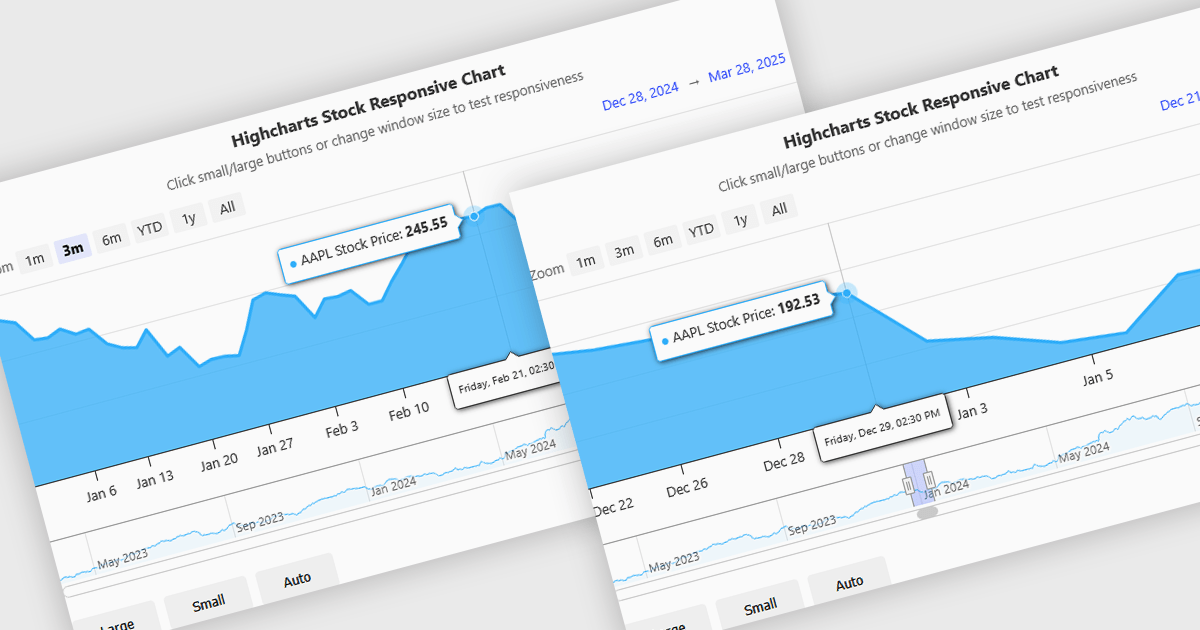
Responsive behavior in chart controls refers to the automatic adjustment of a chart’s layout, dimensions, and visual elements to fit the screen size or container in which it is rendered. This functionality ensures that charts remain readable and usable across a wide range of devices, from desktops to tablets and smartphones, without requiring manual configuration for each format. The benefits include reduced development overhead, improved user experience, and consistent presentation of data regardless of platform. Common use cases include dashboards in web applications, analytics platforms, and mobile-first reporting tools, where users expect seamless interaction and clear data visualization across multiple device types.
Several JavaScript chart controls support responsive behavior, including:
For an in-depth analysis of features and price, visit our JavaScript chart controls comparison.
電話: (888) 850 9911
Fax: +1 770 250 6199


