













公式サプライヤー
公式および認定ディストリビューターとして200社以上の開発元から正規ライセンスを直接ご提供いたします。
当社のすべてのブランドをご覧ください。
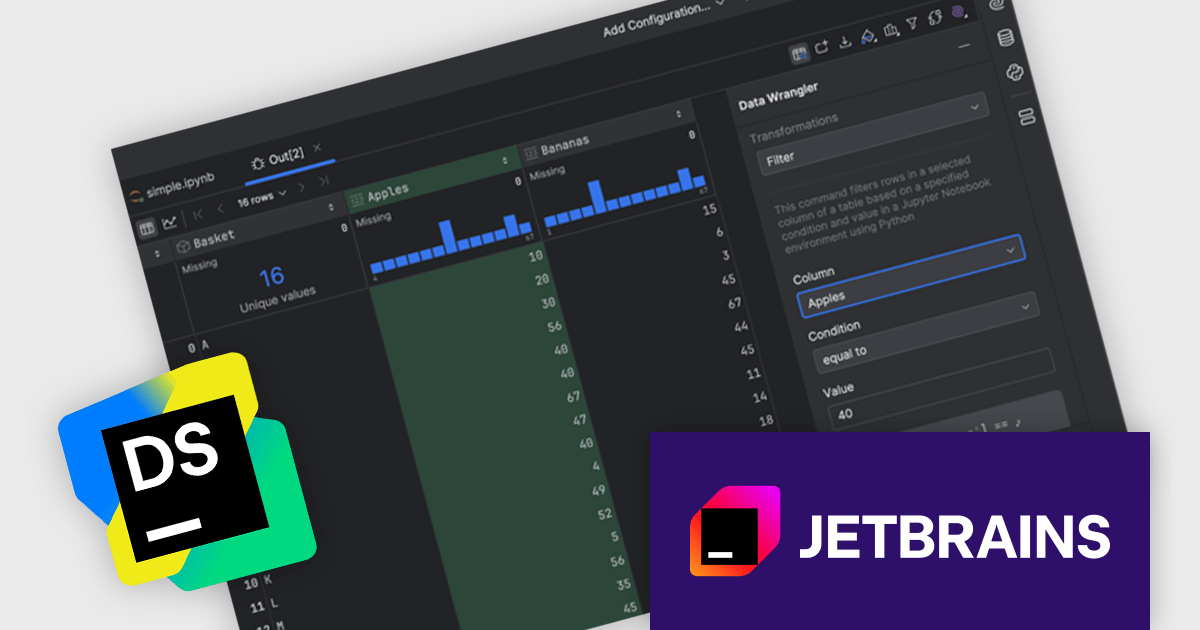
DataSpell by JetBrains is an Integrated Development Environment (IDE) specifically designed for data analysts and engineers. It allows you to write Python scripts, run SQL queries, analyze data in Jupyter notebooks, manage dbt workflows, and connect to databases, all within one seamless interface. DataSpell empowers you to stay focused on exploring insights and delivering high-quality results by combining rich data analysis tools with features like real-time error checking, code quality analysis, and built-in support for best practices like testing and documentation.
The DataSpell 2024.3 update introduces Data Wrangler, a no-code tool designed to streamline data cleaning and preparation, addressing the significant time investment often required in these processes. Initially focused on tabular data, Data Wrangler offers intuitive actions such as filtering, cleaning, and replacing data, alongside advanced statistical functions like min-max scaling, Z-score normalization, and various methods for outlier detection and skewness reduction. Enhancing productivity, the tool generates code for transformations, allowing users to seamlessly incorporate changes into their workflows or export results in versatile formats. With its guided approach and user-friendly interface, Data Wrangler demonstrates JetBrains' commitment to automate and optimize data manipulation tasks for data professionals.
To see a full list of what's new in version 2024.3, see our release notes.
DataSpell is licensed per user as a commercial annual subscription. See our DataSpell licensing page for full details.
DataSpell is available individually or as part of JetBrains All Products Pack.
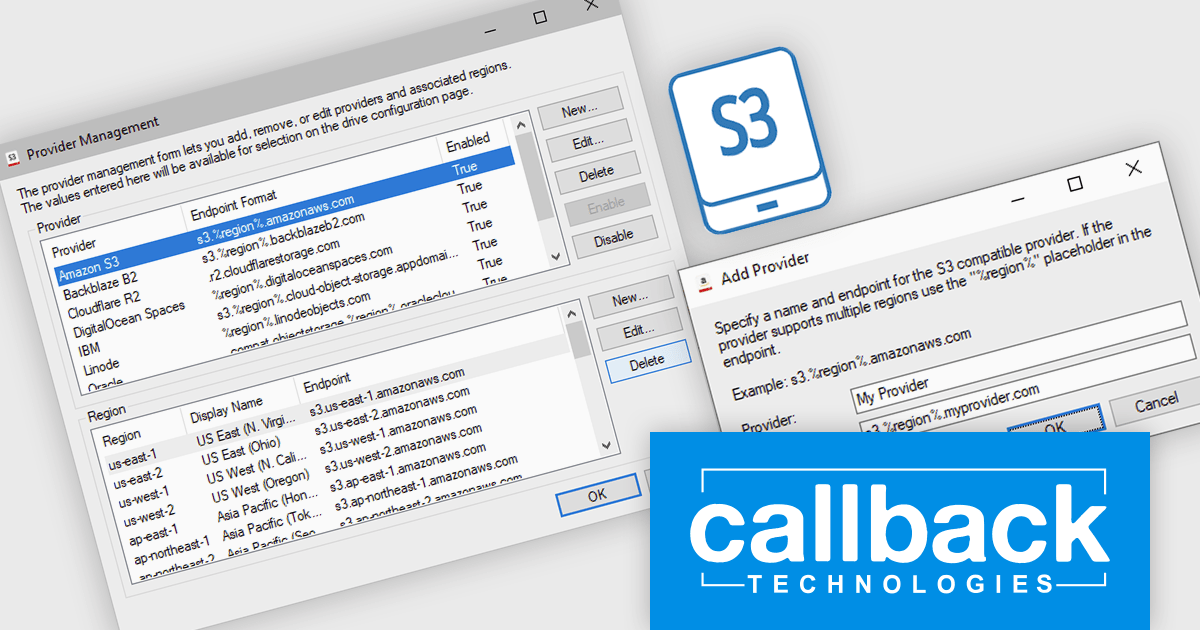
S3 Drive from Callback Technologies offers a seamless way to integrate S3-compatible cloud storage directly into your Windows environment. Map your S3 buckets as local drives and work with cloud-based files just like those on your local machine. Assigning a drive letter (e.g., "X:" or "Y:") to your cloud storage enables you to read, write, and modify files without altering your existing applications. This transparent access preserves your directory structures without any modifications.
The connection to your S3-compatible storage is securely managed, with data transfers handled efficiently in the background. Applications designed for local filesystems can access cloud files transparently via S3 Drive, eliminating the need for manual uploads or integrating complex SDKs into your codebase. This allows you to interact with your cloud files without experiencing performance slowdowns or needing to adjust your workflow. S3 Drive integrates smoothly with Windows and supports various Windows platforms. It scales effectively to meet the needs of individual users or larger teams, providing a flexible solution for cloud storage access. Managing your cloud files is straightforward and efficient, with intuitive controls for connecting and disconnecting accessible directly from the application or system tray.
Callback Technologies S3 Drive is licensed per user or per server and is available with one year of free upgrades and priority support. See our Callback Technologies S3 Drive licensing page for full details.
Learn more on our Callback Technologies S3 Drive product page.

XFINIUM.PDF CROSS-PLATFORM BUNDLE is a comprehensive software library designed to empower developers with robust tools for integrating PDF functionalities into their applications across a wide range of platforms. Supporting Windows, macOS, mobile devices (iOS and Android), and web environments, this library enables the creation, editing, and manipulation of PDF documents with a single codebase. This cross-platform approach eliminates the need for platform-specific development, significantly reducing development time and effort while ensuring consistency in functionality and user experience across devices. Ideal for applications that require advanced document workflows, digital signatures, form handling, or PDF generation, XFINIUM.PDF offers a streamlined solution for businesses and developers seeking to deliver seamless PDF capabilities across diverse environments.
The XFINIUM.PDF CROSS-PLATFORM BUNDLE V13.2.2 release introduces support for Microsoft .NET 9, unlocking new opportunities for developers to integrate powerful PDF creation and manipulation tools into their modern .NET applications. By supporting .NET 9, this release ensures compatibility with the latest advancements in the .NET ecosystem, allowing developers to build high-performance, cross-platform applications with enhanced scalability and efficiency. This integration simplifies the development process, enabling seamless incorporation of advanced PDF functionalities such as document creation, editing, and digital signing into .NET 9 projects. As a result, developers can deliver richer feature sets, improve application workflows, and take full advantage of .NET 9’s performance enhancements and cutting-edge features.
To see a full list of what's new in V13.2.2, see our release notes.
XFINIUM.PDF CROSS-PLATFORM BUNDLE is licensed per developer and is run-time royalty free. All licenses include a 12 month subscription which provides all major and minor product updates and technical support. See our XFINIUM.PDF CROSS-PLATFORM BUNDLE licensing page for full details.
Learn more on our XFINIUM.PDF CROSS-PLATFORM BUNDLE product page.
ComponentSource and Dynamsoft have enjoyed a successful 20-year partnership focused on delivering document capture and barcode reading tools to the global developer community. This long-standing cooperation demonstrates a shared commitment to providing developers with tools that enable precise data extraction, optimize workflow automation, and enhance the accuracy and efficiency of application processes.
Dynamsoft is a leading provider of software development kits (SDKs), specializing in barcode scanning, document capture, and TWAIN scanning solutions. Its core competencies lie in delivering high-performance, scalable solutions to enterprise-level financial, logistics, retail, and healthcare companies. Dynamsoft offers tools that enable seamless integration of computer vision functionalities into web, desktop, and mobile applications, empowering developers to build high-performance, scalable solutions tailored to diverse enterprise needs. Choosing Dynamsoft products enables businesses to drive digital transformation, improve operational efficiency, and achieve significant cost savings.
ComponentSource, a leading distributor of software components and development tools, has played a crucial role in expanding the reach of the Dynamsoft range. Through this partnership, ComponentSource has helped make products such as Dynamic Web TWAIN and Dynamsoft Barcode Reader accessible to a broader audience of developers.
The enduring collaboration between ComponentSource and Dynamsoft has had a significant, positive impact on the developer community by making advanced imaging and barcode scanning tools more accessible. As we celebrate this two decade partnership, we look forward to strengthening our relationship and continuing to provide developers worldwide with innovative, reliable solutions to meet their evolving technology needs.
Learn more about Dynamsoft.
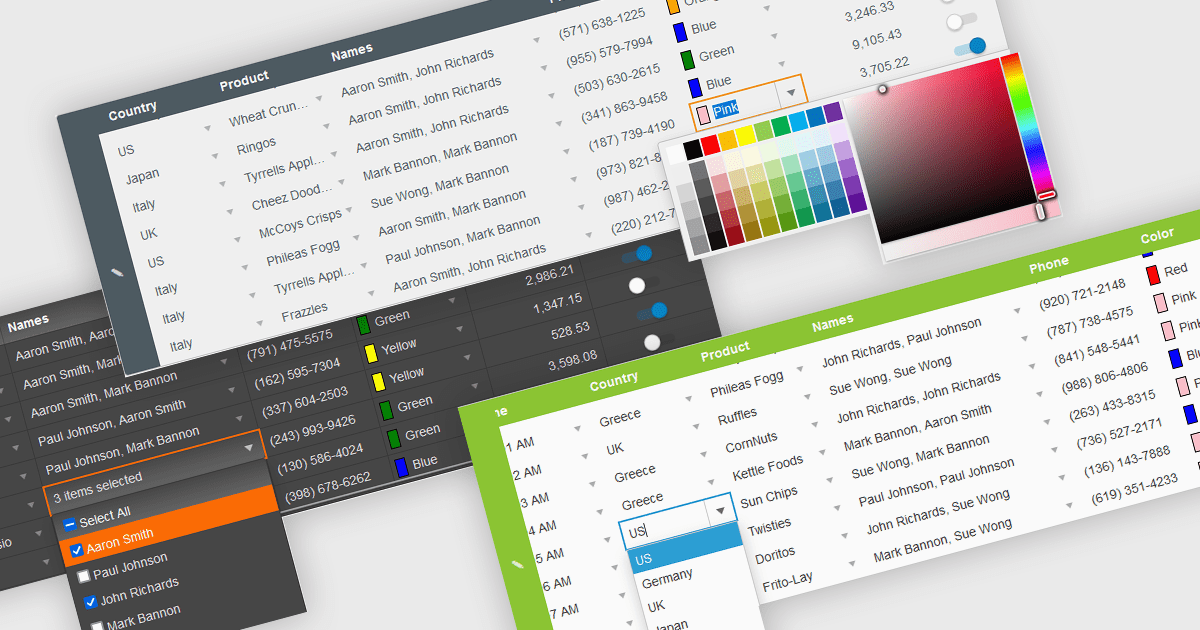
In the field of data editors, themes are style configurations that define the visual appearance and behavior of the interface. They provide developers with a consistent design framework, ensuring alignment with brand guidelines while enhancing usability and accessibility. By supporting features like dark and light modes, responsive design, and unified styling across components, themes enable developers to create a visually cohesive and user-friendly experience. They streamline maintenance, improve scalability, and reduce development overhead by offering a centralized system for managing design updates and ensuring consistency throughout the application.
Several React data editor collections offer support for themes including:
For an in-depth analysis of features and price, visit our React data editor controls comparison.
電話: (888) 850 9911
Fax: +1 770 250 6199


