













公式サプライヤー
公式および認定ディストリビューターとして200社以上の開発元から正規ライセンスを直接ご提供いたします。
当社のすべてのブランドをご覧ください。
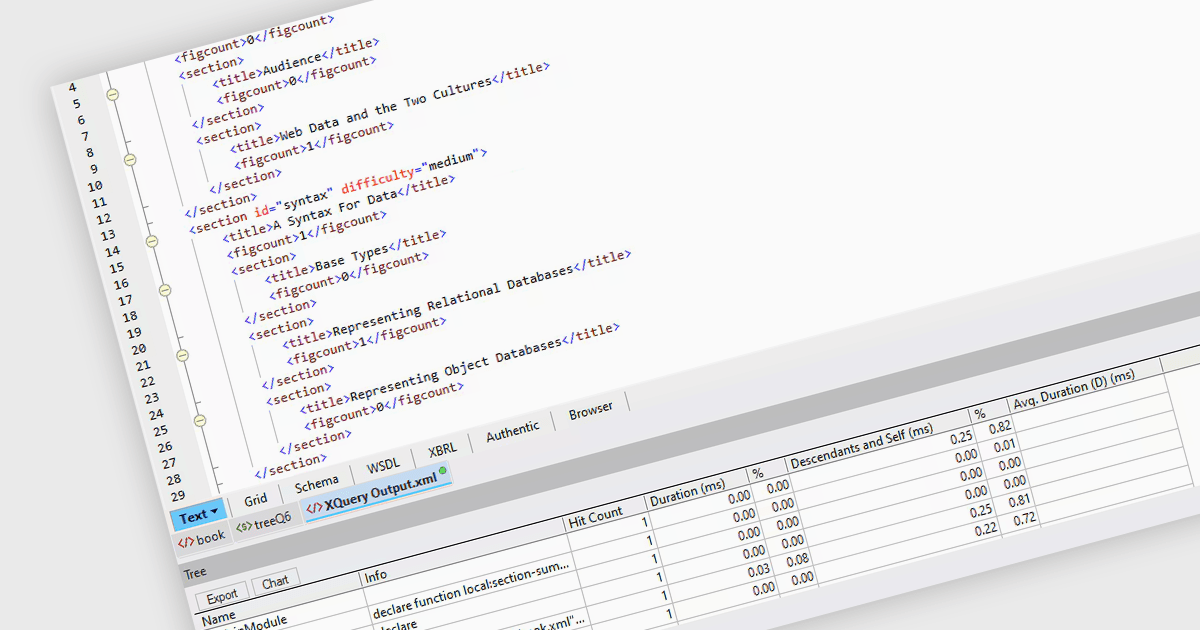
An XQuery profiler is a tool designed to analyze and optimize the performance of XQuery code by providing detailed insights into how queries are executed. It works by tracking various metrics such as execution time, memory usage, and the number of operations performed by different parts of the query, allowing developers to identify performance bottlenecks and inefficiencies. By highlighting these areas, profiling XQuery code enables users to refine their queries for faster and more efficient data processing, particularly in XML databases or systems that rely heavily on XQuery for data retrieval and transformation.
Several structured document tools offer an XQuery profiler, including:
For an in-depth analysis of features and price, visit our structured document tools comparison.
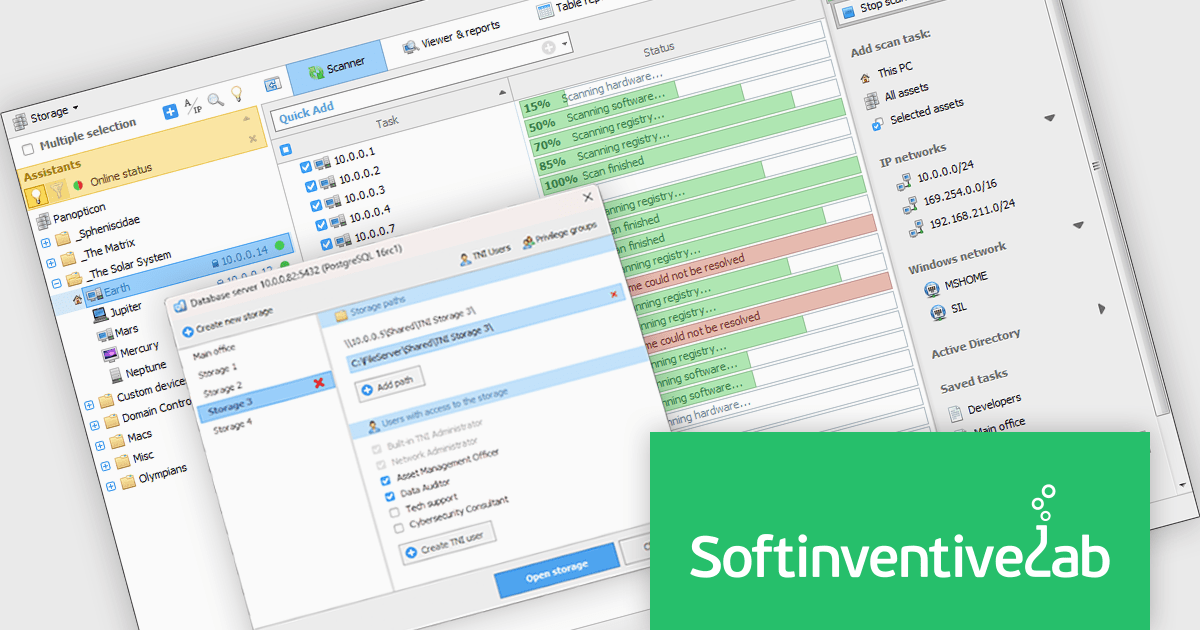
Total Network Inventory (TNI) is a software solution designed to provide IT professionals with a comprehensive network inventory. It offers centralized storage for detailed information on hardware and software assets, along with features like license compliance tracking, software deployment, and real-time monitoring of hardware sensor statistics. This equips IT teams with the ability to manage and maintain an accurate network inventory, ultimately optimizing resource allocation and streamlining IT operations.
The Total Network Inventory 6.3.0.6610 release adds a new interface which includes a convenient window for managing databases and storages. Users can now easily connect to databases, view all created storages, and customize storage file paths. Enhanced security features allow for user access control, and a database cleanup feature facilitates the identification and removal of unused storages.
To see a full list of what's new in 6.3.0.6610, see our release notes.
Total Network Inventory is licensed per node. A node is a computer, server, network printer, router or any other network device with an IP address. See our Total Network Inventory licensing page for full details.
Learn more on our Total Network Inventory product page.
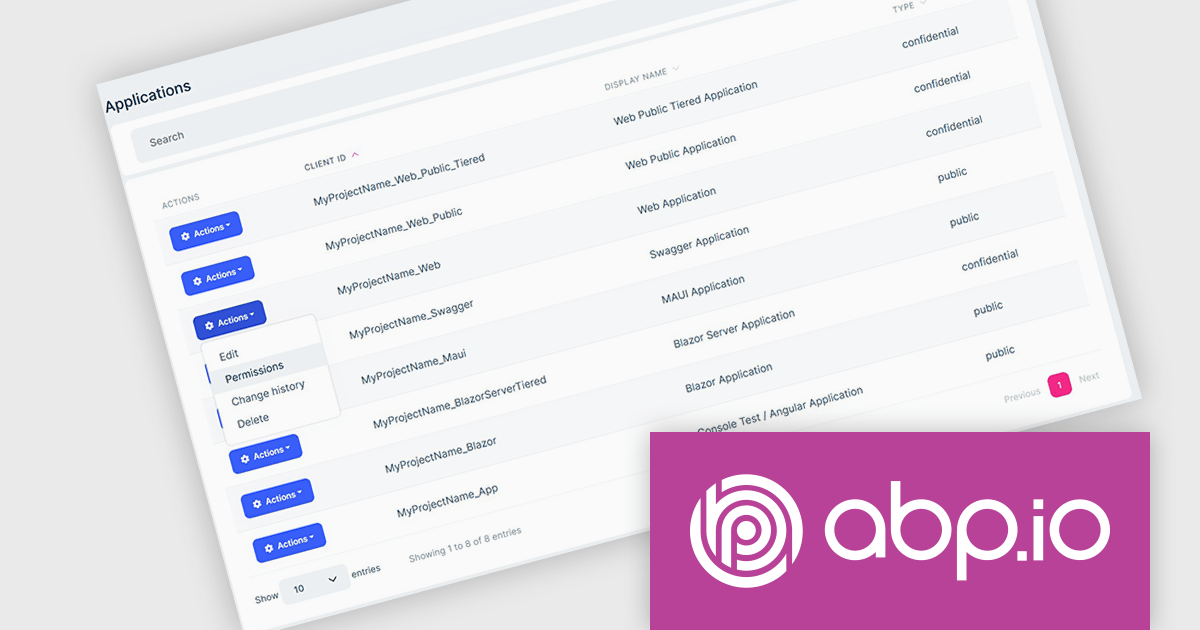
ComponentSource, a leading provider of software development tools, has announced a new partnership with ABP (by Volosoft), a software solution provider that develops reusable software libraries/frameworks/tools, distributed architectures/systems, multi-threaded and real-time applications. Specializing in tools and frameworks built on the .NET ecosystem, Volosoft provides businesses with innovative products that streamline development processes. ABP is known for its professional support services, and strong developer community, making it a trusted partner for organizations worldwide.
The ABP Platform offers an opinionated architecture designed to accelerate the creation of enterprise-level solutions. It provides a modular and layered architecture built on top of ASP.NET Core, allowing developers to create scalable, maintainable, and high-performance applications. ABP Platform offers extensive pre-built modules such as identity management, multi-tenancy, and permission systems, reducing development time and effort. Its flexibility supports microservices, monolithic architectures, and cloud deployments. ABP is ideal for organizations looking to build modern applications with features like user management, auditing, localization, and more, making it a strong choice for SaaS products, internal business tools, or complex distributed systems.
The ABP Platform is available as a Team, Business or Enterprise license, which entitles developers to use the platform's Pro features and provides software updates and technical support for 1 year. See our ABP Platform licensing page for full details.
For more information, visit our ABP publisher page.
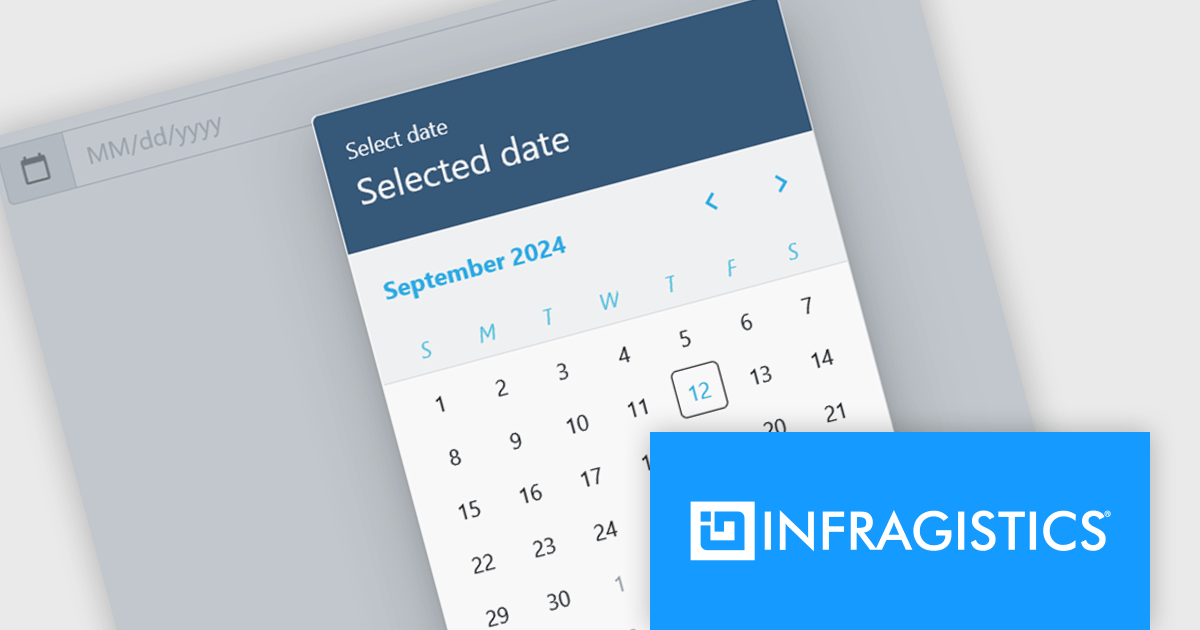
Infragistics Ignite UI for Blazor is a comprehensive UI component library designed specifically for .NET developers building modern web applications with Blazor. It offers a rich set of over 60 components, including performant data grids, interactive charts, and essential UI elements. This allows developers to craft visually appealing, feature-packed Blazor applications with a focus on data visualization, user interaction, and a variety of design themes.
The Ignite UI for Blazor 24.1.46 release adds a new date picker component. Designed to streamline date input processes, it offers a user-friendly interface that allows users to either manually type in a date or select a specific date from a convenient calendar popup. The component's lightweight design and straightforward implementation make it easy to integrate into Blazor applications. The date picker provides multiple view options, including month, year, and decade, enabling users to navigate effortlessly to their desired date. Additionally, it supports essential validation features like minimum and maximum date constraints and required field checks, ensuring data integrity and accuracy.
To see a full list of what's new in version 24.1.46, see our release notes.
Infragistics Ignite UI for Blazor is available as part of Infragistics Ignite UI which is licensed per developer and is offered as a Perpetual License with a 1, 2 or 3 year support and maintenance subscription. See our Infragistics Ignite UI licensing page for full details.
Infragistics Ignite UI for Blazor is available in the following products:
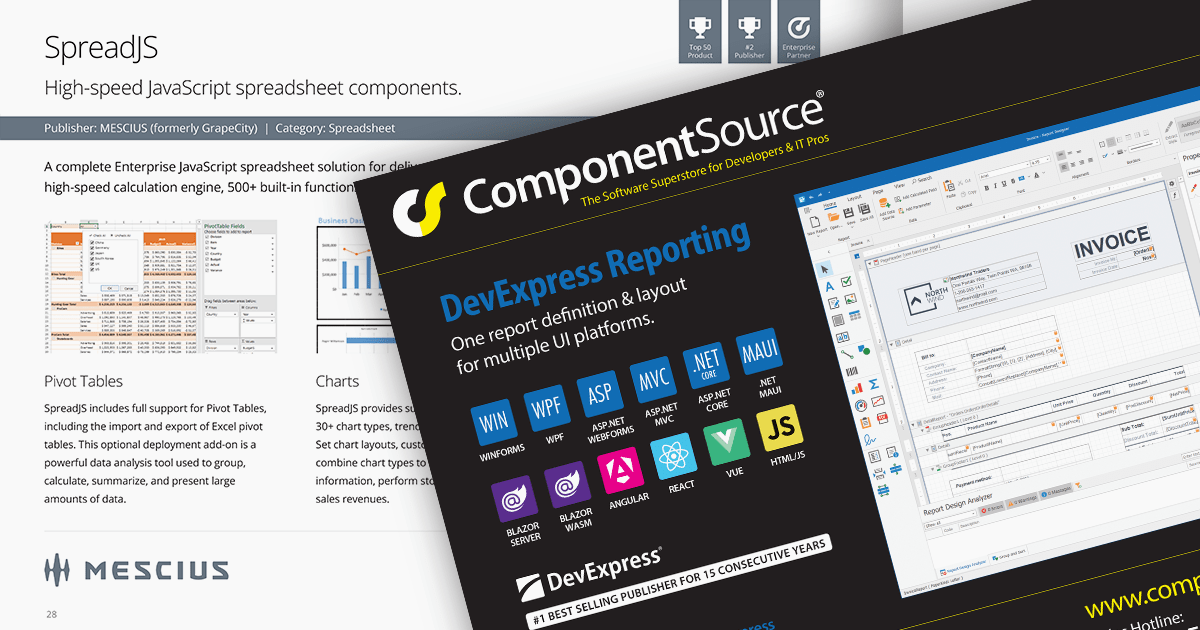
We are pleased to announce the publication of issue #116 of the ComponentSource Showcase Catalog. The latest edition includes a selection of components and tools designed to meet the needs of software developers and IT professionals.
Over the last 28 years, ComponentSource has built a comprehensive marketplace to help its users discover, compare and buy Enterprise-grade software components and tools. The ComponentSource Catalog showcases a range of products in an easy-to-digest print publication.
Issue #116 features an assortment of components and tools from market leading publishers including:
Products include file format APIs, reporting solutions, user interface controls for .NET and JavaScript, communications components, and much more.
Available in English, German, Korean and Japanese editions, the 48-page full color publication lets you easily browse selected products and read about highlighted features. If you want more information, the QR codes on each page (and links in the PDF version) take you directly to that product's page on the ComponentSource website.
You can browse the latest issue online or visit the ComponentSource Showcase Catalog page to download a PDF.
To receive your FREE physical copy of future issues (available in Europe, US, Canada, Japan and South Korea), simply follow these steps:
We'll deliver a new issue direct to your door four times per year.
電話: (888) 850 9911
Fax: +1 770 250 6199


