













公式サプライヤー
公式および認定ディストリビューターとして200社以上の開発元から正規ライセンスを直接ご提供いたします。
当社のすべてのブランドをご覧ください。
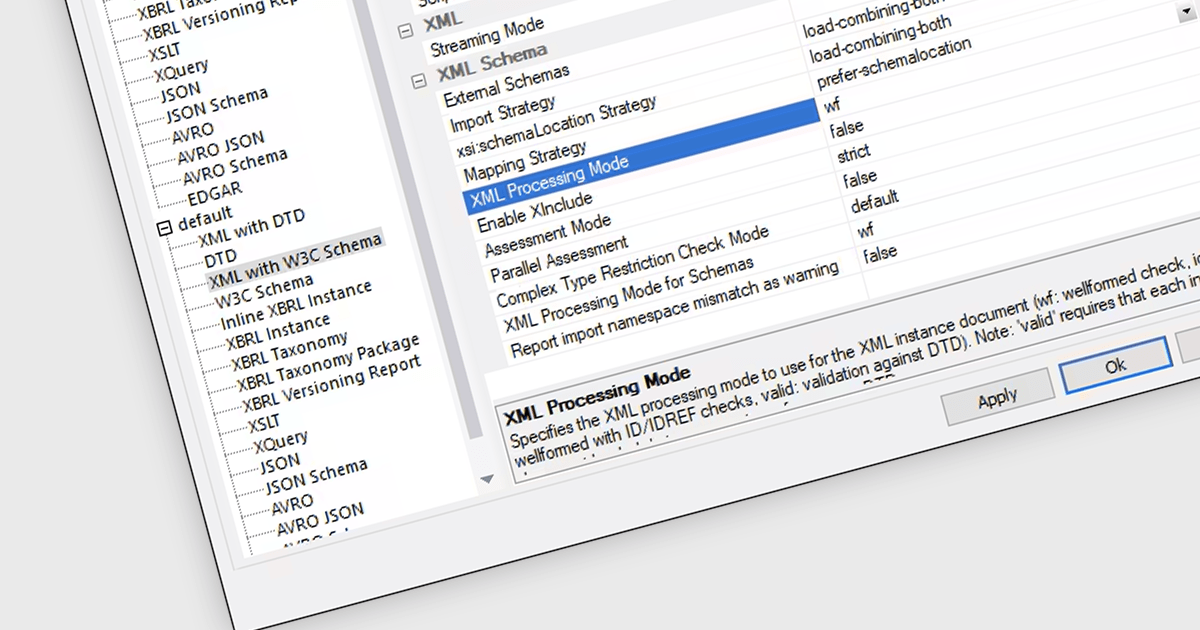
W3C support is crucial for XML tools to ensure interoperability, data integrity, and adherence to industry standards. The World Wide Web Consortium (W3C) develops and promotes web standards, including those for XML. By adhering to W3C recommendations for XML, such as XML Schema, XSLT, and XPath, tools can effectively process, validate, and transform XML data. This adherence guarantees compatibility across different systems and applications, improves data quality, and enables seamless data exchange, ultimately enhancing overall system efficiency and reliability. W3C-compliant XML tools are essential for a wide range of applications, from data integration and exchange to content management and e-commerce.
Several Structured Document Tools offer W3C support including:
For an in-depth analysis of features and price, visit our Structured Document Tools comparison.
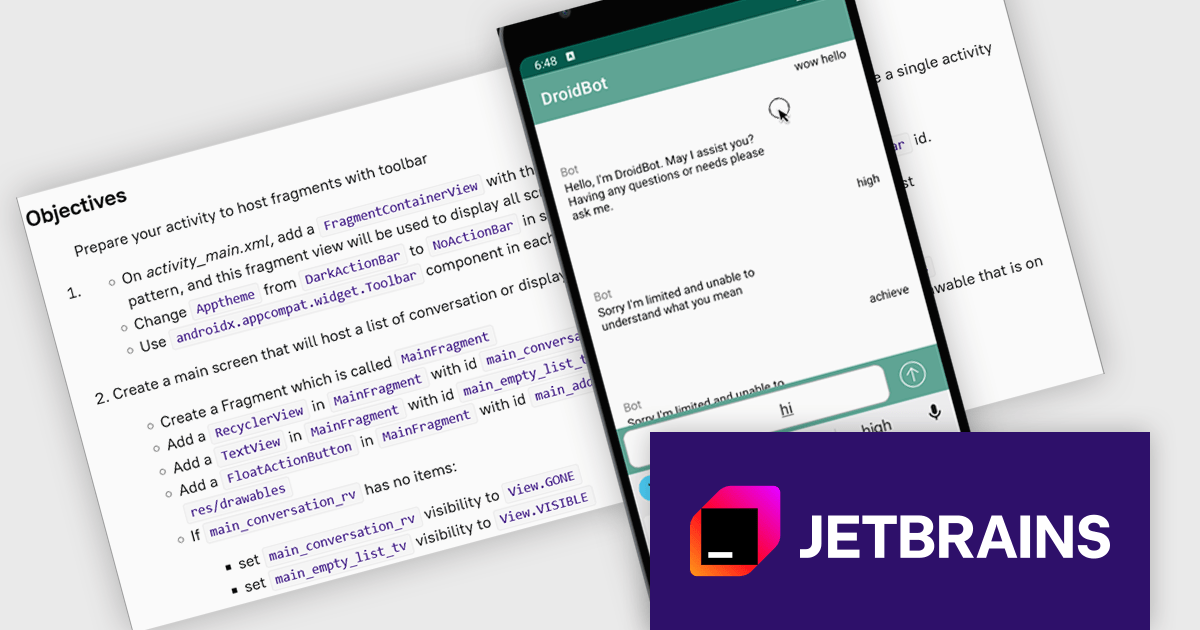
JetBrains Academy is an online educational platform designed to help developers advance their programming skills. It provides a holistic approach to learning in which users study the theory and immediately put it into practice by building working applications. The project-based learning environment is integrated with JetBrains IDEs, and allows developers to learn Java, Python, and other programming languages with ease.
The JetBrains Academy August 2024 update introduces a new project to create an Android application that serves as a ChatGPT client. This project offers a deep dive into the realm of AI-driven mobile development, challenging students to create a dynamic virtual companion. By focusing on algorithm design, user interface development, and continual enhancement of the chatbot's capabilities, students will gain hands-on experience in building intelligent conversational agents. This project encapsulates the complexities and cutting-edge nature of modern mobile app development, demonstrating the transformative impact of AI across various industries.
To see a full list of what's new, see our release notes.
JetBrains Academy is licensed per user as a commercial annual subscription. See our JetBrains Academy for Organizations licensing page for full details.
For more information, visit our JetBrains Academy for Organizations product page.
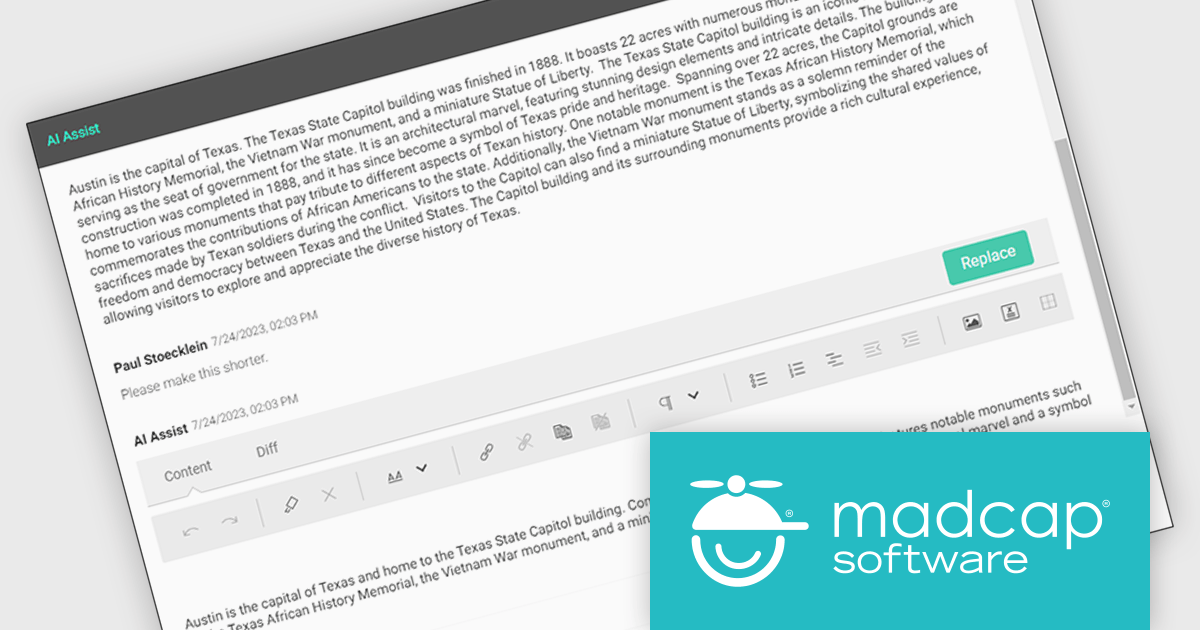
MadCap Central, a cloud-based content experience management (CxM) platform by MadCap Software, offers software developers a centralized hub for managing the entire content development lifecycle. It streamlines tasks like version control, project management, and content collaboration, while also providing functionalities like automated publishing, content hosting, and output analytics. This integrated approach can significantly improve development team efficiency and content accuracy.
The MadCap Central's July 2024 release supercharges AI Assist with the integration of OpenAI's GPT-4o. This cutting-edge update empowers users to interact with content in unprecedented ways, harnessing the power of text, voice, and vision. From effortlessly translating content across languages to delving into complex topics with ease, AI Assist offers lightning-fast, intelligent support. Users can also benefit from personalized recommendations tailored to their specific needs, streamlining workflows and boosting productivity.
To see a full list of what's new in the July 2024 update, see our release notes.
MadCap Central is licensed per user and is available as an annual license. See our MadCap Central licensing page for full details.
For more information, see our MadCap Central product page.

Calculated fields are dynamic values derived from existing data within reporting components. They enable complex data manipulations, calculations, and transformations, providing enhanced data analysis capabilities. By creating new fields based on existing data, calculated fields offer flexibility and efficiency, allowing users to perform calculations, aggregations, and logical comparisons directly within the report. This empowers users to generate insights, visualize trends, and make data-driven decisions without requiring modifications to the underlying data source, ultimately improving report accuracy and usability.
Several Vue.js reporting components offer support for calculated fields:
For an in-depth analysis of features and price, visit Vue.js reporting components comparison.
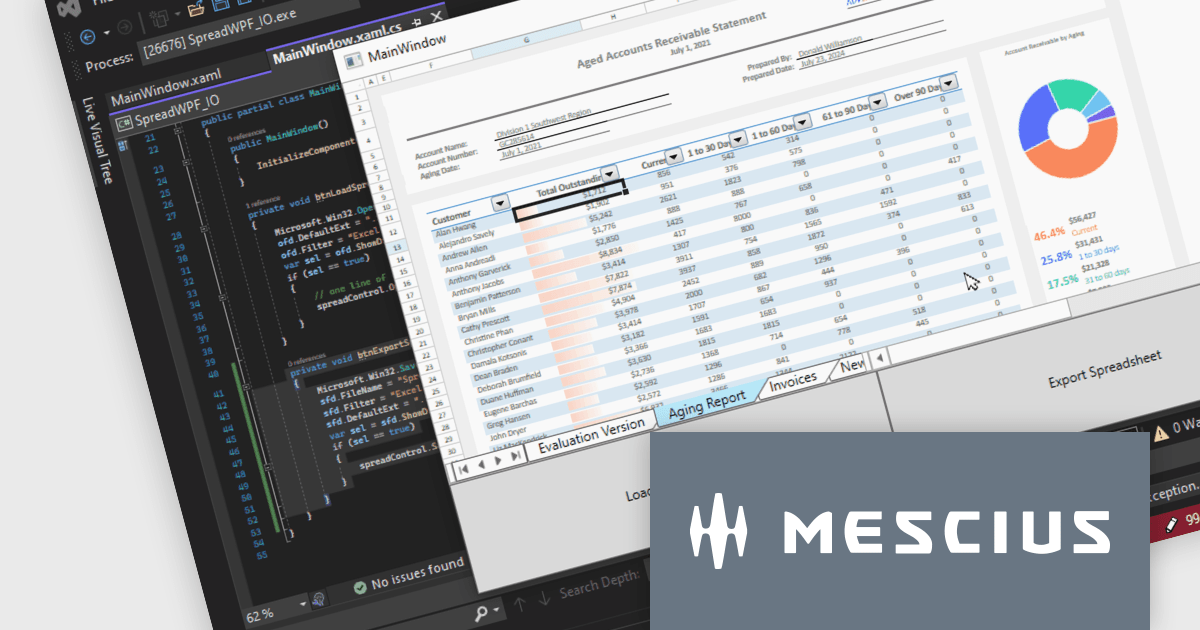
Spread.NET helps you create spreadsheets, grids, dashboards, and forms. It includes a powerful calculation engine with 450+ functions and the ability to import and export Excel spreadsheets. Leverage the extensive .NET spreadsheet API and powerful calculation engine to create analysis, budgeting, dashboard, data collection and management, scientific, and financial applications.
In this blog post, MESCIUS Product Marketing Specialist Mackenzie Albitz guides you through the four essential steps to import and export Excel spreadsheets on your way to creating robust spreadsheet applications with Spread.NET. These steps include:
Sample code is included in the blog and you can download the sample app in either C# or VB.
Read the full blog to get started using the full capabilities of the Spread.NET WPF component.
Spread.NET is licensed per developer and is available as a Perpetual License with a 12 month support and maintenance subscription. We can supply any Spread.NET license including new licenses, maintenance renewals, and upgrade licenses. See our Spread.NET licensing page for full details.
For more information, visit our Spread.NET product page.
電話: (888) 850 9911
Fax: +1 770 250 6199


