













公式サプライヤー
公式および認定ディストリビューターとして200社以上の開発元から正規ライセンスを直接ご提供いたします。
当社のすべてのブランドをご覧ください。
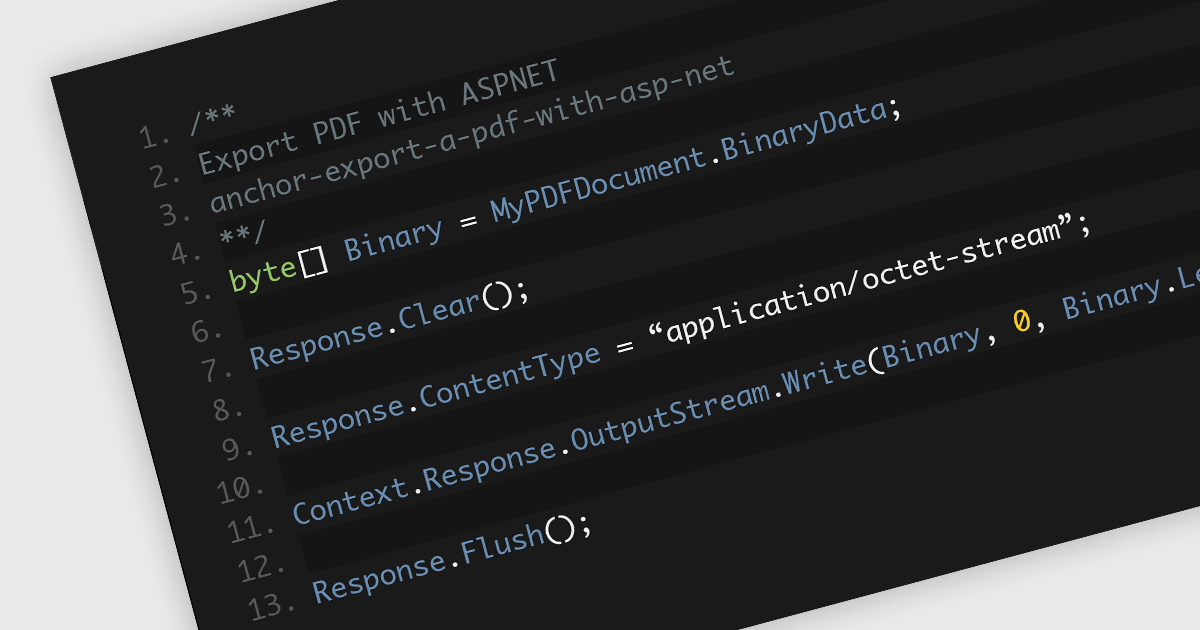
Saving PDFs to a stream offers increased flexibility and efficiency in the management and transmission of PDF documents. This approach of saving PDF files segments the file's content into an organized and compressed sequence of bytes (the stream), representing the content and structure of the document. This method allows for faster initial loading by prioritizing text content, enables partial downloads for quicker access over slow connections, and reduces memory usage by loading only the currently viewed section. This allows for real-time processing, manipulation, and direct transmission of data without the intermediary step of storing it on a disk. Employing streams is particularly advantageous in scenarios requiring memory efficiency, dynamic content generation, seamless network distribution, or integration within larger systems where direct file handling is cumbersome or inefficient.
Several .NET 8 PDF components allow you to save PDFs to a stream, including:
For an in-depth analysis of features and price, visit our comparison of .NET 8 PDF components.
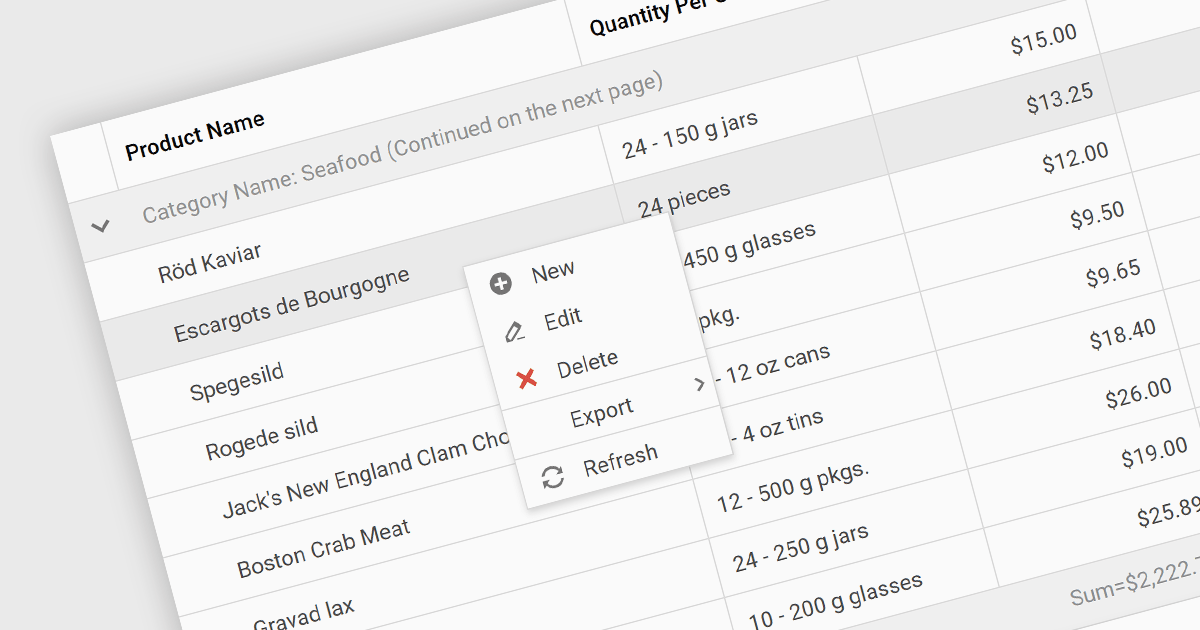
Context menus in grids are user-activated dropdown menus that appear when the users right-clicks a cell. They provide quick access to relevant actions for the selected data, like copying cells, editing rows, or performing custom operations specific to the grid's content. This functionality enhances user experience by offering contextual options without having to navigate away from the grid.
Several ASP.NET Core Grid controls offer context menus including:
For an in-depth analysis of features and price, visit our ASP.NET Core Grid controls comparison.

ComponentSource, the world’s largest reseller of software components and development tools, is proud to celebrate the five year anniversary of its partnership with Advanced Installer (from Caphyon).
Advanced Installer is a leading provider of software development tools, specializing in the creation of MSI/MSIX packages and repackaging solutions. Its flagship product, Advanced Installer is available as Professional, Enterprise and Architect editions. It offers a comprehensive platform for authoring installation packages, catering to a wide spectrum of users, from novice developers to experienced system administrators. With its user-friendly interface and robust features, Advanced Installer simplifies the complex process of software deployment, enabling developers to create professional-grade installers efficiently and effectively.
By leveraging ComponentSource's global network and unparalleled expertise in software distribution, Advanced Installer has achieved an expanding customer base. The thriving partnership has consistently delivered innovative and reliable software products that meet the needs of developers and businesses around the world.
Learn more about Advanced Installer by Caphyon.
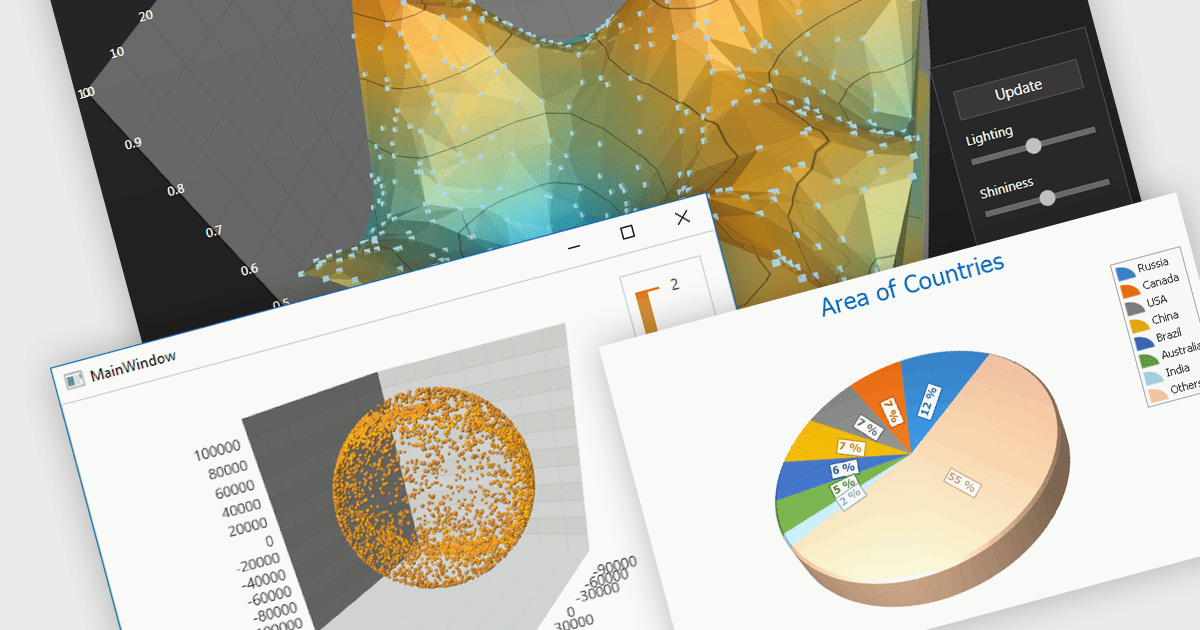
3D charts excel at showcasing complex datasets with three variables. By adding depth, they allow viewers to grasp intricate relationships between these variables that might be difficult to decipher in a flat, 2D format. This enhanced visualization can reveal patterns and trends that would otherwise remain hidden, leading to a deeper understanding of the data.
Several WinForms Chart controls offer 3D charts including:
For an in-depth analysis of features and price, visit our WinForms Chart controls comparison.
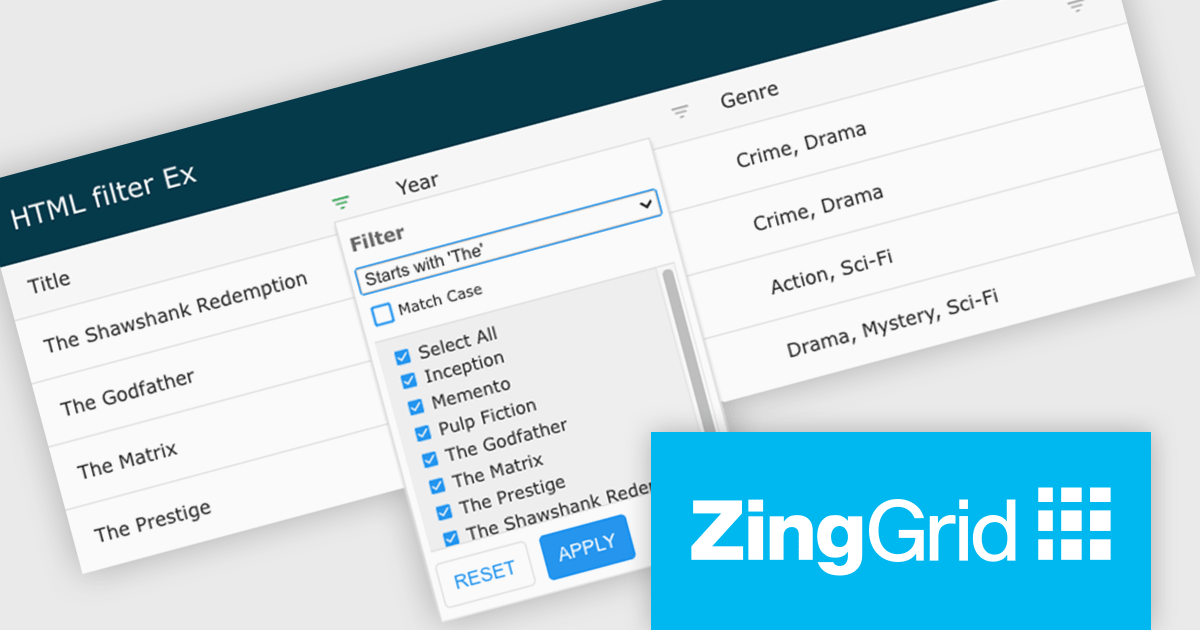
ZingGrid is a JavaScript library that simplifies the creation of interactive data tables and grids within web applications. Utilizing modern web components and focusing on performance and responsiveness, ZingGrid allows developers to implement features like searching, filtering, pagination, and in-line editing with minimal coding. This empowers efficient data visualization and manipulation for users, making it a valuable tool for web development.
Version 1.7.0 adds a rich set of filter conditions, including "contains," "notContains," "equal," "beginsWith," "endsWith," and many more, to pinpoint exactly the information you need. It also empowers you to create custom conditions, ensuring your filtering capabilities perfectly match your data and use case.
To see a full list of what's new in version 1.7.0, see our release notes.
ZingGrid is available as either a Single-Domain Website or Multi-Domain SaaS license. See our ZingGrid licensing page for full details.
For more information, visit our ZingGrid product page.
電話: (888) 850 9911
Fax: +1 770 250 6199


