













公式サプライヤー
公式および認定ディストリビューターとして200社以上の開発元から正規ライセンスを直接ご提供いたします。
当社のすべてのブランドをご覧ください。
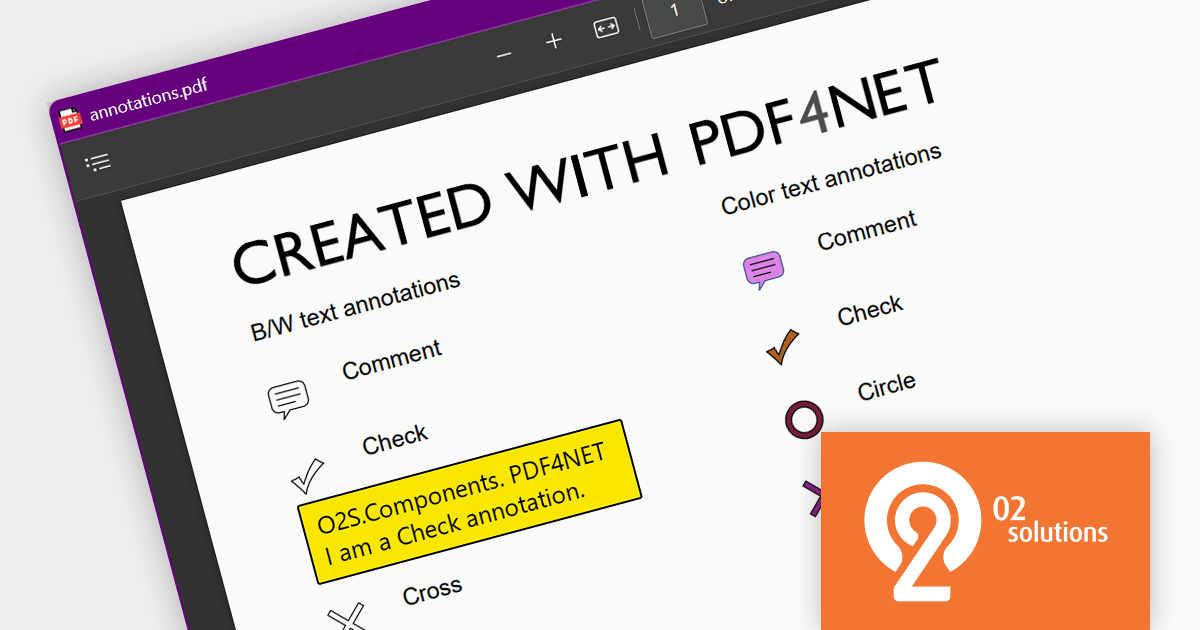
PDF4NET is a .NET library for generating, importing, and manipulating PDF documents on the fly from any .NET application. It does not rely on any Adobe products for creating or importing PDF files. PDF4NET hides the complex structure of PDF files behind a simple object model that allows creation of complex PDF files with a few lines of code.
PDF4NET 13.2.0 adds the ability to export and import annotations in both FDF and XFDF format, making it easier for developers to create collaborative and data-portable PDF documents. These file formats are specifically designed for storing and exchanging PDF annotations, and are XML-based, which makes them easy to programmatically read and write.
To see a full list of what's new in version 13.2.0, see our release notes.
For more information, visit our PDF4NET product page.
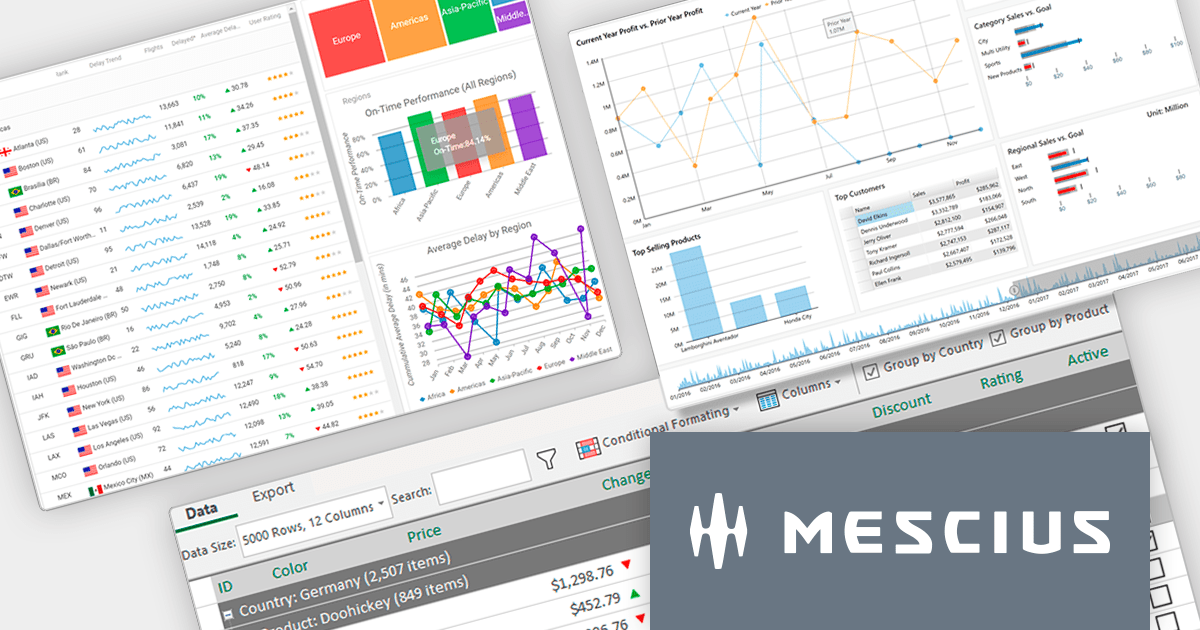
ComponentOne Studio Enterprise (formerly ComponentOne Studio) is a comprehensive collection of performant, extensible .NET UI controls for mobile, web, and desktop. It includes components and controls for every .NET platform, plus Data Service components and JavaScript controls with Wijmo Enterprise.
On November 16, 2023 at 1:00 PM EST, MESCIUS (formerly GrapeCity) will be presenting a CodeClinic Live Webinar, demonstrating everything you need to know to choose the best .NET Platform for your applications.
With so many platforms to choose from (WinForms, WPF, Blazor, WinUI, ASP.NET MVC and Core, ASP.NET WebForms, MAUI, Xamarin, etc.), deciding which platform to utilize for your next application can be daunting. In this Webinar, MESCIUS Technical Engagement Engineer Hunter Haaf will provide expert-level training to empower you to make the right decision.
Register for the LIVE webinar today, and mark your calendar for November 16.

For the past ten years, ComponentSource and jQWidgets have fostered a collaborative partnership, enabling developers to build professional web sites and mobile apps utilizing open standards and technologies like HTML5, CSS and JavaScript.
jQWidgets' comprehensive JavaScript UI library is used by more than 300,000 software developers from more than 120 countries. Customers include HP, Nvidia, Boeing, Xerox, Ericsson, American Express, NASA, Qualcomm, Volkswagen, and RBS.
By leveraging ComponentSource's vast global network and unparalleled expertise in software distribution, jQWidgets has achieved an expanding customer base worldwide. As ComponentSource and jQWidgets enter their second decade of collaboration, both companies continue to provide the software development industry with the high quality products required by today's demanding developer community.
Learn more on our jQWidgets product page.

MindFusion.Diagramming for JavaScript allows you create flow diagrams using predefined node shapes. You can use links to join nodes together and users can create, resize, select, move and modify nodes and links as needed. All diagram elements can be accessed programmatically and methods are available to changing the appearance of all elements.
The version 4.4 release has been extended to include support for animations. Diagram items support the animation of fill color, stroke color and opacity. Diagram nodes can now include bounce, shake, pulse and path animations. The diagram view itself now offers animated zooming and scrolling.
To see a full list of what's new in version 4.4, see our release notes.
For more information, visit our MindFusion.Diagramming for JavaScript product page.
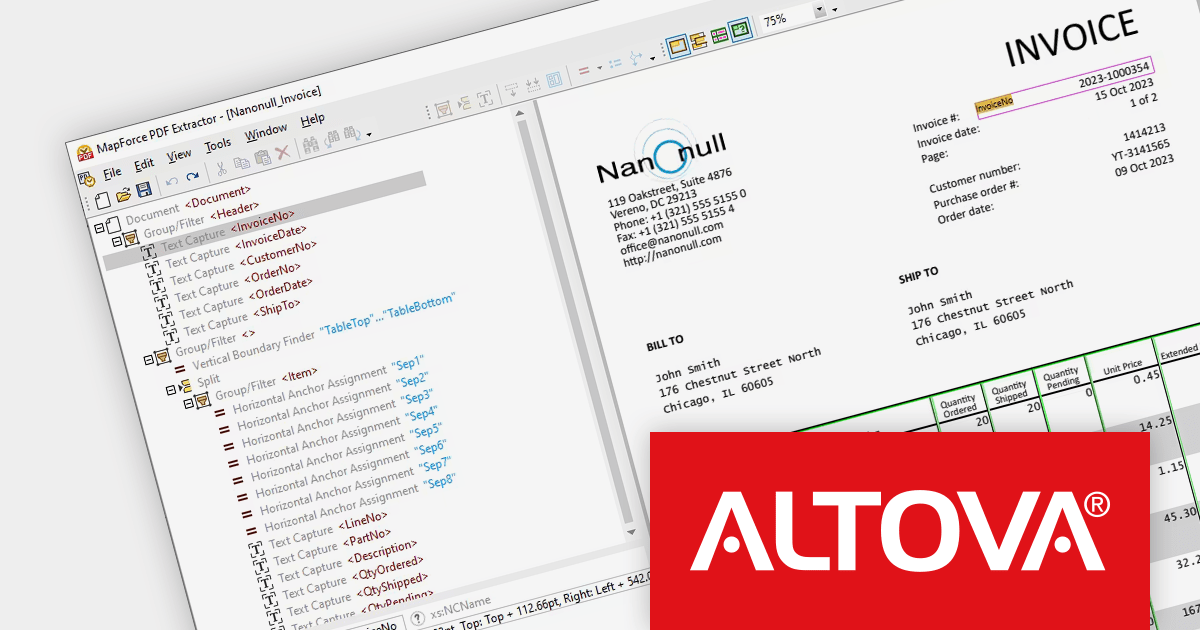
Altova MapForce is a graphical data mapping tool that enables you to visually design, map, and convert data between a wide variety of formats including XML, JSON, CSV, databases, EDI, XBRL, Excel, PDF, and Web services. It offers a comprehensive set of features for data mapping, transformation, validation, and integration.
Version 2024 adds new a PDF Extractor which allows you to define the structure of a PDF document and extract data from it. That PDF data can then be accessed for further transformation and conversion to other formats such as XML, JSON, databases and Excel. Users can extract portions of text instead of the whole document, mix and match pieces of information from different pages of the same PDF, split tables into rows and arrange data into groups.
To see a full list of what's new in version 2024, see our release notes.
Altova MapForce is available to buy in the following products:
電話: (888) 850 9911
Fax: +1 770 250 6199


