













公式サプライヤー
公式および認定ディストリビューターとして200社以上の開発元から正規ライセンスを直接ご提供いたします。
当社のすべてのブランドをご覧ください。
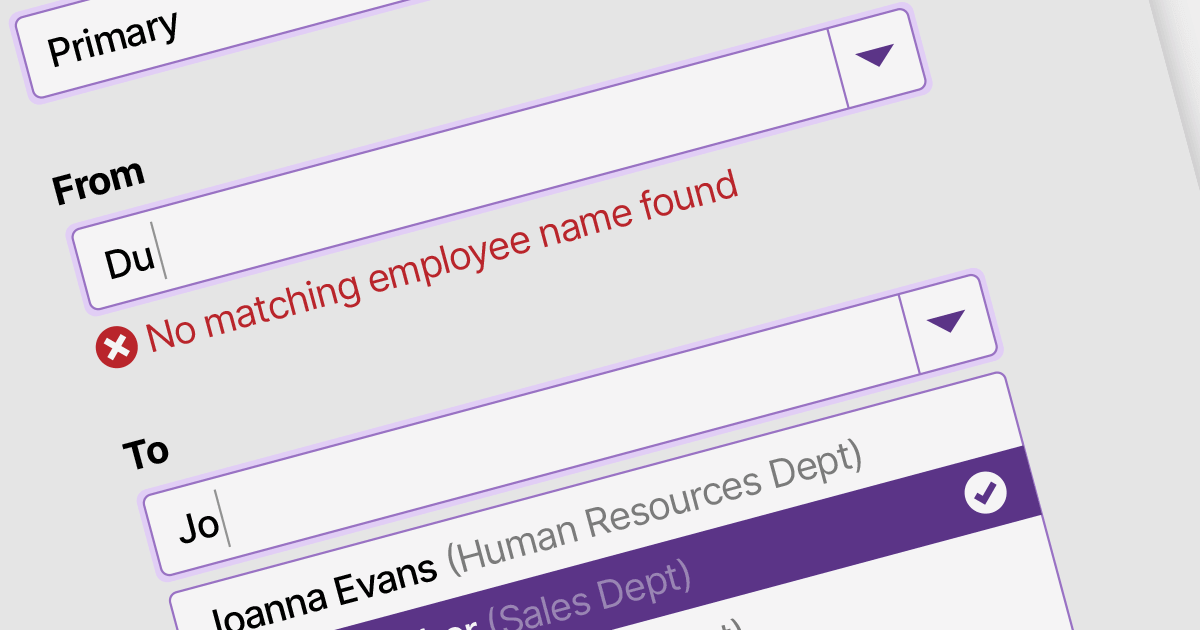
Data validation in ComboBox controls ensures the selected value meets specific criteria or constraints. It involves validating user input against predefined rules such as required selection, range checks, or custom validation logic. By validating the data, ComboBox editors help maintain data integrity and enhance the accuracy and reliability of user input.
Here are some examples of .NET 7 WinForms data editors collections that support data validation in combo boxes:
For an in-depth analysis of features and price, visit our comparison of .NET 7 WinForms data editors.
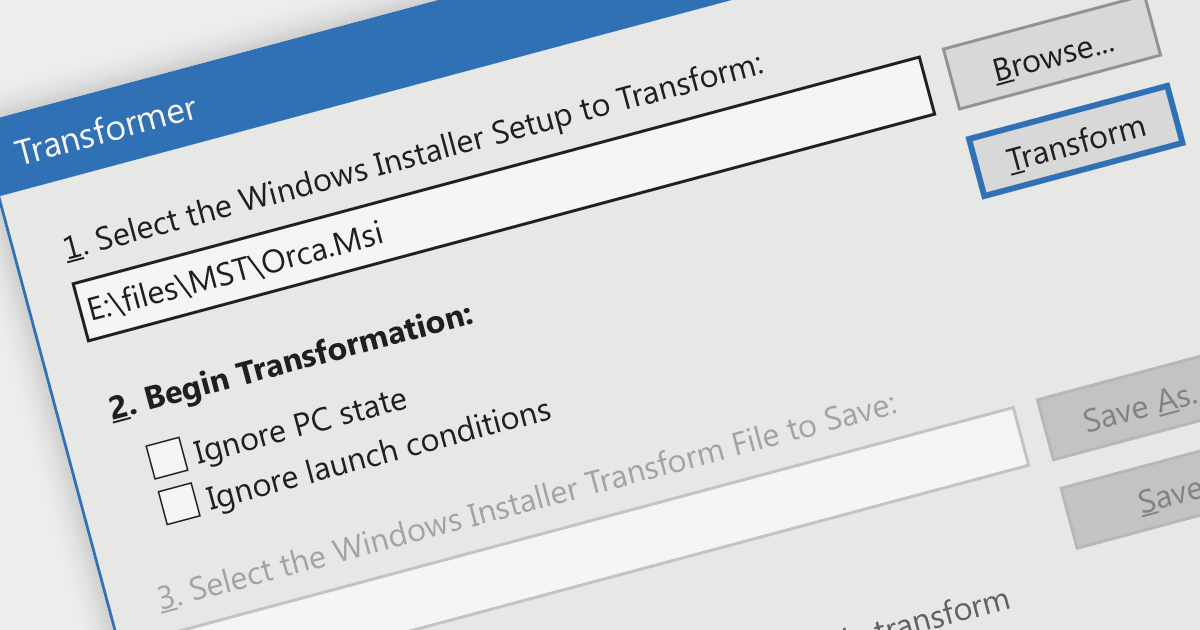
Creating an MST (Microsoft Transform file format) involves creating a file that contains modifications to be made to MSI installation packages. These transforms optimize the installation process by tailoring settings and configurations to suit specific target environments. By using MST transforms, developers can efficiently adapt their software installations for different systems, ensuring a smooth and seamless deployment experience while reducing overall costs and resource usage.
Several installation tools provide MST transform functionality, including:
For an in-depth analysis of features and price, visit our comparison of installation tools.
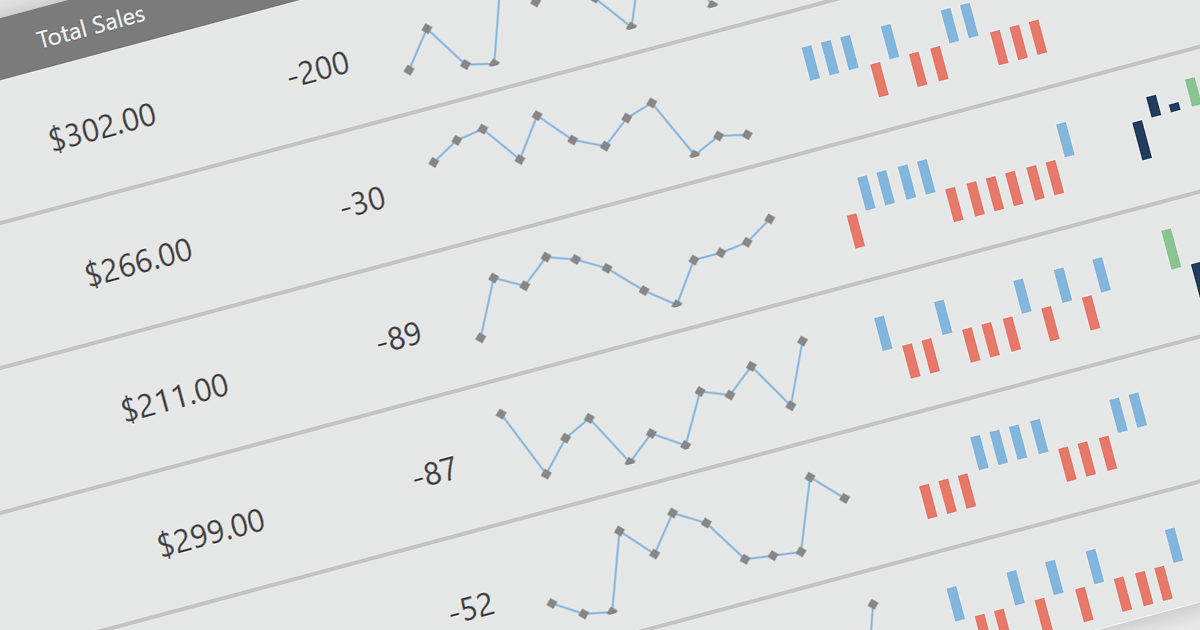
Sparklines are miniature line graphs designed to provide a visual representation of data trends within a compact space. They condense information into a single line or bar, often displayed alongside text or numbers. They allow for quick and intuitive understanding of patterns, making them useful for displaying data in tight spaces such as data tables, and providing visual summaries at a glance.
The following WPF reporting controls include support for sparklines:
For an in-depth analysis of features and price, visit our comparison of WPF reporting controls.
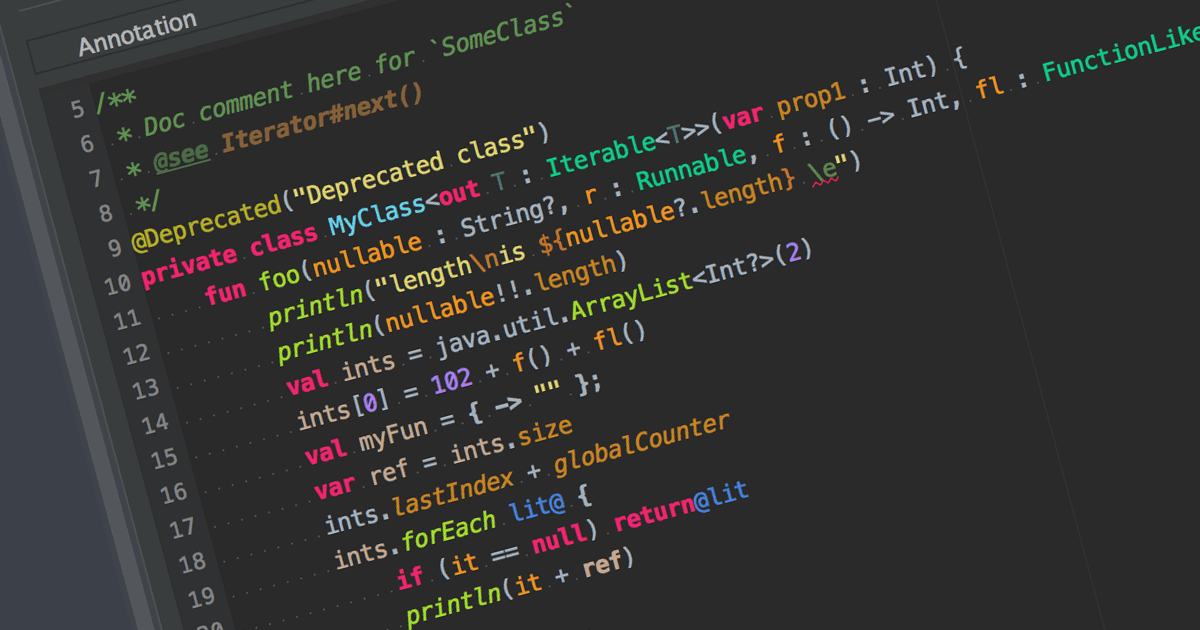
Syntax highlighting is a feature in text editors and IDEs that colorizes code based on programming language syntax. It improves code readability by visually differentiating keywords, variables, and other elements. This reduces syntax-related errors, helping developers quickly spot mistakes and better understand the structure and logic of their code.
Many IDEs offer syntax highlighting, including:
For an in-depth analysis of features and price, visit our comparison of IDEs.
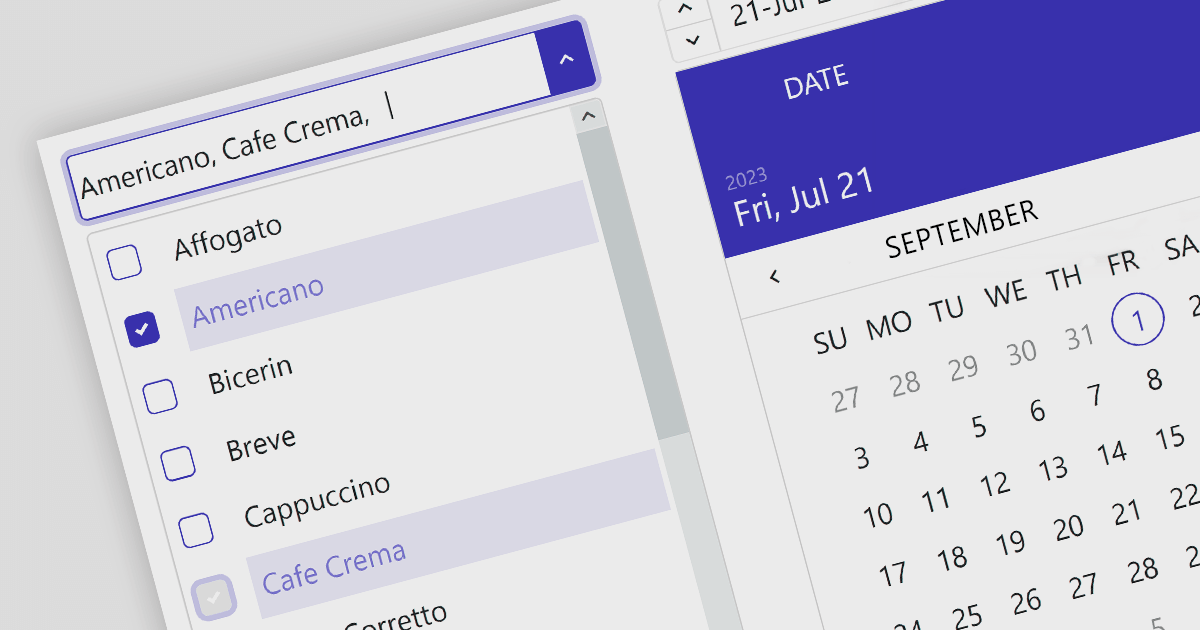
Angular data editors are user interface components that are used to display, manipulate, and validate data in Angular applications. Examples include toggle switches, checked list boxes and trackbars. They provide an interactive interface for users to easily edit data in forms, grids, or tables. These editors simplify data handling tasks and ensure data consistency and accuracy.
Here are some UI suites that include data editors:
For an in-depth analysis of features and price, visit our comparison of Angular UI suites.
電話: (888) 850 9911
Fax: +1 770 250 6199


