













公式サプライヤー
公式および認定ディストリビューターとして200社以上の開発元から正規ライセンスを直接ご提供いたします。
当社のすべてのブランドをご覧ください。
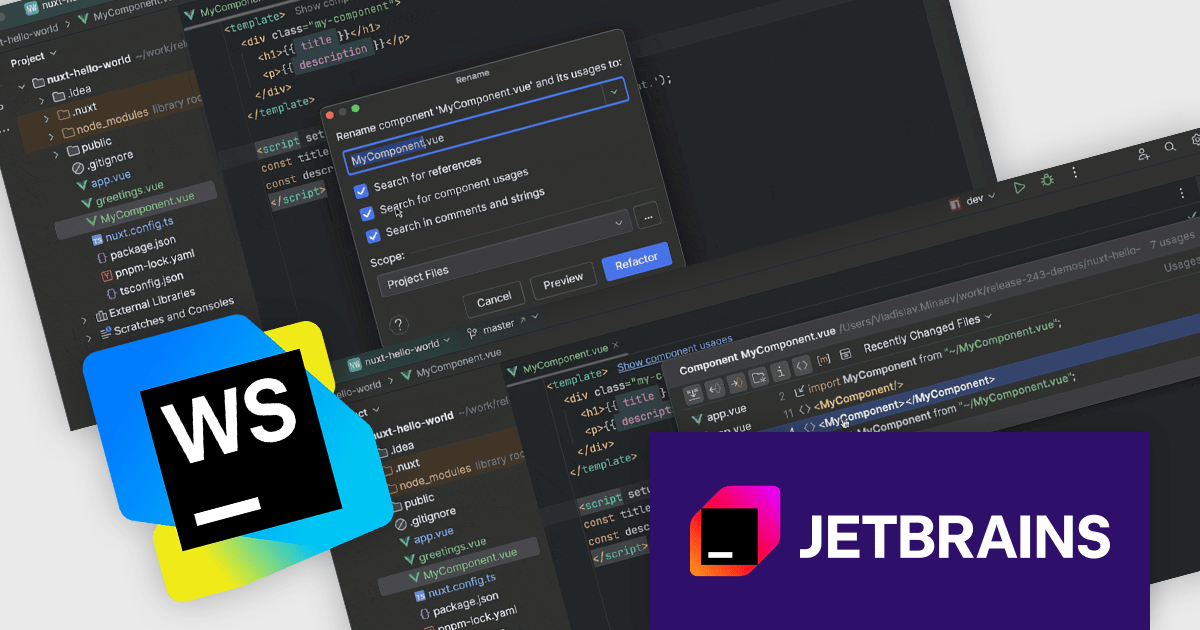
JetBrains WebStorm is a powerful and modern Integrated Development Environment (IDE) specifically designed for web development. It offers a feature-rich environment that supports popular web technologies like JavaScript, HTML, CSS, and Node.js. WebStorm helps you write cleaner, more efficient code with features like syntax highlighting, auto-completion, code refactoring, and built-in testing tools. It integrates seamlessly with various web frameworks and libraries, making it a versatile choice for both front-end and back-end development.
The WebStorm 2024.3 update introduces new in-editor hints for Vue, Svelte, and Astro components that provide immediate insights into component properties, improving workflow efficiency. Enhanced navigation features allow users to locate component usages across imports and templates, while the 'Show Component Usages' filter refines searches for more precise file references. The updated 'Rename' refactoring ensures consistent renaming across projects, making large-scale code adjustments faster and error-free. These improvements are ideal for developers managing complex applications who need accurate, project-wide control over component usage and naming.
To see a full list of what's new in version 2024.3, see our release notes.
WebStorm is licensed per user, and is available as a commercial annual subscription license. We can supply new subscriptions, subscription renewals (including continuity discounts), lapsed renewals, and additional user licenses. See our WebStorm licensing page for full details.
WebStorm is available to buy in the following products:

JetBrains All Products PackおよびJetBrains全製品は、2025年1月13日より値上げが実施される予定です。各製品の新価格は以下の通りです。
| 製品名 | 現行価格※ | 新価格※ |
|---|---|---|
| All Products Pack | ¥111,397 | ¥119,966 |
| IntelliJ IDEA | ¥85,657 | ¥92,246 |
| PyCharm | ¥35,607 | ¥38,346 |
| PhpStorm | ¥35,607 | ¥38,346 |
| GoLand | ¥35,607 | ¥38,346 |
| DataGrip | ¥32,747 | ¥35,266 |
| DataSpell | ¥32,747 | ¥35,266 |
| CLion | ¥32,747 | ¥35,266 |
| RubyMine | ¥32,747 | ¥35,266 |
| WebStorm | ¥22,737 | ¥24,486 |
| Rider | ¥59,917 | ¥64,526 |
| ReSharper | ¥49,907 | ¥53,746 |
| dotUltimate | ¥67,067 | ¥72,226 |
| RustRover | ¥32,747 | ¥35,266 |
| Aqua | ¥35,607 | ¥38,346 |
| JetBrains AI Pro | ¥28,600 | ¥30,800 |
※上記日本円価格は、全て消費税込みの価格です
JetBrainsは、2025年1月13日より日本円価格の改定を実施します。対象製品にはIntelliJ IDEAやPyCharm、Riderなど人気の開発ツールが含まれ、新価格は約7.7%ほどの値上げになります。この変更は、円相場の変動に対応するためであり、各種ライセンスの価格が軒並み引き上げられる予定です。
新規または更新のライセンスを現在の価格で入手するために、是非ご検討ください。上の表から製品名をクリックして今すぐご購入手続をおすすめいただくか、弊社まで 価格のお見積もりをご依頼ください。
現行価格でのご注文受付期限は2025年1月10日(金)18時(弊社営業時間中)までになりますので、ご注意ください。
サブスクリプション価格変更の詳細については、 JetBrains Blog をご覧ください。
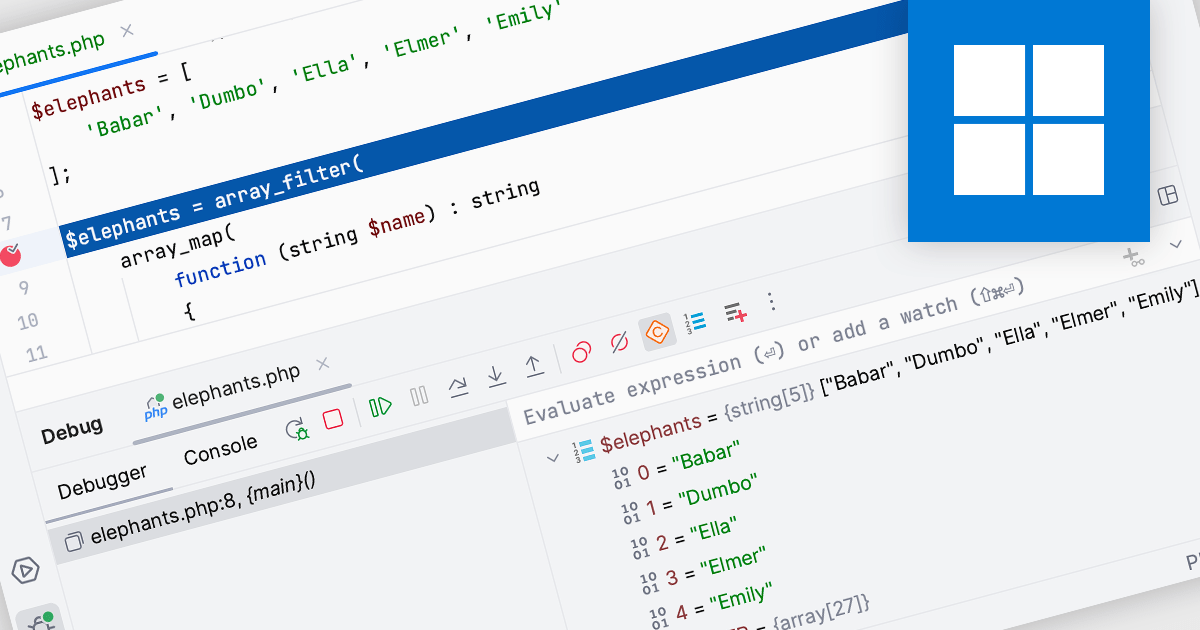
In Integrated Development Environments (IDEs), watches within the debugging tool allow developers to monitor and evaluate specific variables or expressions as a program runs or pauses at a breakpoint. By adding a watch, developers can observe how the value of a variable changes over time or track the result of an expression, which aids in understanding program behavior and identifying potential issues. This facilitates deeper insight during the debugging process, enabling efficient problem diagnosis and the validation of logic within the code without needing to add additional print statements or modify the source code.
Several Integrated Development Environments (IDEs) offer watches functionality including:
For an in-depth analysis of features and price, visit our comparison of Integrated Development Environments (IDEs).
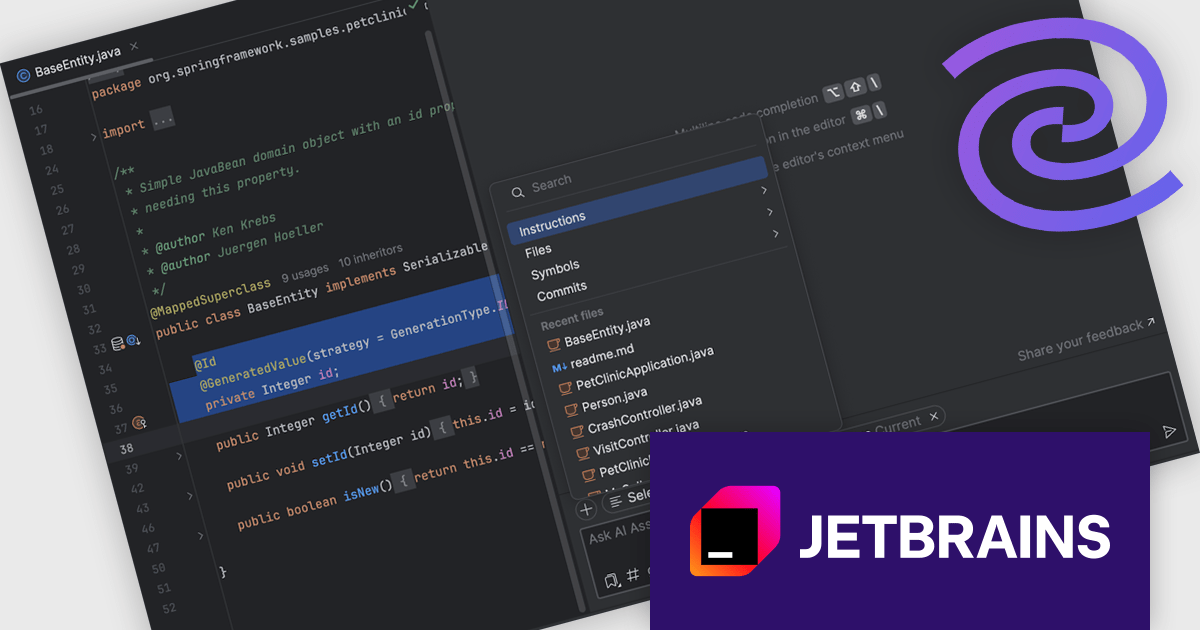
JetBrains AI Assistant - AI Pro is a plugin for JetBrains IDEs that uses large language models to enhance your coding experience. It can answer your questions about code, suggest completions and refactorings, and even help you write documentation and commit messages. It analyzes the context of your project to provide the most relevant suggestions, and you can chat with it directly within the IDE. JetBrains AI Assistant is a powerful tool for programmers looking to boost their productivity.
The JetBrains AI Assistant 2024.3 release introduces enhanced context management, empowering developers with precise control over AI-driven interactions. This update enables seamless customization of context by automatically integrating open files and selected code while allowing users to add or remove files as needed. With a clear, intuitive interface, developers gain full visibility into what the AI considers, facilitating efficient adjustments. Users can now attach project-wide instructions to ensure consistent, relevant responses across the codebase. Ideal for complex projects and collaborative coding environments, this feature enhances workflow efficiency, alignment, and accuracy in AI-assisted development.
To see a full list of what's new in version 2024.3 see our release notes.
JetBrains AI Assistant requires that you already own a JetBrains IDE product with an active commercial subscription license and is licensed per user as a commercial annual subscription. We can supply new subscriptions, subscription renewals, lapsed subscription renewals, and additional developer licenses. See our JetBrains AI Assistant licensing page for full details.
For more information, visit our JetBrains AI Assistant product page.
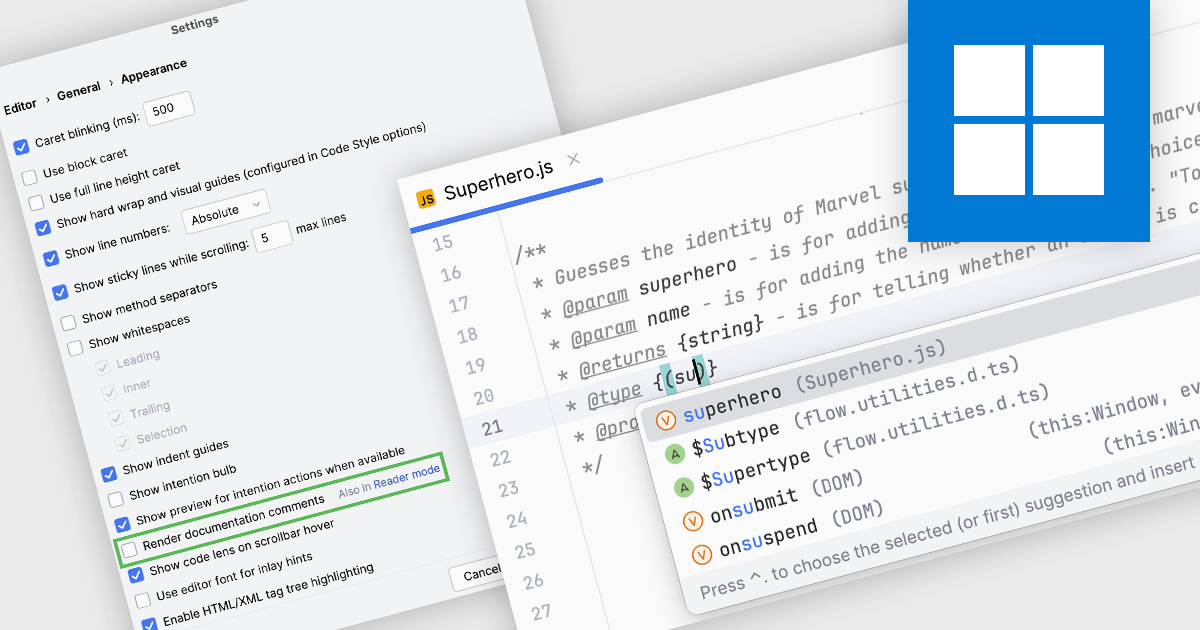
Code documentation features embed comments and annotations within code, helping developers understand its structure and functionality. Many Integrated Development Environments (IDEs) enhance this by automating documentation, offering real-time syntax checks, and enabling quick access to key information like parameters and return types. This improves collaboration, speeds up onboarding, and simplifies maintenance, making the code easier to scale and manage.
Several IDEs provide code documentation functionality including:
For an in-depth analysis of features and price, visit our comparison of IDEs.
電話: (888) 850 9911
Fax: +1 770 250 6199


