













公式サプライヤー
公式および認定ディストリビューターとして200社以上の開発元から正規ライセンスを直接ご提供いたします。
当社のすべてのブランドをご覧ください。
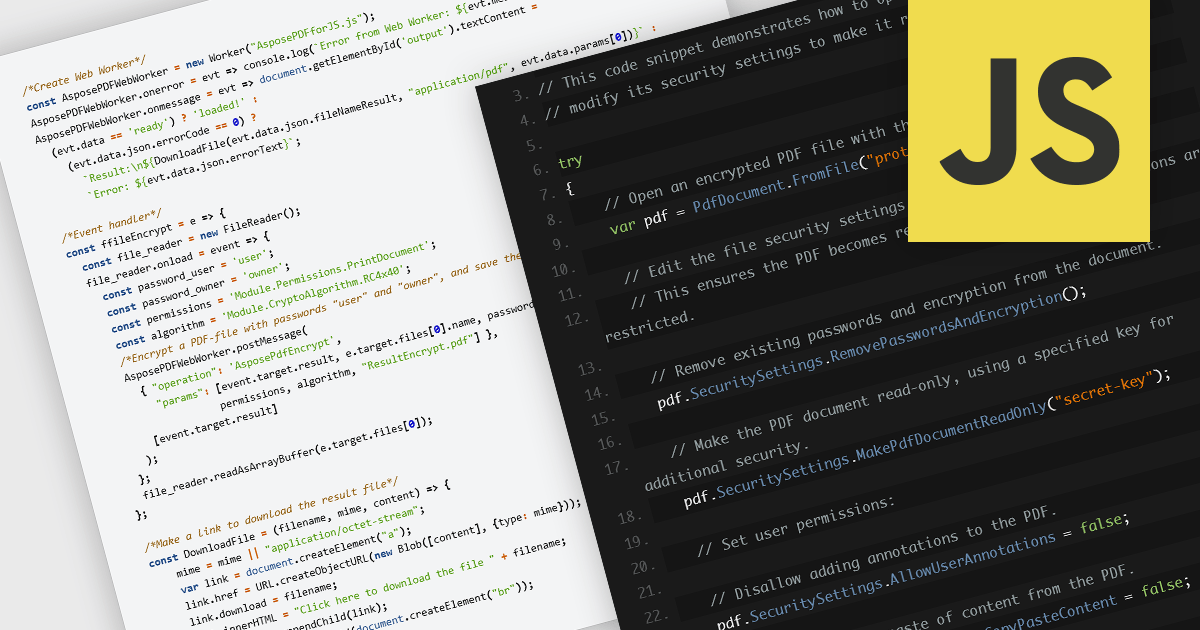
Encrypting and decrypting PDF files is a key feature in many modern PDF components, allowing developers to protect sensitive information and control access to documents. Encryption applies a security layer to the PDF, typically requiring a password to open or modify the file, while decryption reverses the process for authorized users. These capabilities are essential for applications that handle confidential business data, legal documents, or personal records, ensuring compliance with security policies and data protection regulations.
Several JavaScript PDF controls offer the ability to encrypt or decrypt PDF files including:
For an in-depth analysis of features and price, visit our JavaScript PDF controls comparison.
The DevExpress Office File API is a robust library designed to simplify the creation, editing, and processing of popular office document formats, including Word, Excel, PowerPoint, and PDF. It allows developers to integrate advanced document management features into their applications without relying on external software like Microsoft Office. Key features include document generation, data import/export, template customization, and seamless integration with modern platforms. The API supports advanced formatting, encryption, and digital signatures, ensuring secure and professional-grade output. Ideal for enterprise applications, it streamlines workflows for reporting, data analysis, and document automation, saving time and enhancing productivity for developers and end-users alike.
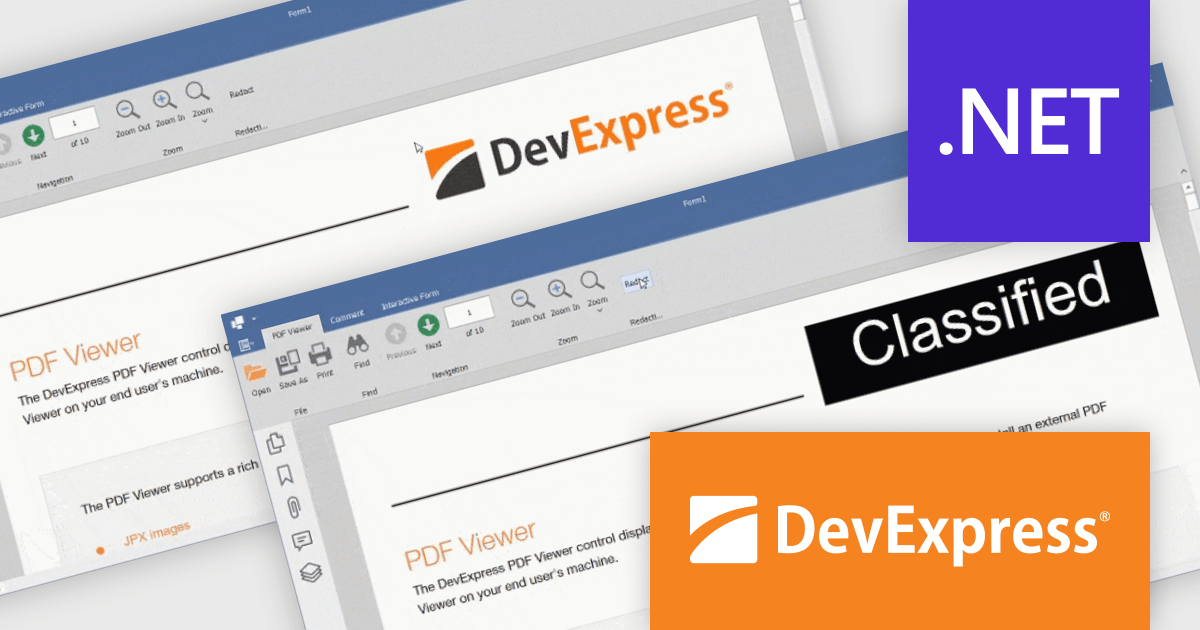
The DevExpress Office File API v25.1 update introduces a powerful redaction feature for PDF files. With the new API, developers can programmatically mark content for redaction and apply redaction annotations, allowing for the secure concealment or removal of sensitive information. In addition to hiding content, the API supports the use of colored text overlays across redacted areas, ensuring clarity and compliance when handling confidential documents. This enhancement is especially valuable for industries where privacy and data protection are essential.
To see a full list of what's new in version 25.1, see our release notes.
DevExpress Office File API is licensed per developer and is available as a Perpetual License with a 12 month support and maintenance subscription. See our DevExpress Office File API licensing page for full details.
DevExpress Office File API is available individually or as part of DevExpress Universal.
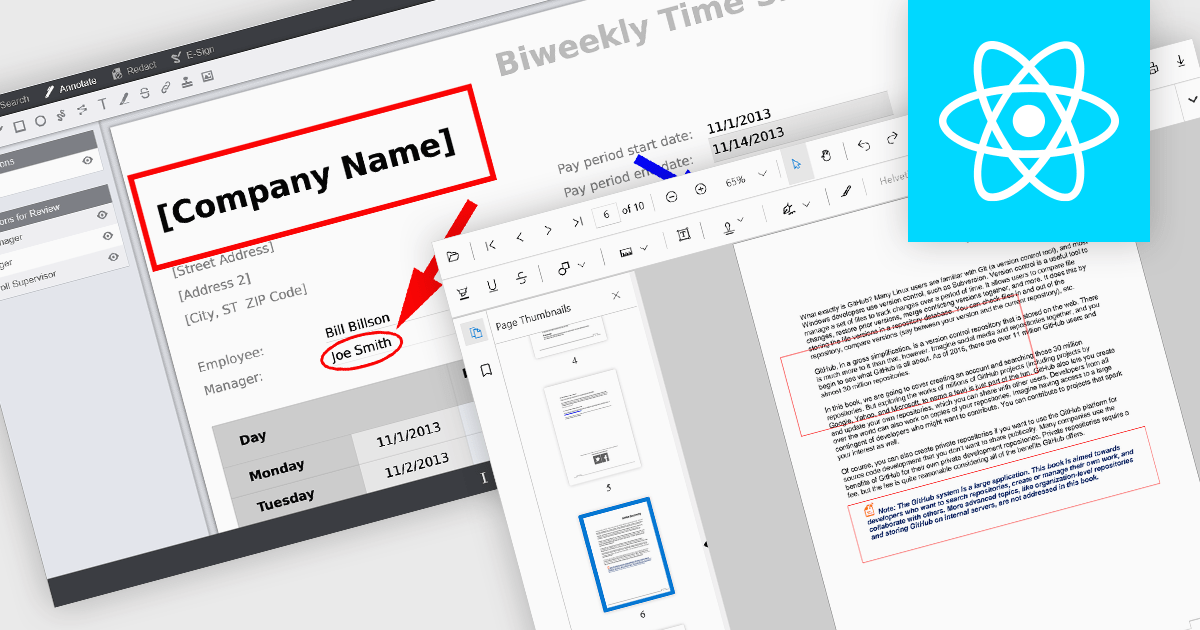
Rectangle annotations in PDF viewer components enable users to highlight, mark, or comment on specific areas within a PDF document by drawing rectangular shapes. This feature is commonly used for reviewing documents, collaborating on content, or emphasizing sections in technical or legal workflows. It enhances user interactivity within the viewer, allowing for visual references and context-specific notes without altering the original document content.
Several React PDF viewer controls offer rectangle annotations including:
For an in-depth analysis of features and price, visit our React PDF viewer controls comparison.
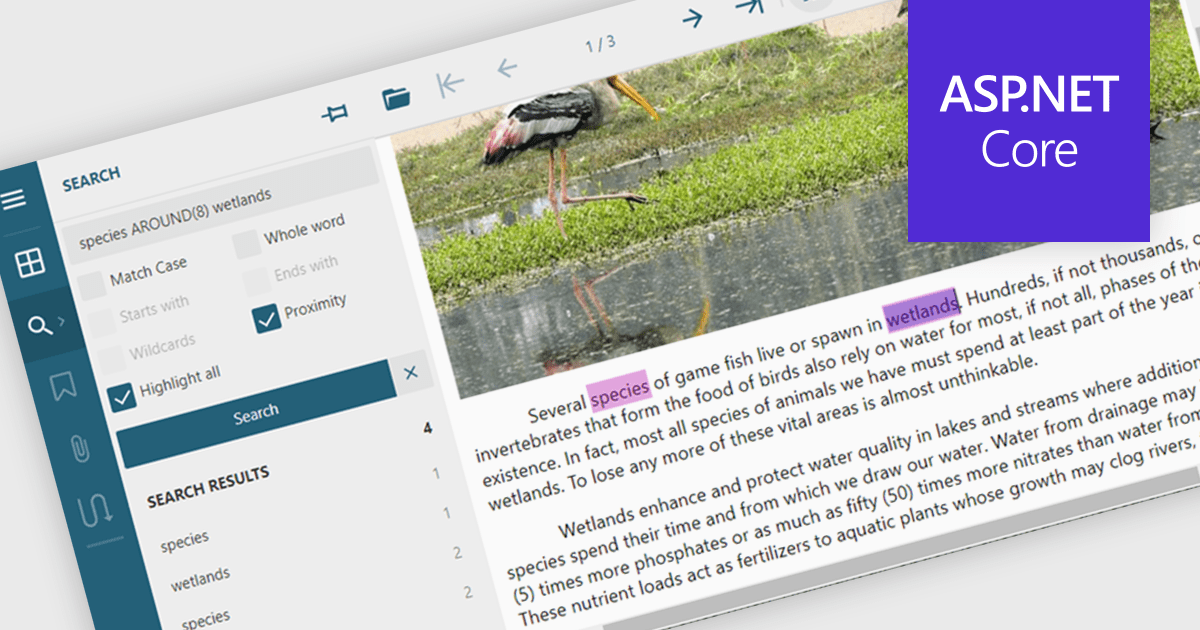
Text searching in a PDF component refers to the ability to programmatically locate and extract text within a PDF document based on specific search criteria. This functionality typically supports case sensitivity, whole word matching, and regular expressions, enabling precise querying across pages or document sections. For developers, it facilitates building features such as keyword highlighting, document indexing, content validation, and automated redaction workflows. By integrating text search, applications can efficiently interact with PDF content without manual review, saving time and improving data accessibility and accuracy across business and document automation systems.
Several ASP.NET Core PDF components allow you to search for text within a PDF file, including:
For an in-depth analysis of features and price, visit our comparison of ASP.NET Core PDF components.
Aspose.PDF for Go via C++, PHP via Java, and Rust via C++ are cross-platform PDF processing libraries that bring the rich functionality of the core Aspose.PDF engine to Go, PHP, and Rust environments. Each version is a language-specific wrapper around the mature C++ or Java backend, enabling developers to generate, read, modify, secure, and convert PDF documents within their native ecosystems. For example, the Go library uses cgo to expose document creation, text extraction, page manipulation, and format conversion. The PHP version leverages a Java bridge, providing access to features like text and image insertion, bookmark and annotation management, encryption, and XML‑templated PDF generation. Meanwhile, the Rust offering wraps the C++ core to offer safe, idiomatic Rust APIs for document optimization, page operations, and exporting to multiple output formats, with strong guarantees around memory safety and performance.
These libraries enable developers to easily integrate PDF capabilities into backend systems, web services, reporting tools, and document pipelines without relying on external PDF software. Each supports both simple use cases, like extracting text, creating "Hello World" PDFs, or splitting and merging files, and advanced workflows, including PDF repair, image compression, and content optimization. They also accommodate format conversions across office documents and image formats, facilitating data exchange between systems and document archival processes.
Aspose products are offered as Developer Small Business, Developer OEM, Developer SDK, Site Small Business, Site OEM and Site SDK licenses catering to a range of business needs. Licenses are perpetual, and include 1 year of support and maintenance. Subscription renewals are also available. For full details, see our licensing pages for Go via C++, PHP via Java, and Rust via C++.
These new products are available individually or as part of Aspose.Total Product Family.
電話: (888) 850 9911
Fax: +1 770 250 6199


