













公式サプライヤー
公式および認定ディストリビューターとして200社以上の開発元から正規ライセンスを直接ご提供いたします。
当社のすべてのブランドをご覧ください。
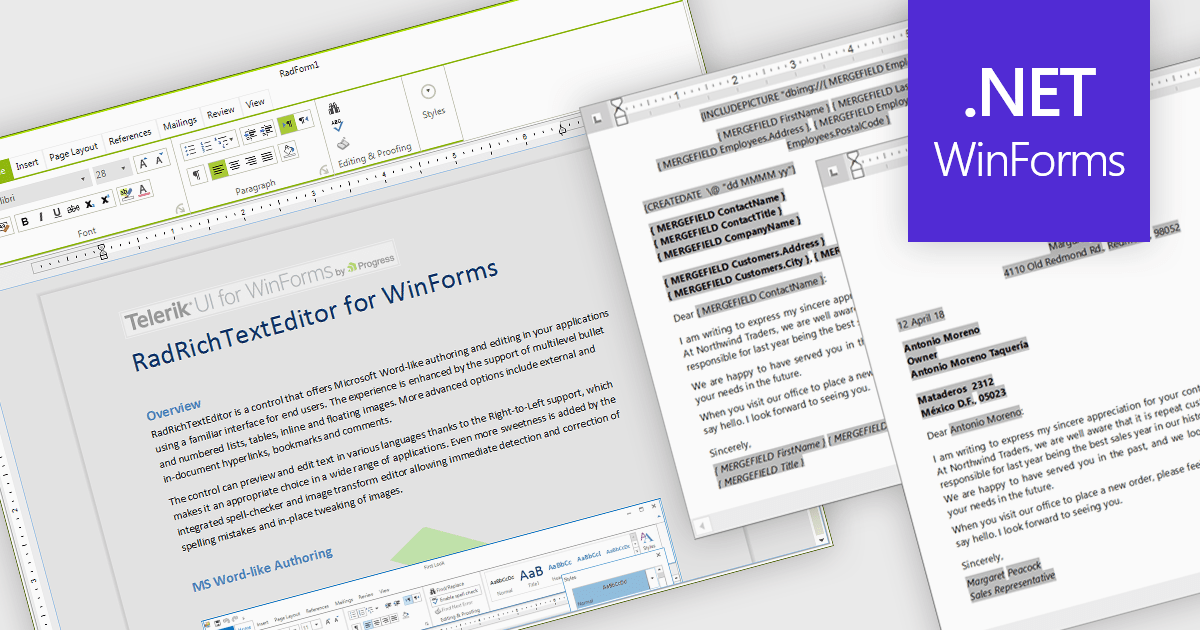
Rich text editors for WinForms let users create and format content in a familiar, word processor-like environment. These editors support advanced text styling, media embedding, and customizable toolbars, giving developers flexibility to build feature-rich desktop applications. With features like document import/export, content validation, and extensive formatting controls, they enhance the user experience while ensuring consistency across applications. Designed for accessibility and optimized for desktop performance, they integrate seamlessly into Windows-based workflows.
Several .NET WinForms UI suites offer rich text editors including:
For an in-depth analysis of features and price, visit our comparison of .NET WinForms UI Suites:
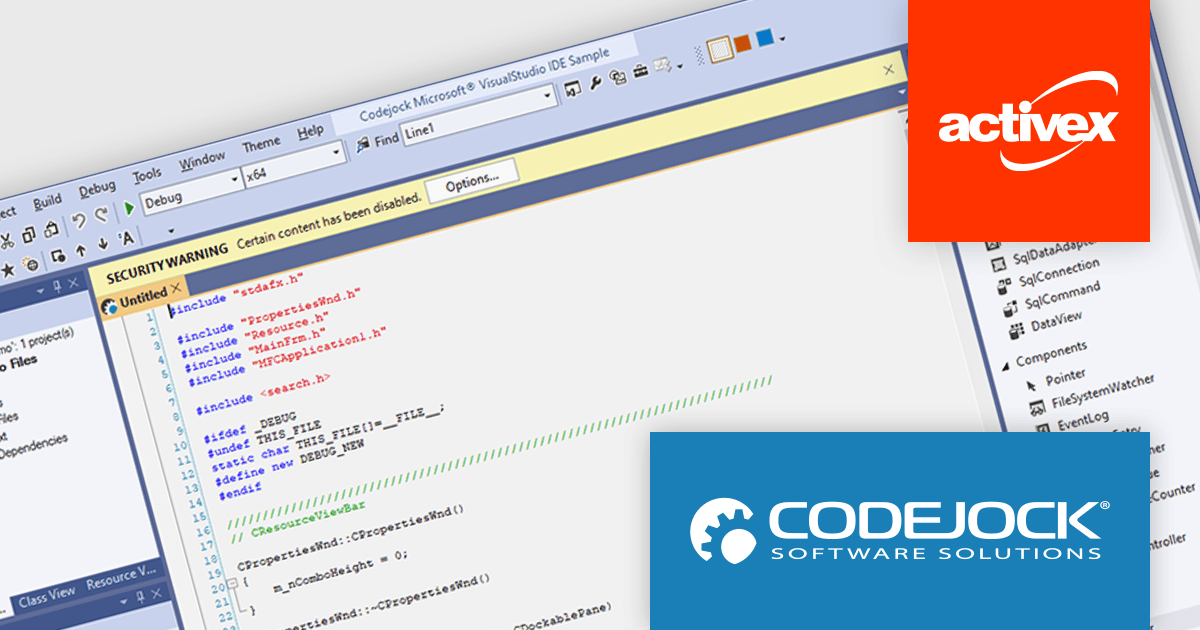
Codejock Suite Pro is a comprehensive collection of UI components and libraries designed to enhance the development process and create visually stunning applications. With a rich array of features including grids, charts, editors, docking windows and more, the suite empowers developers to rapidly build robust and user-friendly interfaces. Whether you're building enterprise applications, data visualization tools or custom user interfaces, Codejock Suite Pro provides the essential tools to elevate your projects and deliver exceptional user experiences.
The Codejock Suite Pro 24.0.0 introduces the ability for developers to embed interactive controls and menus directly onto the title bar of their application windows. This provides a more integrated and streamlined user experience, as frequently used functions can be readily available without requiring users to navigate through traditional menus or toolbars. It also opens up possibilities for more compact and efficient UI designs, especially for applications with limited screen real estate.
To see a full list of what's new in the 24.0.0 release, see our release notes.
Codejock Suite Pro is licensed per developer and is available as a perpetual license with 30 days or 1 year subscription (product updates and phone/email technical support). See our Codejock Suite Pro licensing page for full details.
For more information, visit our Codejock Suite Pro product page.
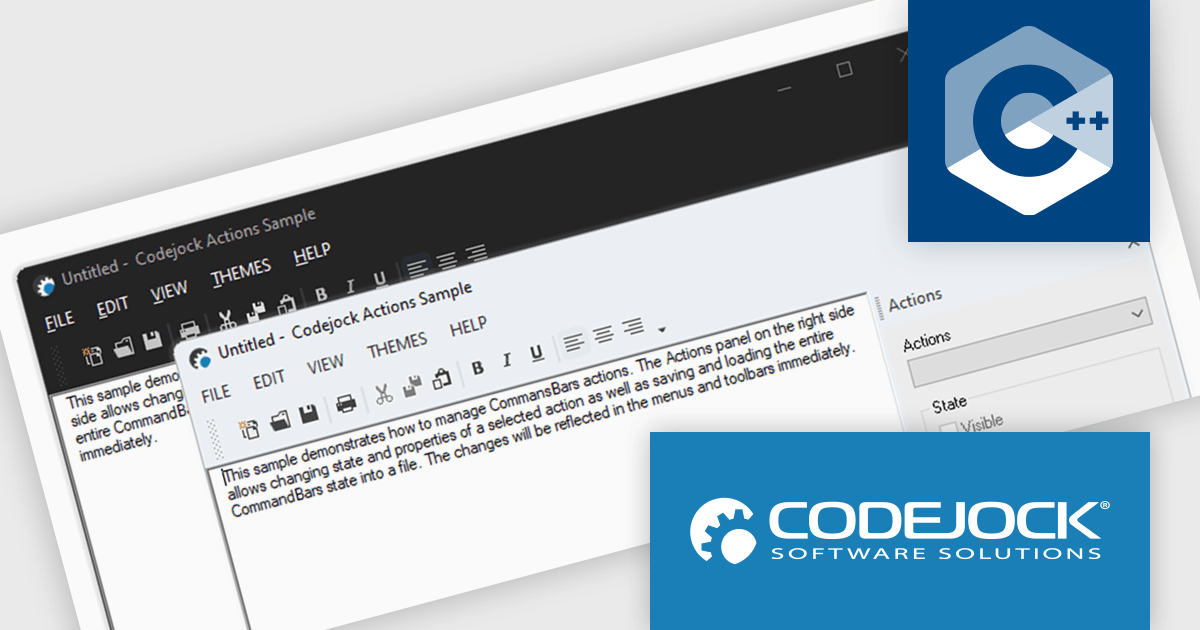
Codejock Toolkit Pro is a comprehensive suite of UI components designed to enhance the development process and create visually appealing, feature-rich applications. The toolkit offers a wide range of controls, including calendars, charts, docking windows and more, each meticulously crafted to provide exceptional performance and customization options. With features like data binding, theming and localization, developers can easily integrate the toolkit into their projects and tailor the interface to meet specific requirements. The toolkit's versatility makes it suitable for various applications, from desktop software to web-based solutions, empowering developers to deliver professional-grade user experiences.
Codejock Toolkit Pro 24.0.0 adds support for Windows 11 themes, allowing developers to give their applications a modern and up-to-date look and feel. This new feature enables developers to seamlessly integrate the latest Windows 11 visual styles into their applications, ensuring a consistent and polished user experience for their customers. With this enhancement, developers can create applications that not only function flawlessly but also align with the contemporary design language of the Windows 11 operating system.
Codejock Toolkit Pro is licensed per developer and is available as a perpetual license with 30 days or 1 year subscription (product updates and phone/email technical support). See our Codejock Toolkit Pro licensing page for full details.
For more information, visit our Codejock Toolkit Pro product page.

KWIZ Forms Enterprise enables SharePoint users to transform standard list forms into dynamic, feature-rich web tools without requiring coding skills. Built on familiar SharePoint interfaces, it eliminates the need to learn new systems while offering advanced functionality and intuitive design capabilities. Users can create intelligent, versatile forms that streamline workflows and enhance productivity, all within the Microsoft 365 ecosystem. Ideal for businesses seeking efficient form management, KWIZ Forms Enterprise saves time, boosts efficiency, and ensures seamless integration with SharePoint's native features.
KWIZ Forms Enterprise features native SharePoint integration, providing seamless compatibility with the Microsoft 365 ecosystem while ensuring robust data security. As a 100% client-side add-in, it ensures that all form data remains securely within the user’s SharePoint Online tenant, eliminating the need for external data transfers. This design allows developers to enhance and customize dynamic forms directly within SharePoint, leveraging its existing infrastructure without compromising performance or security. By aligning with SharePoint’s native architecture, KWIZ Forms Enterprise streamlines form development, making it an efficient and secure solution for modern business workflows.
KWIZ Forms Enterprise is licensed on an annual basis, requiring each user in your organization to be covered by an Annual Subscription license. Different levels are available to cater for different numbers of users. See our KWIZ Forms Enterprise licensing page for full details.
For more information, visit our KWIZ Forms Enterprise product page.
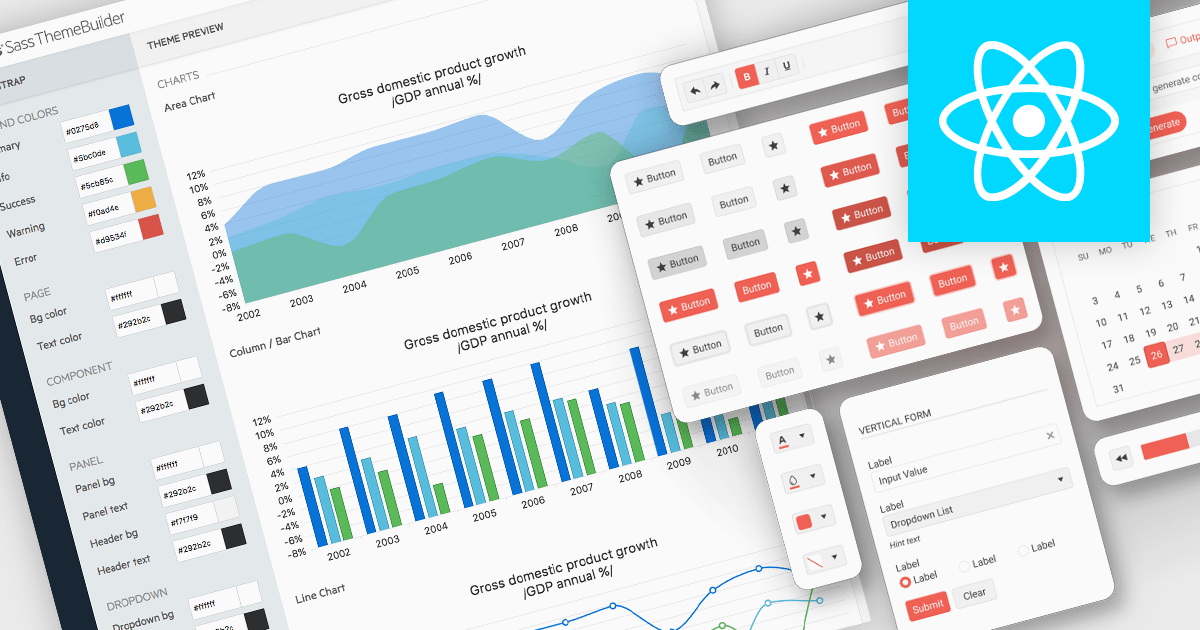
UI theming is the process of defining and applying a consistent visual style across a user interface using centralized settings for elements like colors, typography, spacing, and component styles. It allows developers to create cohesive designs that align with branding requirements, ensure cross-platform consistency, and adapt easily to user preferences or accessibility needs. By leveraging theming, software developers can streamline development workflows, reduce redundancy, and simplify maintenance while delivering customizable, scalable, and user-friendly applications.
Several React UI suites offer theming support, including:
For an in-depth analysis of features and price, visit our comparison of React UI suites.
電話: (888) 850 9911
Fax: +1 770 250 6199


