













公式サプライヤー
公式および認定ディストリビューターとして200社以上の開発元から正規ライセンスを直接ご提供いたします。
当社のすべてのブランドをご覧ください。
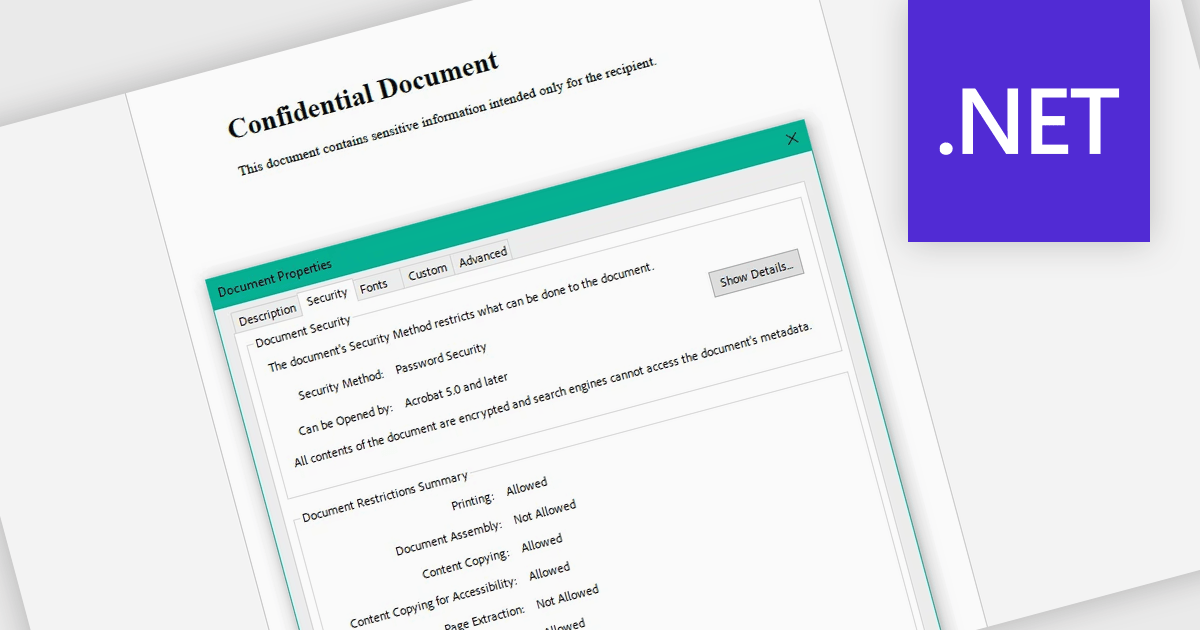
Encrypting and decrypting PDF files allows developers to secure sensitive documents with strong encryption while enabling authorized users to safely access protected content when needed. By applying password protection and access controls, organizations can prevent unauthorized viewing or sharing of confidential information such as legal contracts, financial reports, healthcare records, and proprietary research while supporting secure document workflows and compliance requirements.
Several .NET PDF controls offer encryption and decryption support including:
For an in-depth analysis of features and price, visit our .NET PDF controls comparison.
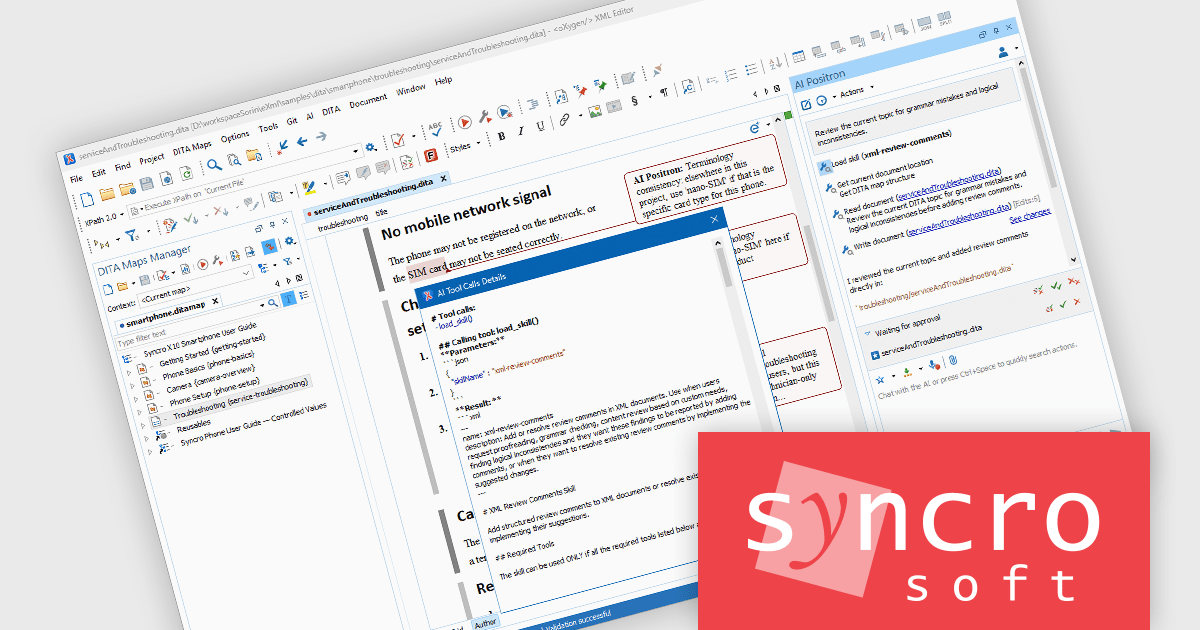
Oxygen AI Positron Enterprise brings AI assistance into XML and structured content workflows, helping teams create, review, translate, analyze, and manage content more efficiently across Oxygen environments. It supports context-aware interactions, configurable AI connections, and tools designed to make AI-assisted authoring more practical for professional documentation and development teams.
The Oxygen AI Positron Enterprise V8.2 release adds the ability to define and use skills, adding a valuable layer of extensibility by letting teams package repeatable AI behaviors into reusable, specialized modules. This means organizations can automate recurring workflows, connect the AI agent to external tools and application programming interfaces, enforce internal best practices, and support proprietary or domain-specific processes with greater consistency.
To see a full list of what's new in V8.2, see our release notes.
Oxygen AI Positron Enterprise is licensed per Named user and is available as a Timed License with support and maintenance subscription. See our Oxygen AI Positron Enterprise licensing page for full details.
Learn more on our Oxygen AI Positron Enterprise product page.
DevExpress Blazor (part of DevExpress ASP.NET and Blazor) helps you create high-impact user experiences for both Blazor Server and Blazor WebAssembly using C#. The Blazor UI Component Library ships with a comprehensive set of native components including a Grid, Pivot Table, Scheduler, Chart, Data Editors and Reporting.
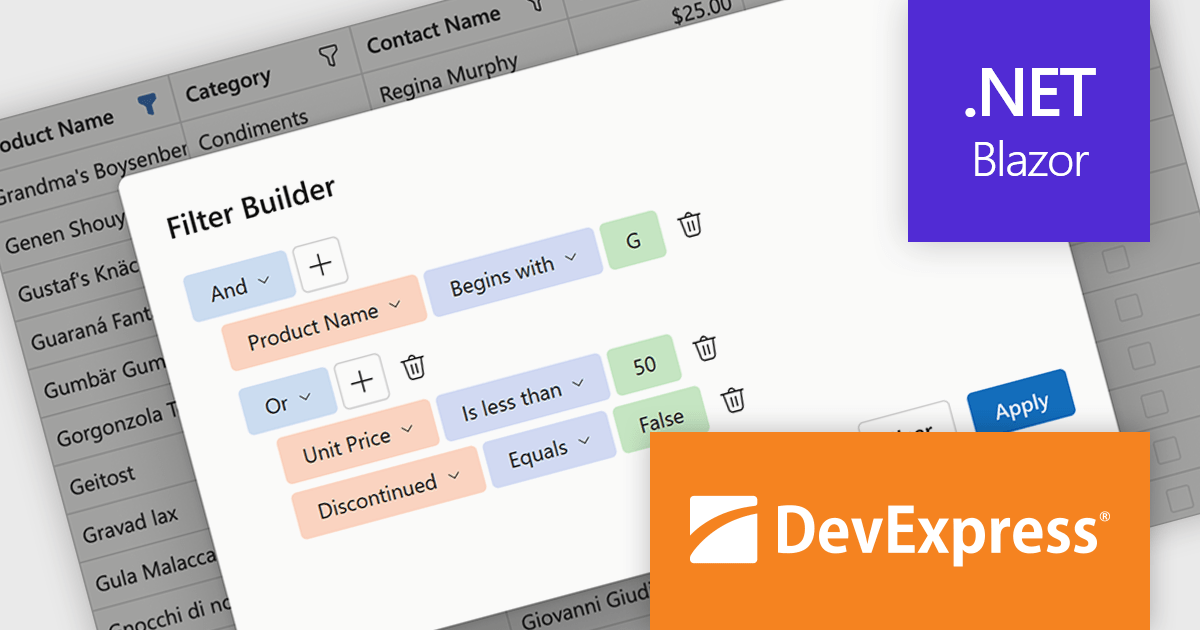
DevExpress Blazor now includes an integrated Filter Builder for its Grid and TreeList components, making it easier for users to define advanced filtering criteria through a visual interface. Filter Builder fields are generated automatically from existing data columns, so developers can add sophisticated filtering capabilities without extra configuration or custom implementation work. This approach helps users work with large datasets more efficiently while maintaining a consistent experience across Blazor applications.
DevExpress ASP.NET and Blazor is licensed per developer and is available as a Perpetual License with a 12 month support and maintenance subscription. See our DevExpress ASP.NET and Blazor licensing page for full details.
DevExpress Blazor is available in the following products:
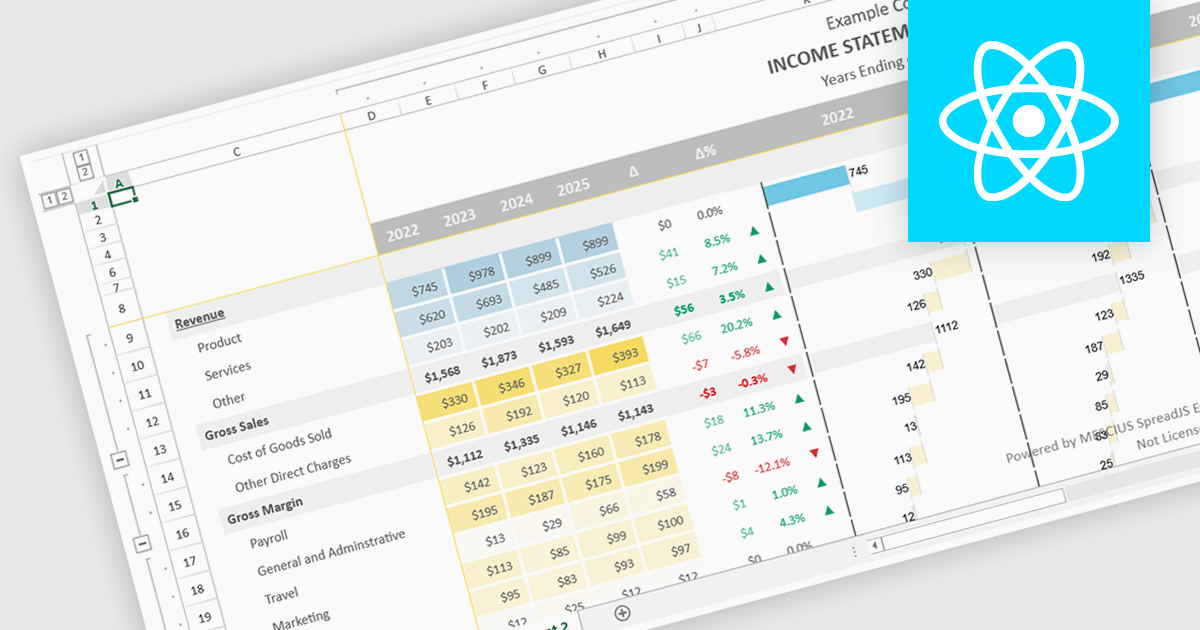
Conditional formatting support in a React spreadsheet component allows developers to apply dynamic visual styling to cells based on defined rules, values, formulas where supported, or predefined conditions, such as highlighting trends, thresholds, errors, or status changes as data changes. This capability improves data readability and usability by helping users identify important information quickly without manual analysis, while also enabling more interactive and responsive data-driven applications. For software developers, it provides a familiar spreadsheet experience within React applications, reduces the need for custom rendering logic, and supports the creation of dashboards, financial tools, reporting systems, and enterprise data management interfaces with clearer visual context.
Several React spreadsheet controls support conditional formatting including:
For an in-depth analysis of features and price, visit our React spreadsheet controls comparison.
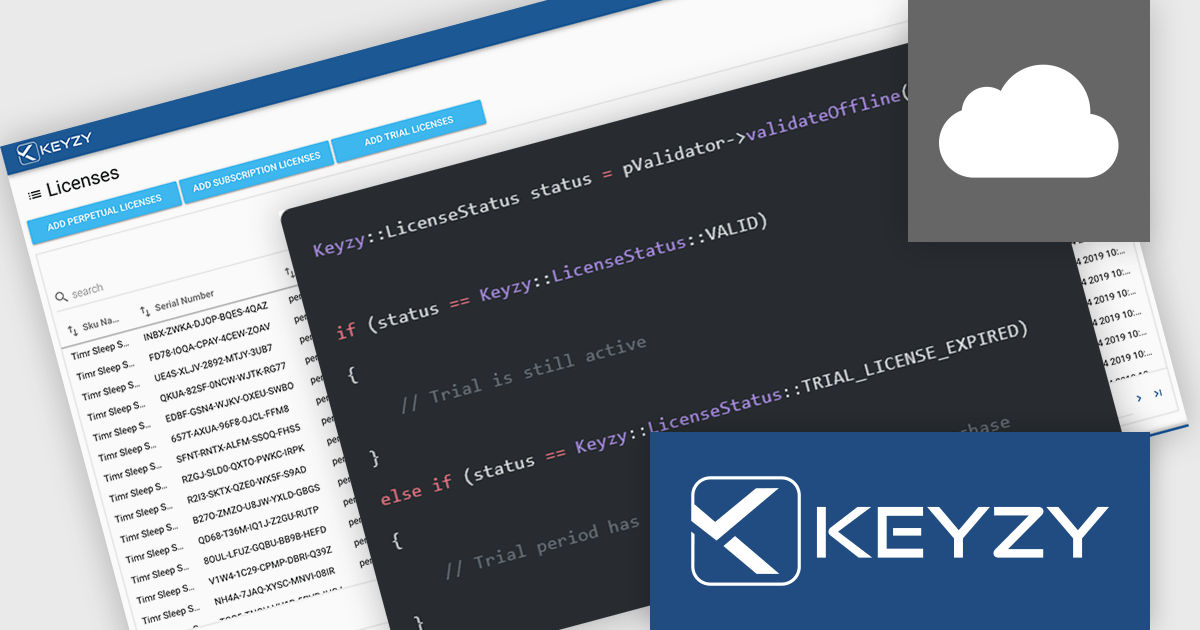
KEYZY is a cloud‑based software licensing manager that lets developers generate, deliver, track and manage licenses for their applications without hosting their own servers. It supports multiple licensing models (such as perpetual and subscription), provides a dashboard and APIs for organizing products, SKUs and dealers, and includes client libraries for integrating license activation and validation into software. The service runs on remote servers so vendors don’t have to maintain infrastructure, and it handles license distribution and enforcement for both online and offline use cases.
The KEYZY May 2026 release now includes a new Trial Reset action for devices, giving partners more flexibility when managing customer evaluations. Previously, if a customer activated a trial but failed to use it before the trial expired, the same device could not start another trial without manual support intervention. With the new Reset Device option, partners can allow a legitimate second trial on the same machine directly from the dashboard. A separate Delete action is also available to permanently revoke a seat while keeping the device blocked from future trials. This gives partners clearer control over whether to deny access entirely or simply offer customers another opportunity to evaluate the product.
To see a full list of what's new in the May 2026 release, see our release notes.
KEYZY is licensed annually, with a renewal required each year to maintain access. It offers three subscription tiers - Single, Studio, and Business - each providing different limits on products, SKUs, dealers, and license counts to suit varying business needs. See our KEYZY licensing page for full details.
For more information, see our KEYZY product page.
電話: (888) 850 9911
Fax: +1 770 250 6199


