













公式サプライヤー
公式および認定ディストリビューターとして200社以上の開発元から正規ライセンスを直接ご提供いたします。
当社のすべてのブランドをご覧ください。

dbForge Schema Compare for Oracle is a powerful tool designed to help database developers and administrators efficiently manage schema synchronization and version control. It streamlines the process of identifying differences between database structures, ensuring consistency across environments. With support for automated comparison and deployment, the tool simplifies database maintenance and reduces the risk of errors when applying changes. Its intuitive interface, seamless integration with Oracle databases, and command-line capabilities make it a valuable asset for teams working with complex database infrastructures.
The dbForge Schema Compare for Oracle V6.0.85 release adds a new visual Object Filter, enhancing the flexibility and precision of schema comparison by allowing users to exclude specific objects based on custom criteria. This feature simplifies synchronization by focusing only on relevant changes, reducing the time and effort needed to manage large or complex schemas. By saving custom filters to files, users can easily reuse configurations across multiple projects, ensuring consistency in filtering criteria. Additionally, the ability to apply these filters from the command line, makes it easier to maintain Oracle databases in CI/CD pipelines and other scripted environments.
To see a full list of what's new in V6.0.85, see our release notes.
dbForge Schema Compare for Oracle is licensed per developer and is available as an Annual or Perpetual License with a 12 month support and maintenance subscription. See our dbForge Schema Compare for Oracle licensing page for full details.
dbForge Schema Compare for Oracle is available individually or as part of dbForge Compare Bundle for Oracle.
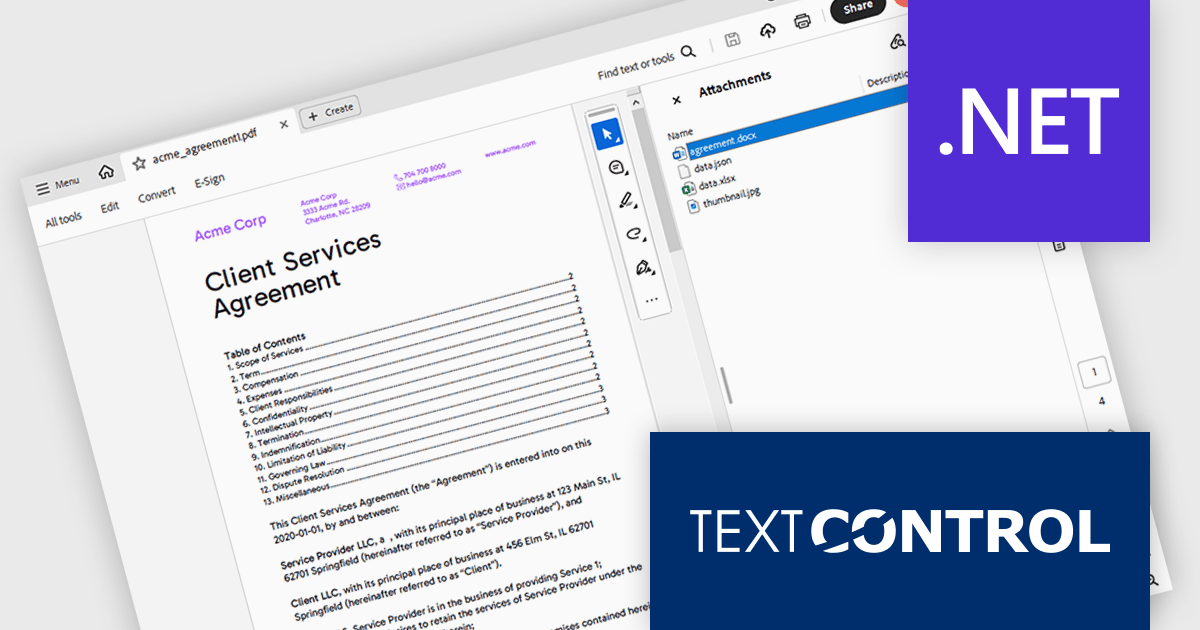
TX Text Control .NET is a royalty-free, fully programmable document editor that empowers developers to add rich WYSIWYG word processing to desktop and web applications across various platforms. It provides everything from comprehensive text formatting and mail merge to PDF creation and processing, all through a robust API and intuitive user interface.
The TX Text Control .NET 33.0 release enhances the DocumentServer PDF namespace, making it easier to extract attachments and embedded documents from PDFs. This feature is especially useful for bundling related materials - such as images, spreadsheets, or additional documents - without requiring separate file handling. A key application is electronic invoicing with standards like ZUGFeRD and XRechnung, where machine-readable data is embedded alongside human-readable invoices.
To see a full list of what's new in version 33.0, see our release notes.
TX Text Control .NET for Windows Forms and TX Text Control .NET for WPF are licensed per developer and are available as a Perpetual License with a 12 month support and maintenance subscription. See our TX Text Control .NET for Windows Forms licensing page or TX Text Control .NET for WPF licensing page for full details.
TX Text Control .NET is available to buy in the following products:
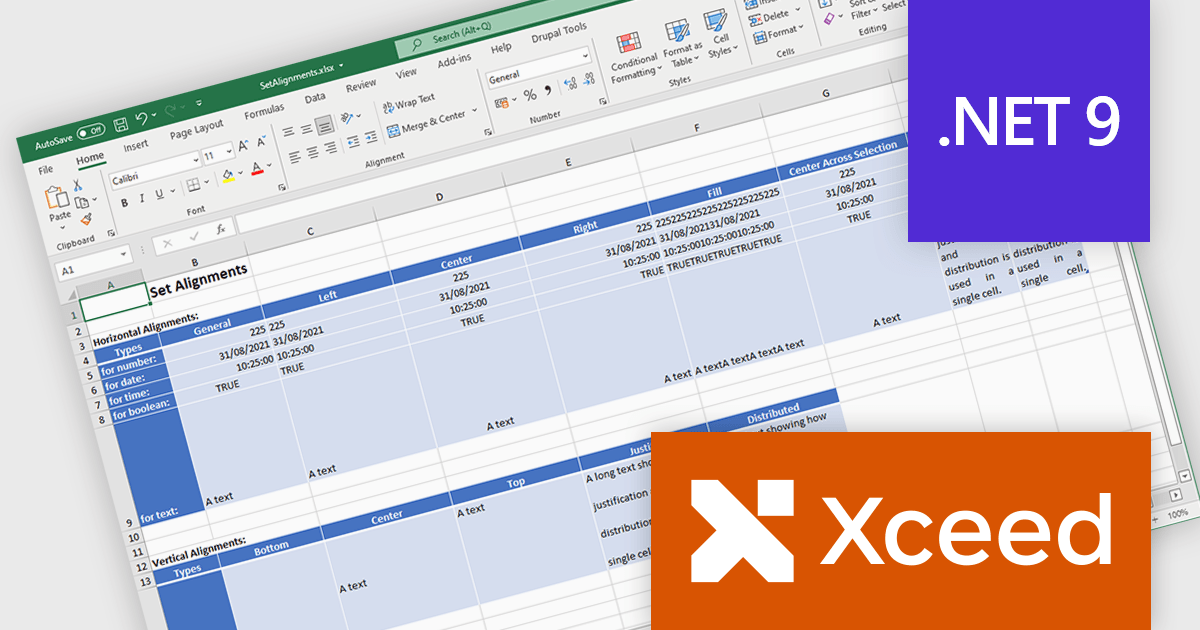
Xceed Workbooks for .NET is a software component designed for .NET developers that enables the creation and manipulation of Microsoft Excel .xlsx files directly within their applications, without requiring Microsoft Excel or Office to be installed; it provides an API that allows for programmatic control over spreadsheet content, formatting, and structure, facilitating tasks such as report generation, data analysis, and document automation.
The Xceed Workbooks for .NET 2.0 release adds support for .NET 9. This primarily ensures compatibility with the latest .NET ecosystem, allowing developers to leverage new features, performance improvements, and security enhancements within their applications. This compatibility future-proofs projects, minimizes integration issues, and maintains alignment with the evolving .NET platform, enabling developers to build more efficient and maintainable software using Xceed Workbooks.
To see a full list of what's new in version 2.0, see our release notes.
Xceed Workbooks for .NET is licensed per developer and is available as a perpetual license with 1 year of updates and support. See our Xceed Workbooks for .NET licensing page for full details.
Xceed Workbooks for .NET is available individually or as part of Xceed Ultimate Suite.
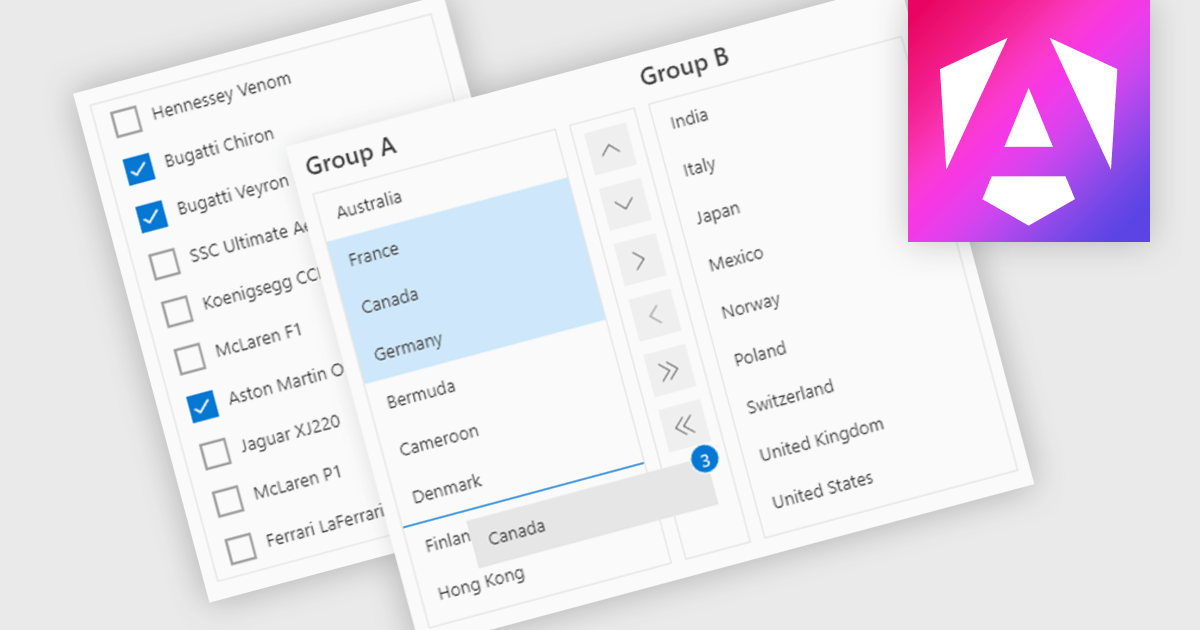
ListBoxes are user interface components in data editors that enable users to select one or more values from a predefined list. They help improve data entry by reducing manual input, ensuring consistent data, and minimizing errors. Commonly used in forms, data grids, and configuration panels, ListBoxes support both static and dynamic data sources, allowing for context-aware filtering and responsive interfaces that adapt to user selections.
Several Angular data editors support listboxes, including:
For an in-depth analysis of features and price, visit our Angular data editors comparison.
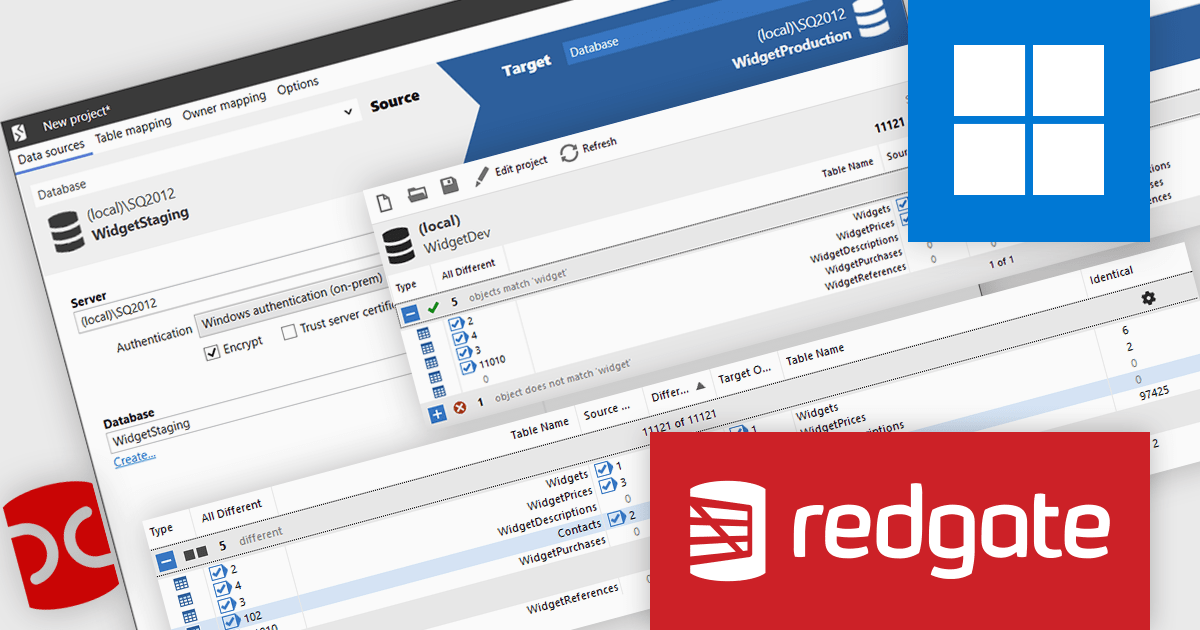
SQL Data Compare helps database administrators, developers, and testers identify and synchronize differences between SQL Server databases. It automates comparisons, reducing manual effort and ensuring data integrity. With precise filtering and SSMS integration, it streamlines workflows for maintenance, debugging, and deployments. It is also used for quality assurance, documentation, and verification across development and production environments.
SQL Data Compare makes data comparisons easier with precise, side-by-side analysis of database contents, helping developers quickly spot differences. It simplifies managing schema changes, debugging issues, and maintaining data integrity across environments. Filtering specific tables, columns, or rows allows for more focused comparisons, improving deployment efficiency. Integrated into SQL Server Management Studio, it removes the need for external tools, enabling smooth synchronization and controlled manual deployments.
SQL Data Compare is licensed per developer and is available as a 1, 2 or 3 year subscription license which includes full support plus all major versions of the software released during the subscription period. For full details, see our SQL Data Compare licensing page.
For more information, visit our SQL Data Compare product page.
電話: (888) 850 9911
Fax: +1 770 250 6199


