













公式サプライヤー
公式および認定ディストリビューターとして200社以上の開発元から正規ライセンスを直接ご提供いたします。
当社のすべてのブランドをご覧ください。
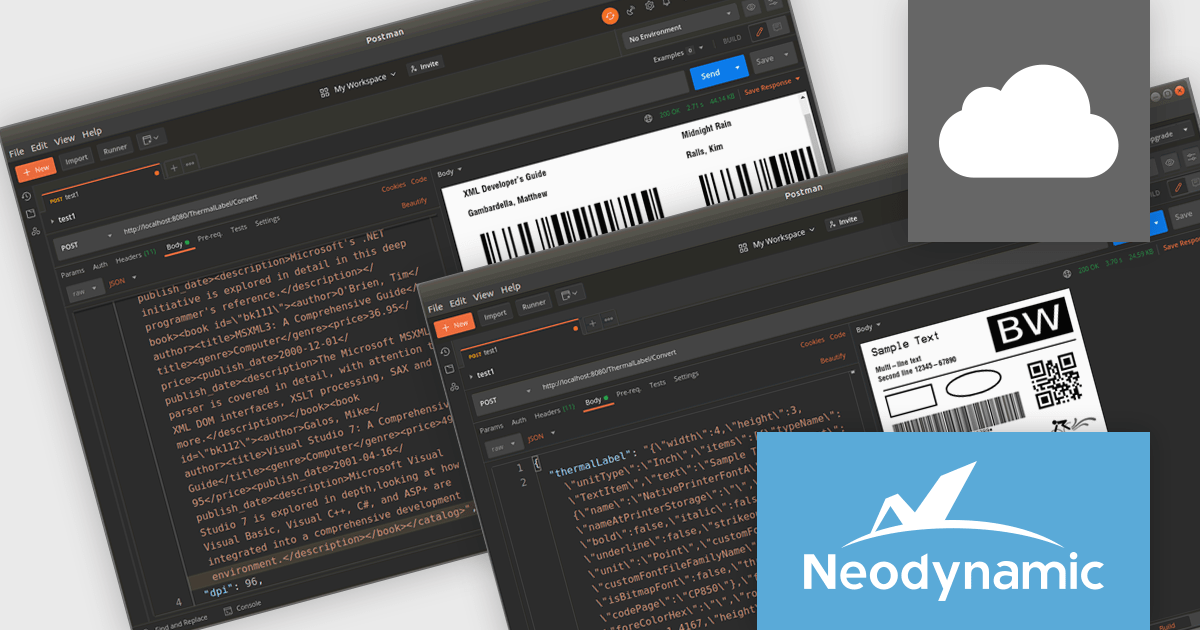
Neodynamic ThermalLabel Web API for Docker is a scalable, cloud-ready solution for generating barcode labels in containerized environments. It offers a RESTful API that allows developers to design and print labels with barcodes, text, images, and RFID elements from any platform or application. By leveraging Docker’s containerization technology, it simplifies deployment and maintenance while ensuring cross-platform compatibility, making it suitable for on-premises and cloud-based infrastructures. Designed for industries such as logistics, retail, and healthcare, it supports high-performance label printing with minimal resource consumption, enabling businesses to efficiently produce shipping labels, asset tags, and product barcodes within distributed systems.
The Neodynamic ThermalLabel Web API for Docker 5.0 release introduces the new "OverflowSplit" sizing option for TextItem objects. This feature enables developers to automatically divide extensive text content across multiple labels, ensuring that lengthy information is seamlessly managed without requiring manual adjustments. This is particularly beneficial for applications requiring the printing of variable data that may exceed the space of a single label, such as detailed product descriptions or serialized data.
To see a full list of what's new in 5.0, see our release notes.
Neodynamic ThermalLabel Web API for Docker is licensed per developer and per server/client side deployment. Licenses are perpetual and include free updates and priority support for 1 year. See our Neodynamic ThermalLabel Web API for Docker licensing page for full details.
Learn more on our Neodynamic ThermalLabel Web API for Docker product page.
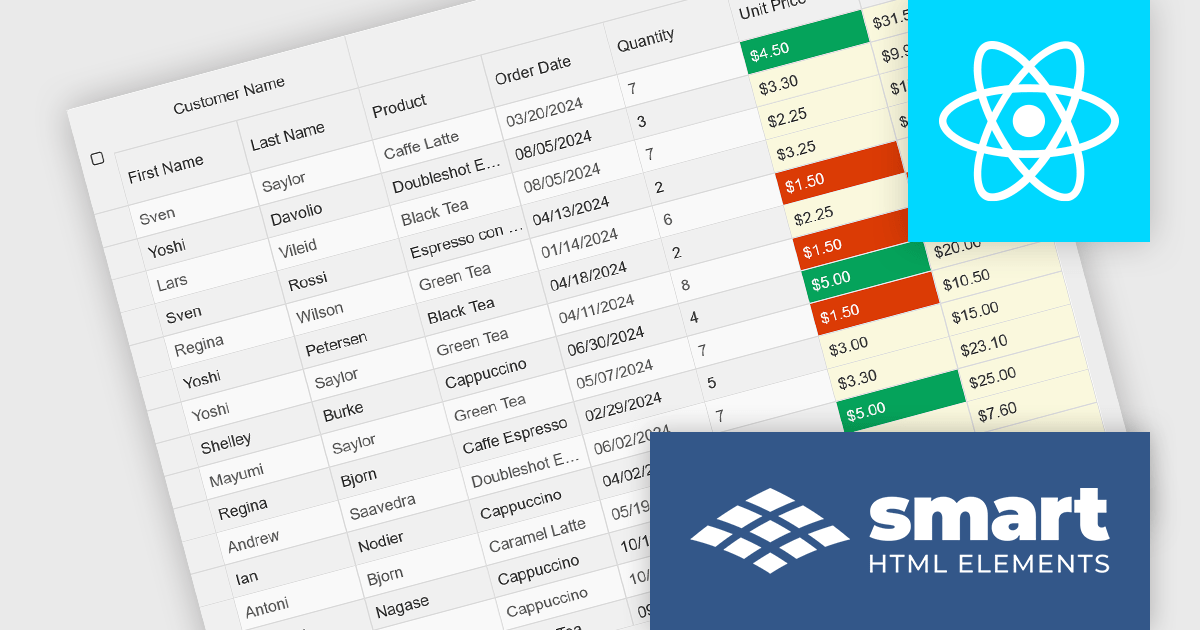
Smart UI by Smart HTML Elements is an enterprise-grade UI library offering pre-built web components for developers in Angular, React, Vue, Blazor, and JavaScript. It boasts over 60 ready-to-use components like grids, charts, schedulers, and editors, all featuring two-way data binding, responsiveness, accessibility, and theming capabilities. This library helps developers rapidly build dynamic and modern web applications with consistent look-and-feel and rich functionalities, accelerating development time and ensuring professional quality.
The Smart UI v22.0.0 release adds full support for React 19, bringing several advantages to developers. React 19 introduces features such as enhanced concurrent rendering, server components, and improved hooks, which collectively enhance performance and streamline development processes. By integrating these capabilities, Smart UI ensures that its components are optimized for the latest React advancements, providing a more efficient and responsive user experience. This update allows developers to leverage React 19's improvements seamlessly within Smart UI's comprehensive suite of components, facilitating the creation of modern, high-performance web applications.
To see a full list of what's new in v22.0.0, see our release notes.
Smart UI (Smart HTML Elements) is licensed per developer and is available as a perpetual license with 1 year support and maintenance. It includes distribution to unlimited Web applications, SaaS projects, Intranets and Websites. Team, OEM and Enterprise licensing options are also available. See our Smart UI licensing page for full details.
Learn more on our Smart UI product page.
Oxygen Publishing Engine is a high-performance solution designed for automating the generation of various types of technical documentation. Built on the robust Oxygen XML Author and Oxygen XML Editor platforms, it provides advanced support for transforming structured content, such as DITA (Darwin Information Typing Architecture), DocBook, and HTML, into multiple output formats, including PDF, HTML, and EPUB. The engine is optimized for integration into continuous integration and continuous deployment (CI/CD) workflows, allowing organizations to streamline their documentation processes while maintaining consistency and compliance with industry standards.
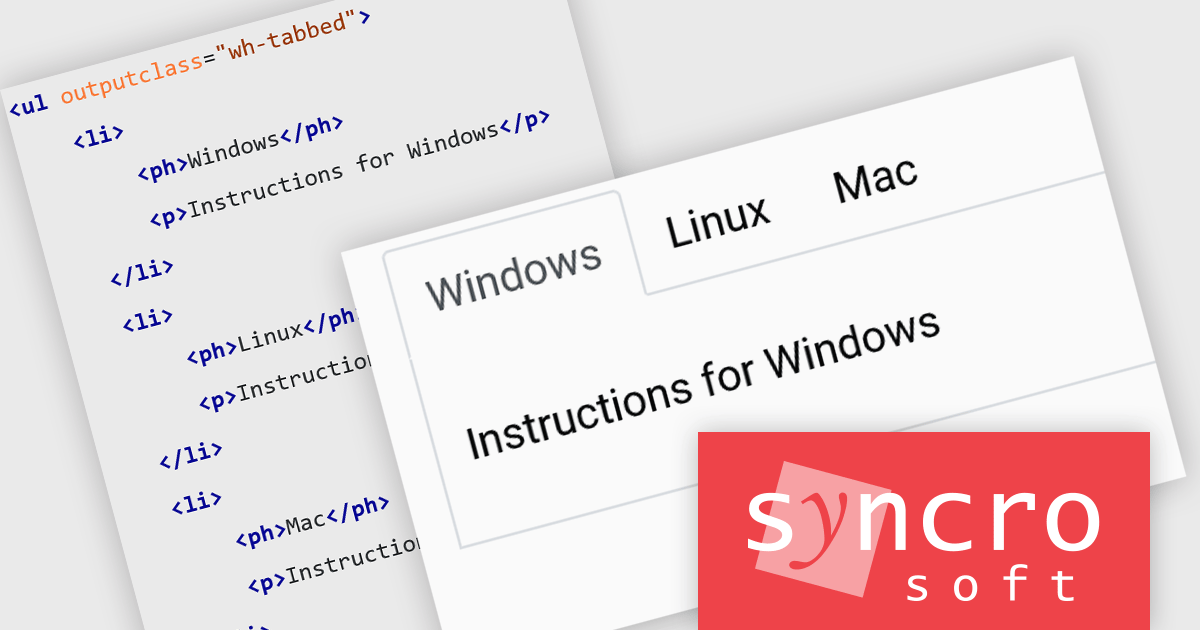
The Oxygen Publishing Engine 27.0 release enhances the readability and organization of structured content by allowing specific elements to be presented as tabs in the output. By using the outputclass="wh-tabbed" attribute, lists, definition lists, and choice tables can be transformed into interactive tabbed sections, improving navigation and user experience, especially in complex documentation.
To see a full list of what's new in 27.0, see our release notes.
The Oxygen Publishing Engine is available in both Professional and Enterprise editions and is offered as a Perpetual License, priced per core, starting with a minimum of two cores. Each license includes a one-year Support & Maintenance Pack (SMP), which provides unlimited technical support along with access to all major and minor updates. See our Oxygen Publishing Engine licensing page for full details.
Learn more on our Oxygen Publishing Engine product page.
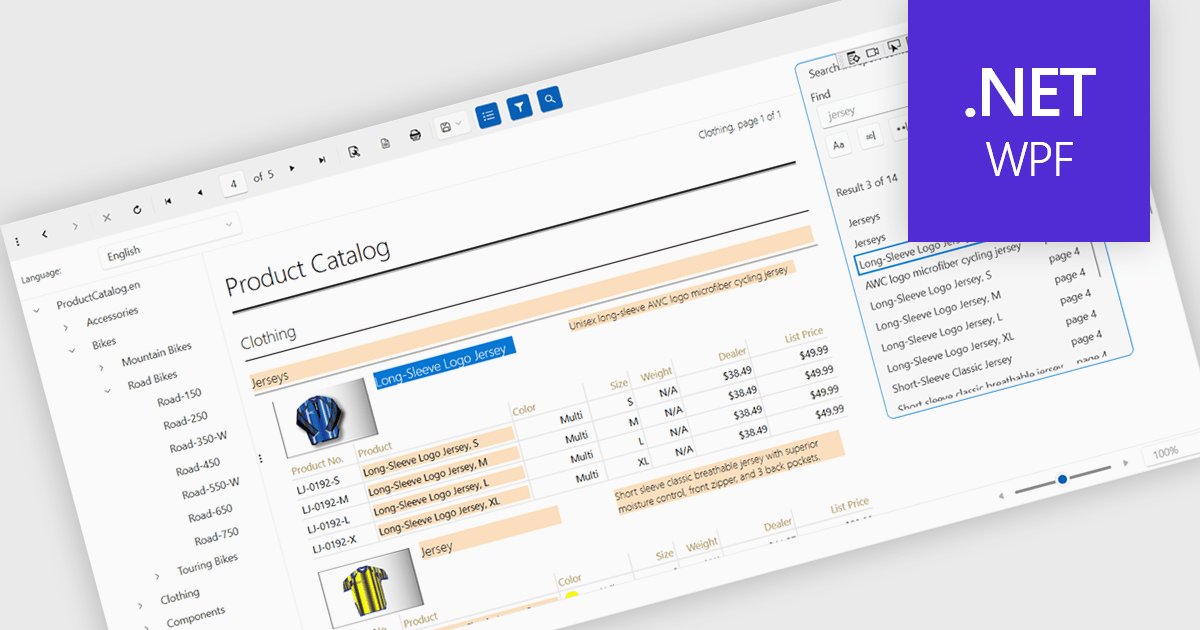
A report viewer is a control that displays rendered reports to the user. It handles the presentation of report data, enabling functionalities like zooming, pagination, searching and exporting to various formats. Essentially, it abstracts the complexity of report rendering and interaction, providing developers with a ready-to-use interface for presenting reports within their applications, thus streamlining development and ensuring a consistent user experience for report consumption.
Several reporting controls feature a WPF report viewer including:
For an in-depth analysis of features and price, visit our WPF Reporting Controls comparison.

Data grids are essential components in modern user interface (UI) suites, enabling developers to display, manage, and manipulate large sets of data efficiently. They provide features such as sorting, filtering, grouping, and pagination, which enhance the user experience and improve data navigation. Advanced data grids also support customizable templates, responsive layouts, and integration with various data sources, making them highly versatile for enterprise-level applications.
Several Blazor UI suites offer data grid components including:
For an in-depth analysis of features and price, visit our Blazor UI suites comparison.
電話: (888) 850 9911
Fax: +1 770 250 6199


