













公式サプライヤー
公式および認定ディストリビューターとして200社以上の開発元から正規ライセンスを直接ご提供いたします。
当社のすべてのブランドをご覧ください。
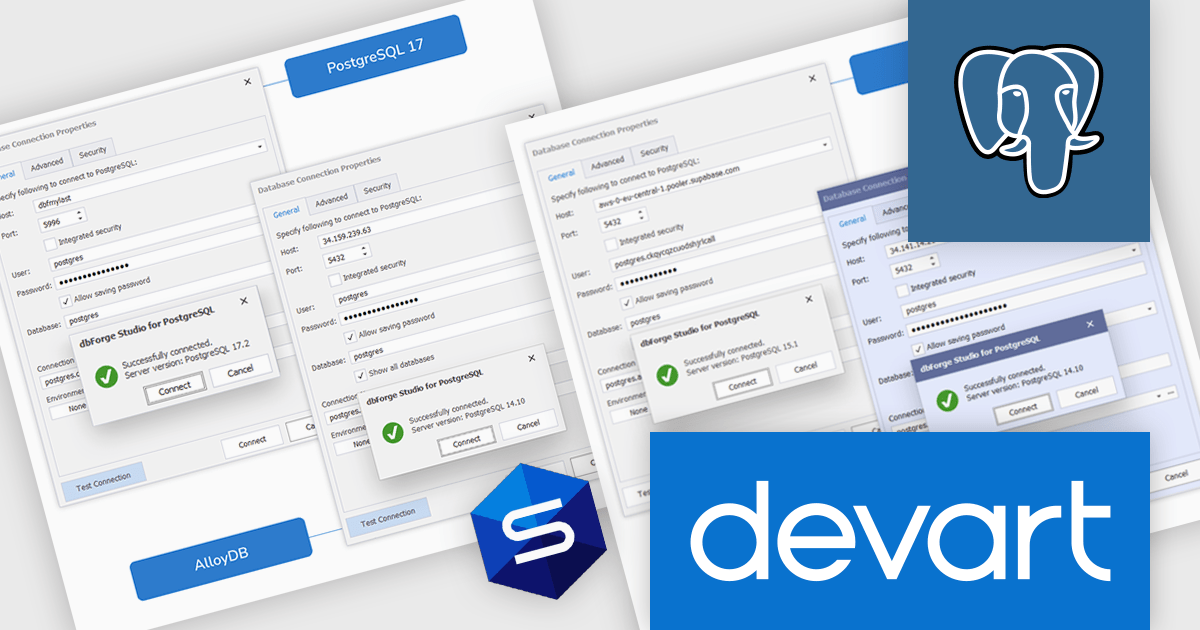
dbForge Studio for PostgreSQL by Devart is a comprehensive IDE (Integrated Development Environment) designed to simplify database management, development, and administration for PostgreSQL users. It provides a user-friendly interface and a robust set of tools for tasks such as SQL editing, query building, data import/export, and schema comparison. Key features include an advanced code editor with syntax highlighting, a visual query builder, and database synchronization tools, making it easier to optimize workflows and ensure data integrity. Ideal for developers, database administrators, and analysts, it streamlines complex processes, enhances productivity, and supports efficient database management across various use cases, from small-scale projects to enterprise-level solutions.
The dbForge Studio for PostgreSQL v3.2.47 update enhances connectivity, enabling developers to seamlessly integrate with a broader range of PostgreSQL-compatible cloud services, including AlloyDB, Supabase, Google Cloud, and Azure Cosmos DB. This expanded support provides greater flexibility for managing databases across diverse environments, allowing developers to work more efficiently with both on-premises and cloud-hosted PostgreSQL instances. By streamlining connections to these platforms, the update simplifies workflows, ensures compatibility with modern infrastructure, and supports secure, reliable database management, empowering developers to focus on building and optimizing their applications.
To see a full list of what's new in v3.2.47, see our release notes.
dbForge Studio for PostgreSQL is licensed per developer and is available as an Annual or Perpetual License with a 12 month support and maintenance subscription. See our dbForge Studio for PostgreSQL licensing page for full details.
dbForge Studio for PostgreSQL is available individually or as part of dbForge Edge.
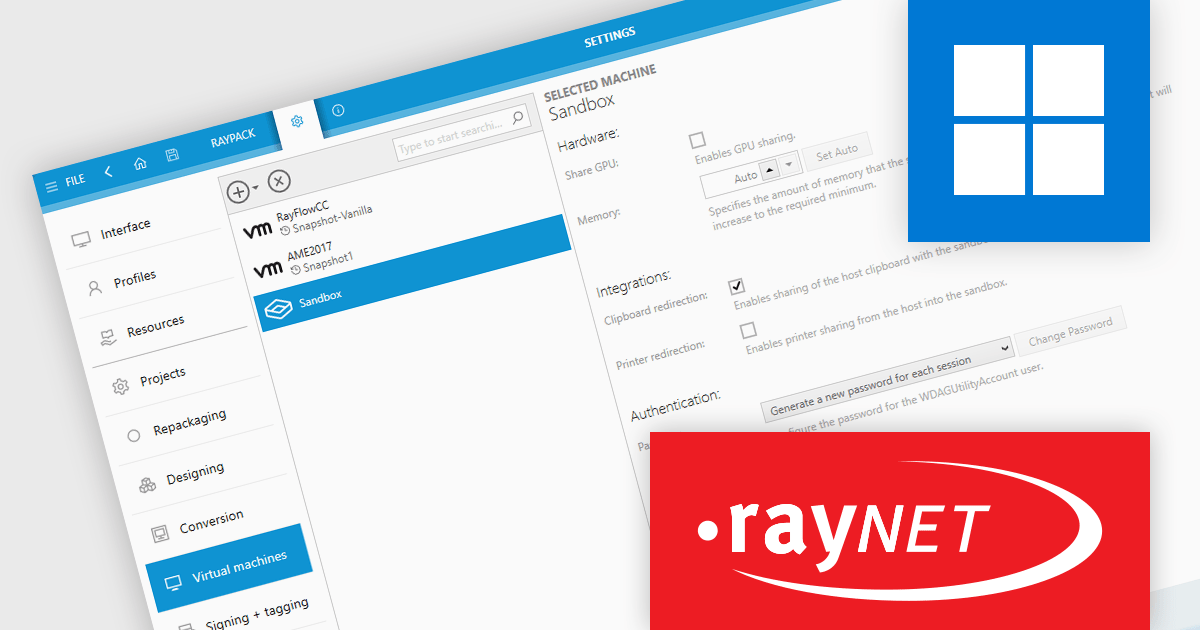
RayPack Studio by Raynet is a powerful software packaging solution designed to simplify the creation, customization, and management of application packages for deployment. It supports the creation of MSI (Microsoft Installer) and other formats, such as MSIX, as well as virtualization formats like App-V and ThinApp. Key features include repackaging legacy setups, editing existing packages, and ensuring quality through conflict detection and compatibility testing. The solution integrates seamlessly into enterprise workflows, enabling the automation of complex packaging tasks while maintaining compliance with industry standards.
The RayPack Studio 8.0 update introduces the ability to repackage applications directly within Windows Sandbox. The secure, isolated Sandbox environment allows software to be installed and run separately from the host system. This integration eliminates the need to set up a full virtual machine, making repackaging tasks more efficient and secure. By leveraging Windows Sandbox, users can perform repackaging in a clean, controlled environment, reducing the risk of system interference and streamlining the overall process.
To see a full list of what's new in RayPack 8.0, see our release notes.
RayPack Studio is licensed per device/machine and is available as a perpetual license or a subscription license. Both licenses come with Silver Maintenance for support and updates. See our RayPack Studio licensing page for full details.
Learn more on our RayPack Studio product page.
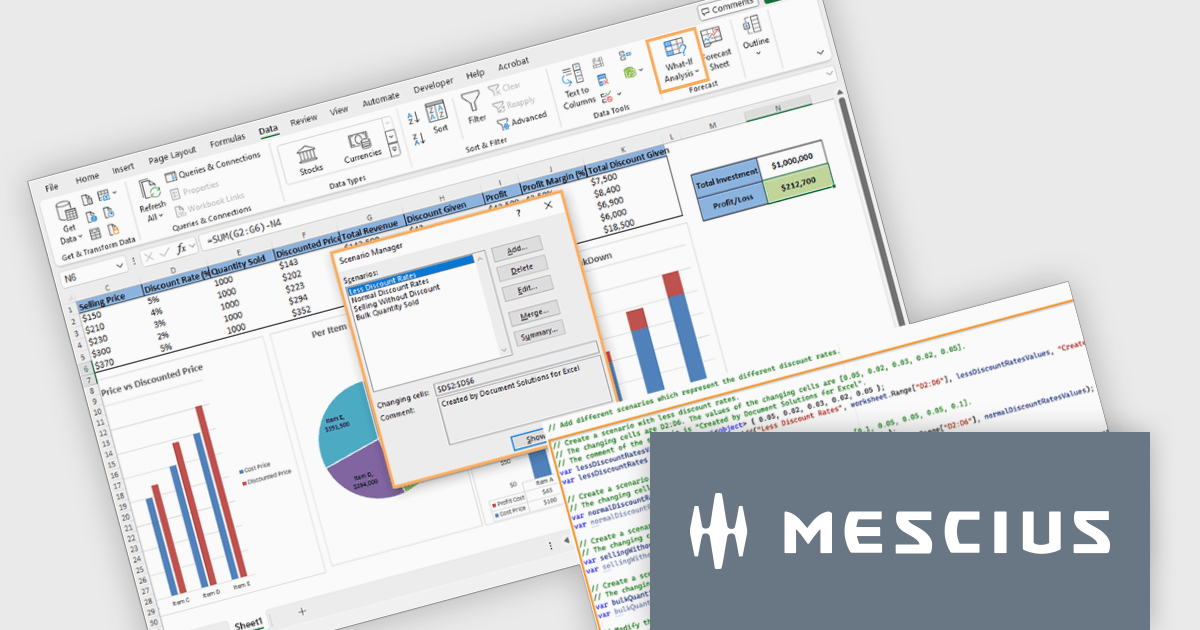
Document Solutions for Excel by MESCIUS is a comprehensive tool designed to streamline the creation, management, and distribution of Excel-based reports and documents. It simplifies tasks such as generating dynamic templates, automating complex data processing workflows, and ensuring consistency across reports. By integrating seamlessly with Excel, it caters to organizations needing efficient, scalable solutions for financial reporting, data analysis, and operational documentation. Its key benefits include reducing manual effort, minimizing errors, and improving productivity, making it ideal for finance teams, analysts, and any professionals managing high-volume data tasks.
The Document Solutions for Excel v8.0.0 update enhances what-if analysis capabilities by introducing programmatic support for scenarios, enabling developers to create, manage, and apply multiple sets of input values to dynamically assess their impact on spreadsheet calculations. This new functionality allows precise control over scenarios, including defining changing cells, locking or hiding scenarios for security, and modifying or deleting them as needed. Developers can seamlessly integrate scenario management into workflows, automate complex forecasting tasks, and ensure secure collaboration on protected worksheets. These enhancements streamline decision-making processes and provide robust tools for developing data-driven applications.
To see a full list of what's new in version 8.0.0, see our release notes.
Document Solutions for Excel is licensed per developer and is available in several license options for differing distribution needs. Team licenses are also available for multiple developers within the same organization. See our Document Solutions for Excel, .NET Edition licensing page for full details.
Document Solutions for Excel is available to buy in the following products:
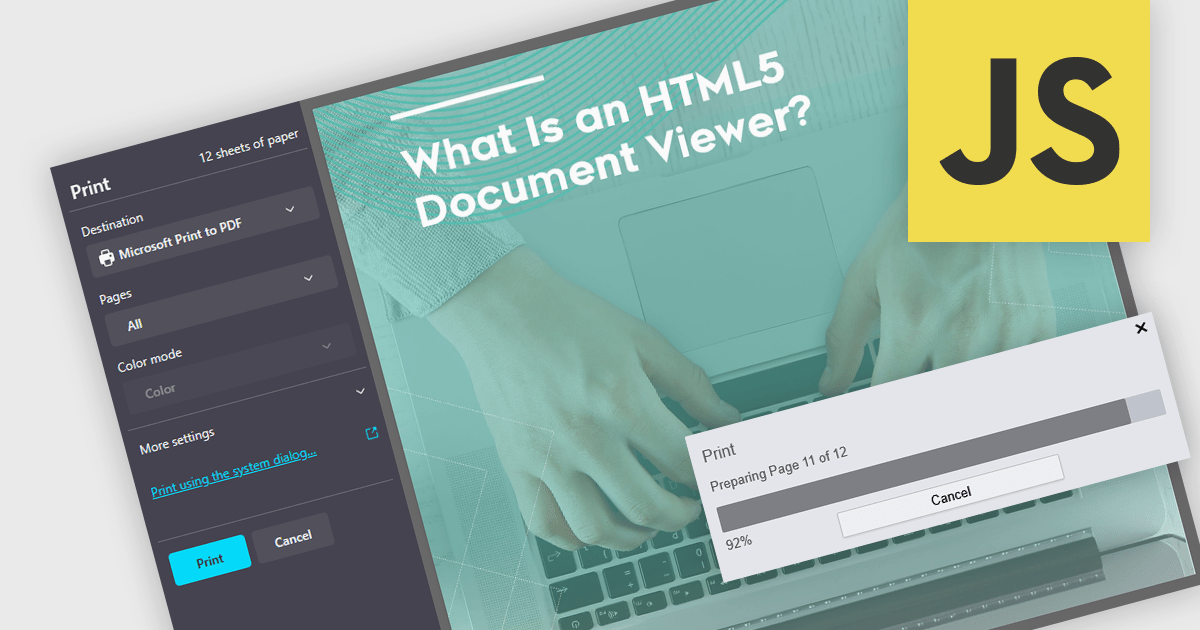
Printing to PDF allows users to save an existing document, webpage, or file as a PDF by using a virtual printer. It captures the document exactly as it would appear if printed, preserving the formatting, layout, and styling. The resulting document is typically static and cannot be edited, ideal for archiving or sharing finalized versions of a document. This feature is particularly useful for standardizing outputs across different software, ensuring consistent presentation, and providing an easy way to generate PDFs from files that do not natively support the format. By integrating PDF viewers with this functionality, developers can streamline the creation of high-quality, portable documents directly from a wide range of applications.
Several JavaScript PDF viewers allow users to print to PDF, including:
For an in-depth analysis of features and price, visit our comparison of JavaScript PDF viewers.
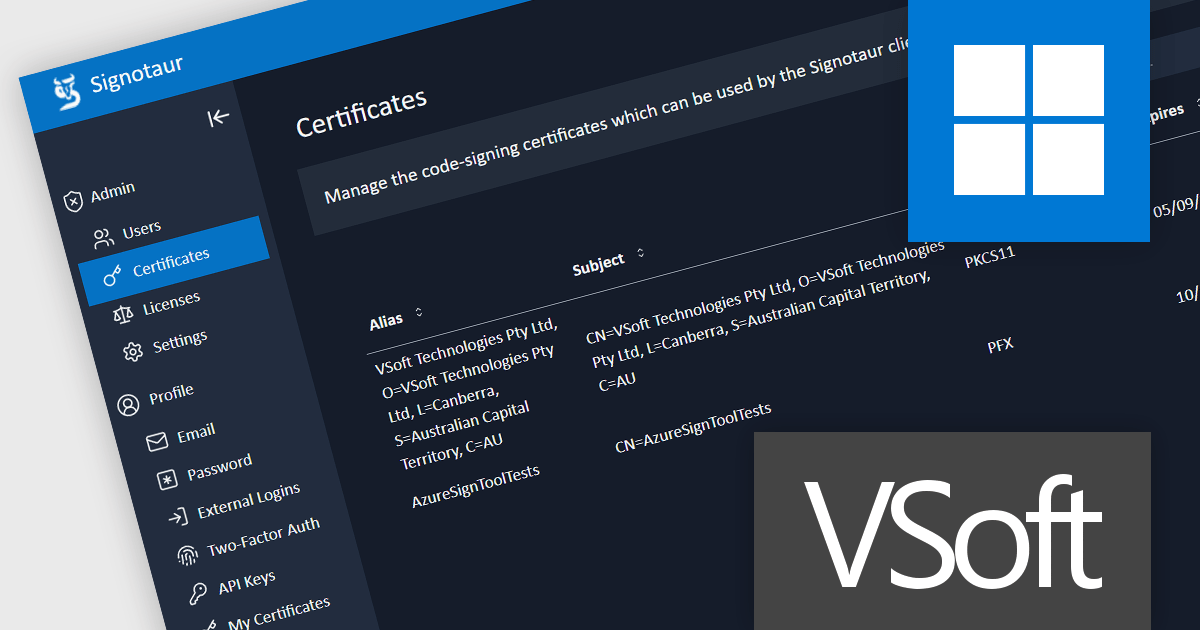
Signotaur is a robust and secure code-signing solution from VSoft Technologies designed to streamline the process of digitally signing software. It provides organizations with a centralized platform to sign code and software binaries while ensuring compliance with security standards. Signotaur manages digital certificates, safeguards private keys within a secure environment, and enables automated or manual signing workflows, reducing the risk of unauthorized access or tampering. With its focus on efficiency, scalability, and strong audit capabilities, Signotaur is tailored for enterprises that require secure, traceable, and consistent code-signing processes to build trust in their software.
Signotaur's key features include:
Code signing has evolved significantly in recent years, driven by heightened security demands and the need for more robust key management solutions. With the demand to secure private keys, many developers have encountered challenges with USB tokens, as well as limits and costs connected with cloud-based signature systems. Read more about the challenges of using USB tokens and how Signotaur offers an effective and secure alternative: Code Signing with USB Tokens - VSoft Technologies Blog.
Signotaur is licensed per server (physical or virtual). The initial license includes a 1 year support and updates subscription which can be optionally renewed each year. See our Signotaur licensing page for full details.
Learn more on our Signotaur product page.
電話: (888) 850 9911
Fax: +1 770 250 6199


